SocialViora
Write the post once. See where it lands.
Connect your accounts, write a post, and choose where and when it goes out. SocialViora tracks delivery by network so you know which posts published and which need a retry.
Explore the features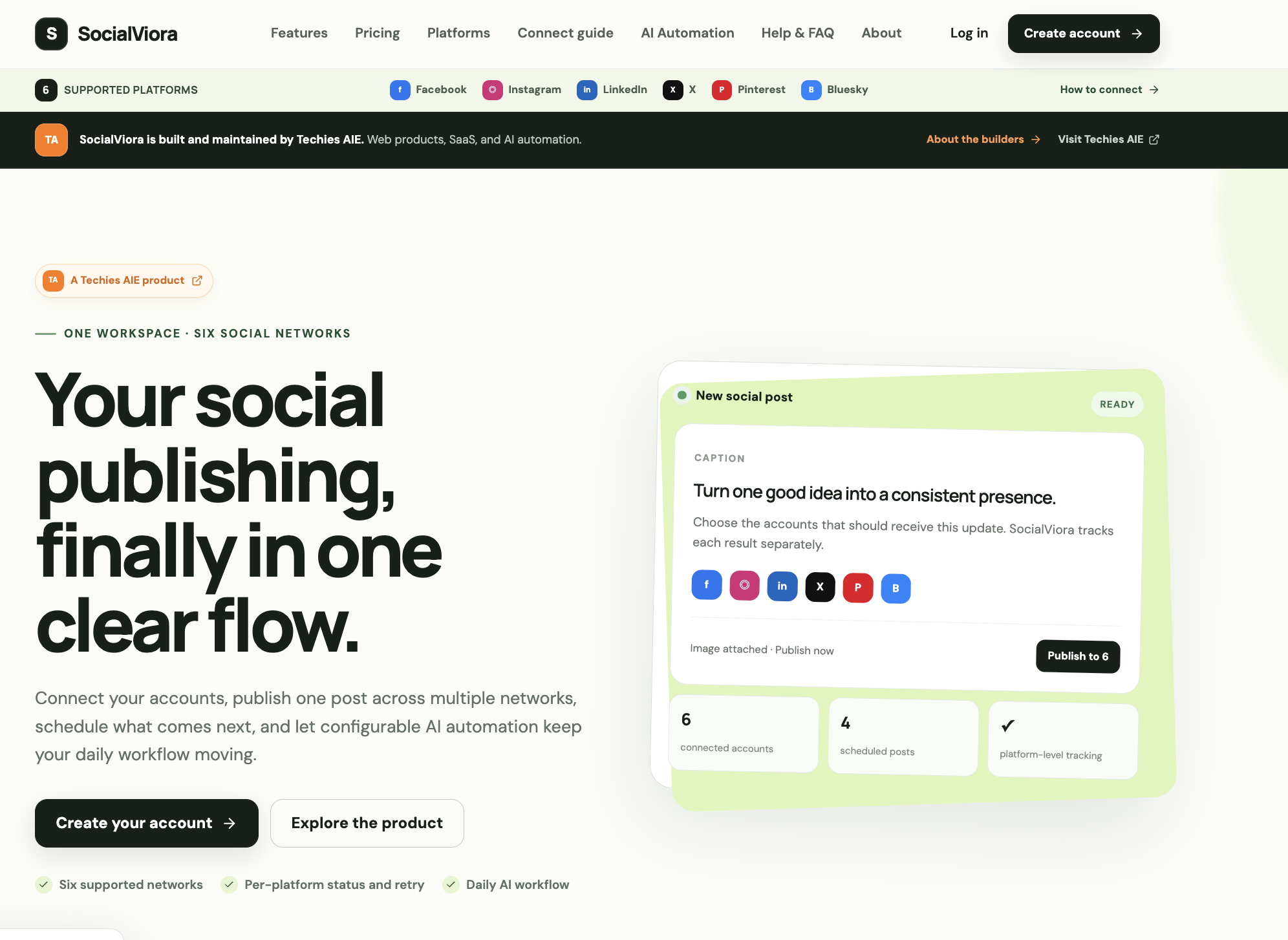
- Category
- SaaS
- Planning
- Timezone-aware schedules
- Delivery
- Status for each network
- Recovery
- Separate error logs and retries
From one draft to a delivery record for every channel
- Connect the channels you use
- Authorize accounts across Facebook, Instagram, LinkedIn, X, Pinterest and Bluesky. Check connection health before a scheduled post depends on it.
- Choose the accounts and timing
- Write the caption, attach an image and select where it should go. Publish immediately or schedule it in your timezone, then check what is coming up in the queue.
- See exactly where the post landed
- Delivery status is tracked per network. If one account fails, find its result and retry that delivery independently.
- Put repeatable posts on a schedule
- Set the audience, topic, tone, language and image preferences for daily AI automation. Run it on demand to inspect the output before relying on the schedule.
The same workspace handles planning and delivery checks. You can trace a post from the draft to each account’s result, including the one that needs your attention.
When one account fails on launch day
A small team prepares an announcement, picks the connected accounts and schedules it in its timezone. After publishing, the team can see which deliveries succeeded and retry the failed account without resending to the others.
What to look for when you explore it
Start with a manual post to check connection health and delivery status. For recurring content, test an automation with your topic, voice and image settings before putting it on a schedule.
SocialViora features
- Write once and choose where it goes
- Create a post and select accounts across Facebook, Instagram, LinkedIn, X, Pinterest and Bluesky.
- Schedule in your own timezone
- Publish immediately or pick a future time. The queue shows what is coming up.
- Know which account needs attention
- Follow the connection guide for each network and check whether an account needs renewed access.
- See the outcome for every network
- Check which accounts published and retry a failed delivery independently.
- Give daily AI posts a clear brief
- Set the topic, audience, tone, language and image preferences for the workflow.
- Test the workflow before it runs on schedule
- Run AI automation on demand to check the output. Pause the schedule when the campaign changes.
SocialViora
For creators and small teams publishing across several social accounts on a regular schedule.
Publishing across several channels means juggling accounts, schedules and delivery updates.