Who Keeps Your Financial Dashboard Working When Screens or Teams Change?
FinTrack’s dashboard looks clear on phones—but who updates it if your team grows or screens change? Learn who should own updates, access, and follow-up after launch.
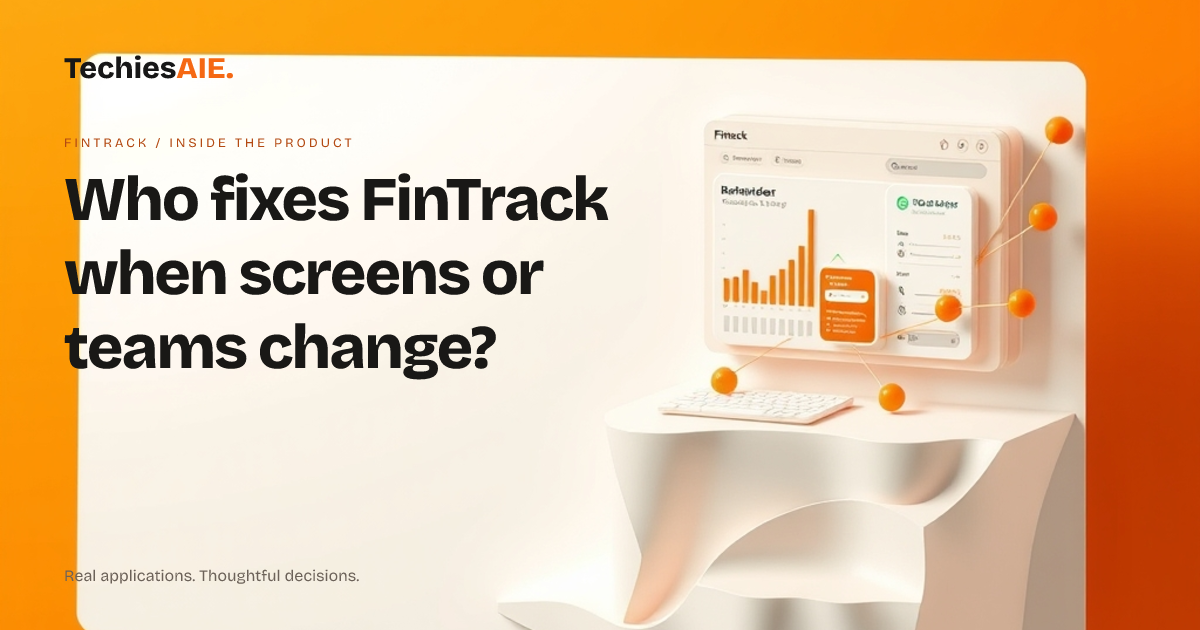
FinTrack’s dashboard is designed to look clear on phones, tablets, and desktops. But after launch, someone must own updates—like fixing a chart that no longer fits a new phone screen or adding a task only visible on small devices. Without a clear owner, these fixes stall, and the dashboard becomes harder to use. Explore FinTrack
The responsive layout adjusts automatically to different screens, but financial tasks or team roles may change. For example, if a new team member uses a larger tablet, key buttons might get hidden. Without ownership, these issues pile up.
Who Should Handle Daily Fixes?
If your team uses the dashboard daily, the person who relies on it most—like the finance manager—should own small fixes. This could mean rearranging charts for better phone viewing or un-hiding tasks that got buried. Clear ownership keeps the dashboard working smoothly.
For example, if invoices now show up as a separate tab on phones but were on the main screen before, the owner should decide: Is this a quick fix, or does the whole team need to agree on the best layout? Without rules, updates get delayed while people debate who’s responsible.
What Happens If No One Owns It?
If the dashboard breaks or needs updates but no one is assigned, two things usually happen: Either the team stops using it (and goes back to spreadsheets), or the business owner ends up fixing it themselves—even if they don’t know how. Both outcomes waste time and money.
A clear owner keeps the dashboard working. They can spot when a chart is too small on phones or when a new financial task needs a spot on the screen. Without one, small issues pile up until the dashboard becomes more trouble than it’s worth.
Who Should Control Access?
FinTrack’s responsive layout works best when the right people can see and edit the dashboard. If a new accountant joins, they’ll need access—but who sets that up? The owner should decide: Is it the finance lead, the IT person, or someone else?
For small teams, this might mean giving one person—like the office manager—the power to add or remove users. For bigger teams, it could be a shared tool like Google Workspace. The key is deciding upfront who controls access, not after problems arise.
What About Bigger Changes?
FinTrack’s demo shows a clean, responsive layout, but real financial work changes. Maybe next year, you’ll need to track supplier payments alongside invoices. The dashboard might need a whole new section. Should the owner build this themselves, or bring in help?
If FinTrack was built as a template (like the demo), bigger changes might need custom work. That could mean hiring a developer or asking the team who built it to make updates. Either way, the owner should know the options before problems happen.
For example, if FinTrack later needs to pull data from a new bank app, the owner must decide: Is this a simple setting change, or does it need a full integration? Without clarity, delays cost time and money.
What Should You Do Next?
Before launching FinTrack—or any dashboard—ask: Who will own updates? Write it down. If it’s the finance manager, give them training. If it’s an outside team, set up a clear process. Without ownership, even the best dashboard becomes a headache.
TechiesAIE can help build a dashboard like FinTrack and set up the rules for updates, access, and follow-up. That way, your team stays focused on running the business—not fixing broken screens. For similar projects, we can adapt FinTrack’s responsive layout to fit your exact needs, like a custom financial software solution. Explore TechiesAIE software services
If your team uses spreadsheets for shared financial tasks, switching to a dashboard like FinTrack can save time. But without clear ownership, updates get stuck. For a smoother handover, we can also build a team handover tool to keep track of who’s responsible for what.
For businesses in Mumbai, we offer local support to keep your dashboard running. Whether it’s fixing a responsive layout issue or adding new financial tasks, our team can help. Learn more about Mumbai services.