Who Should Keep the Job Progress Dashboard Working?
Career Garden’s progress dashboard helps teams track job applications—but without clear ownership, updates and reminders get ignored. Learn who should handle it after launch.
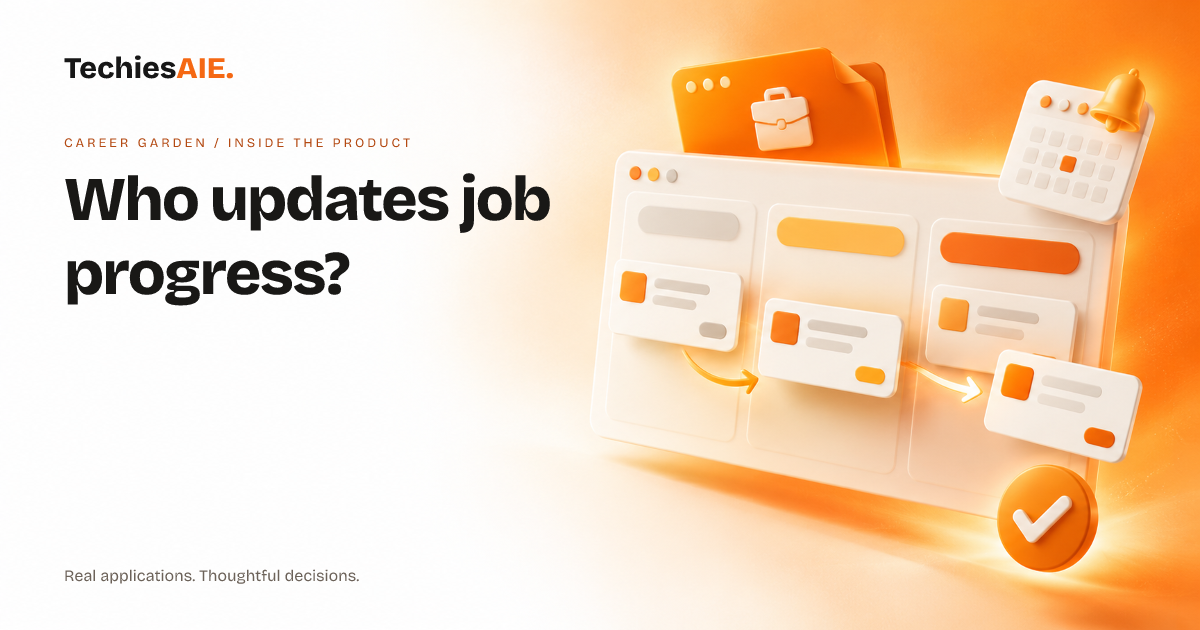
Career Garden’s progress dashboard helps teams see job applications, follow-ups, and progress in one place. But after launch, someone must keep it working. Without clear ownership, updates get missed, reminders go unanswered, and the dashboard becomes useless—just like a spreadsheet that no one maintains.
The dashboard tracks three key things: job applications, follow-up reminders, and overall progress. It replaces scattered notes and emails. But this only works if someone updates it regularly and acts on reminders. Without this, the tool fails just like a fleet tracker without a dispatcher or a learning platform without an instructor. Career Garden demo
Who Should Update the Dashboard?
The hiring manager or team lead is the best fit to own updates. They know which jobs are active, which candidates are still in play, and when to mark a job as ‘followed up’ or ‘rejected.’ Without this role, the dashboard fills with outdated or missing info, making it harder to see what’s next.
For example, if a new job opening appears, the manager adds it to the dashboard. They also mark jobs as ‘pending,’ ‘interview scheduled,’ or ‘offer sent’ so the team sees only what’s active. This keeps the dashboard useful for everyone—and prevents lost opportunities.
Who Handles Follow-Up Reminders?
Reminders pop up for follow-ups like interview schedules, application checks, or thank-you notes. The person assigned to these tasks—usually the hiring manager or a dedicated recruiter—must act on them. If no one is assigned, reminders get ignored, and candidates slip away.
For instance, if a reminder says ‘Follow up with Candidate X in 3 days,’ the assigned person must reply or reschedule. Without this step, the dashboard becomes a list of forgotten tasks. A clear owner ensures reminders turn into real actions—and keeps candidates engaged.
What Happens If No One Owns It?
If updates and reminders aren’t owned, the dashboard becomes useless. Old jobs stay marked as ‘pending,’ new applications get lost, and the team reverts to spreadsheets or emails—exactly what Career Garden was meant to replace. This happens in other tools too, like a learning platform where no instructor updates student progress or a fleet system where no dispatcher tracks vehicle status.
TechiesAIE has built similar ownership systems for tools like learning platforms, where instructors update progress, or fleet trackers, where dispatchers manage vehicle status. The key is planning who does what before launch. Without this, the tool won’t work as intended. Explore TechiesAIE software services
What’s Missing in the Current Demo?
The demo shows a progress dashboard but doesn’t confirm who can edit it or how access is managed. In a real setup, you’d need rules for who adds jobs, who sees reminders, and who updates progress. These details matter after launch—and depend on your team’s size and workflow.
For example, should only managers add jobs, or can recruiters too? Should candidates see their own progress? The demo doesn’t cover these choices, so you’d discuss them during development. TechiesAIE can build similar access rules for other tools, like a career coach’s client tracker or a small business’s customer progress dashboard.
What Would a Similar Project Need?
To set up ownership for a tool like Career Garden, you’d need three things: 1) A clear owner for updates, 2) Rules for who handles reminders, and 3) A plan for sharing access. Without these, the tool won’t work as intended after launch. Start by answering: Who adds jobs? Who acts on reminders? Who sees what?
For example, a hiring team might assign the manager to updates and the recruiter to reminders. A career coach could use the same tool but assign themselves to both roles. The setup depends on your team’s size and workflow. TechiesAIE can help design these rules during development—just like we’ve done for custom software, learning platforms, and fleet trackers.