When a spreadsheet can’t keep up with shared financial tasks
FinTrack’s dashboard replaces spreadsheets when your team needs to share financial data—but only if you understand the real limits of the demo.
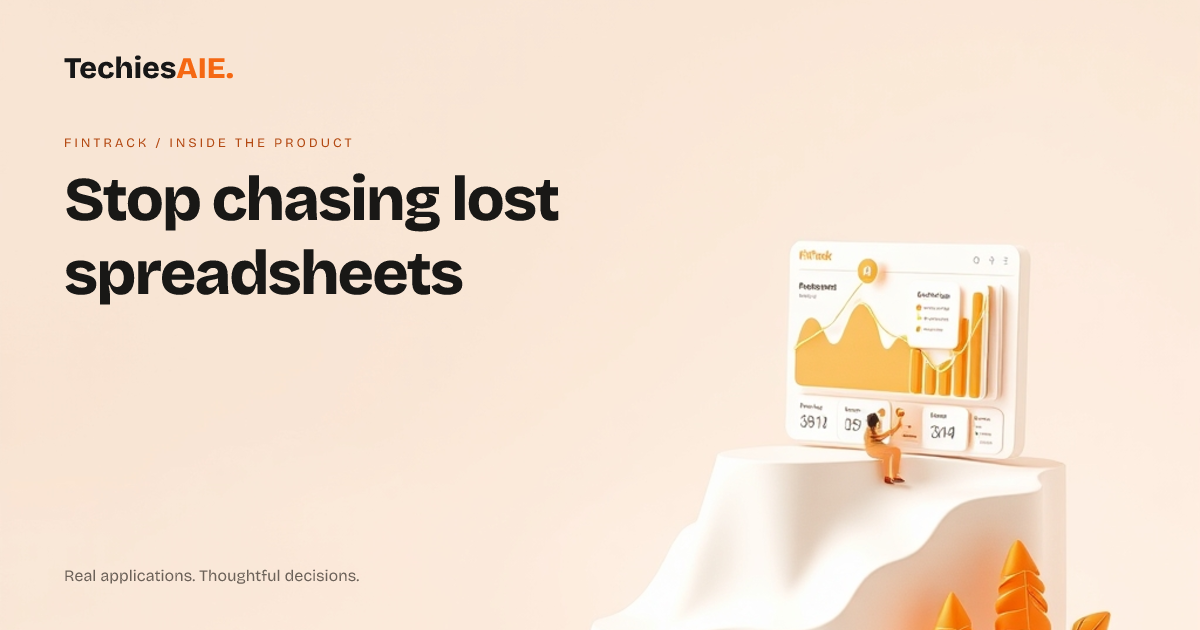
You’re emailing a spreadsheet to your accountant, but they’re using an old version. Your team checks job costs on phones, but the numbers don’t match the desktop file. Spreadsheets work for solo work—but when two or more people need to see or update the same data, chaos follows. FinTrack’s dashboard is designed to replace this mess when sharing becomes a problem. Explore FinTrack
FinTrack is a clean, shared dashboard for financial data. The demo shows a simple layout for jobs, income, and expenses—no clutter, no guessing. It’s built to work on phones and computers, so your team can check what needs doing without digging through emails or asking ‘Which file is the right one?’ But the demo is just a starting point. Real-world use would need adjustments.
Here’s how it helps in a real task: Your team reviews monthly job costs. Instead of opening a spreadsheet, everyone logs into FinTrack. The dashboard shows a clear list of jobs, their budgets, and actual spending—all updated in one place. No more ‘I saved my changes’ emails or lost files. The demo shows this workflow, but connecting it to your actual data would require extra work.
Three ways FinTrack cuts spreadsheet chaos
1. See what needs doing at a glance. The dashboard groups jobs, income, and expenses into easy-to-read sections. No scrolling through tabs or hunting for the right column. For example, your ‘Upcoming Jobs’ list shows deadlines and budgets without opening a file. The demo shows this layout, but real data would need to be added.
2. Find a file instantly. Need the ‘Q2 Tax Prep’ report? It’s saved in the dashboard under ‘Reports,’ not buried in a folder named ‘2023_Taxes_v3.xlsm.’ The demo shows labeled sections, so you don’t waste time searching. But if your reports are stored elsewhere, linking them would need planning.
3. Send reminders without confusion. Want to flag a late payment? FinTrack’s design lets you mark jobs or clients directly in the app. No more ‘Did you see my email about this?’ follow-ups. The demo shows simple labels like ‘Overdue’ or ‘On Track,’ but custom reminders would need to be built.
FinTrack’s dashboard works best when your team shares the same data often. If you’re the only one using the numbers, a spreadsheet might still be fine. But if two or more people need to update or check the same figures, the demo shows how a shared app avoids mistakes. For example, a logistics firm tracking driver payments might need this clarity.
What’s missing in the demo—and what you’d need to build
The demo shows a clean layout, but it’s a template. To use FinTrack for your actual data, you’d need to connect it to your accounting software or bank feeds. Right now, the demo doesn’t include login rules (like who can edit what) or automatic updates from other tools. These would need to be added during development.
For example, if your team uses QuickBooks or Zoho Books, the dashboard would need to pull data from those systems. The demo doesn’t show this part—it’s a design starting point. You’d discuss how to link your existing tools with TechiesAIE’s team. Similar projects often need this step to avoid manual data entry. Explore TechiesAIE software services
FinTrack’s dashboard design also assumes your team wants a simple, shared view. If you need advanced features—like custom reports or approval workflows—the demo would need adjustments. These would be part of the project scope, not included in the template. For instance, a retail team tracking inventory might need extra fields.
When to keep the spreadsheet—and when to switch
Stick with spreadsheets if: You’re the only one using the data. The numbers don’t change often. You don’t need to share updates in real time. For example, a freelancer tracking personal expenses might not need FinTrack’s dashboard.
Switch to a shared app like FinTrack if: Multiple people need to see or update the same data. You’re tired of ‘Which file is the latest?’ emails. Your team works on phones and computers, and spreadsheets get lost or corrupted. The demo shows how a dashboard keeps everyone on the same page.
What a similar project would need
If FinTrack’s demo fits your needs but lacks integrations or access rules, you’d work with TechiesAIE to adapt it. For example, a logistics firm tracking driver payments might need the dashboard to pull data from their invoicing system and let managers approve payments. These steps would be discussed upfront.
Other teams have used similar dashboards for: Tracking project budgets across departments with real-time updates. Sharing client invoices with accountants without emailing files. Replacing messy spreadsheets with clean, searchable reports for audits. Each project starts with a clear plan for data, users, and tools.
TechiesAIE has built custom financial tools for teams that needed more than a template. For example, a retail client used a similar dashboard to track inventory across stores, while a consulting firm adapted it to manage client project budgets. The demo is a starting point—the actual app would be built to match your workflows.
Ready to explore adapting FinTrack or building a custom dashboard? Share your team’s pain points, tools, and deadlines. The first step is a clear plan—no guesswork. For example, if your team needs to flag overdue payments with a single click, that would be added during development.