When spreadsheets fail to track job follow-ups
Career Garden helps hiring teams stop losing job candidates when spreadsheets and manual reminders fail to track follow-ups reliably.
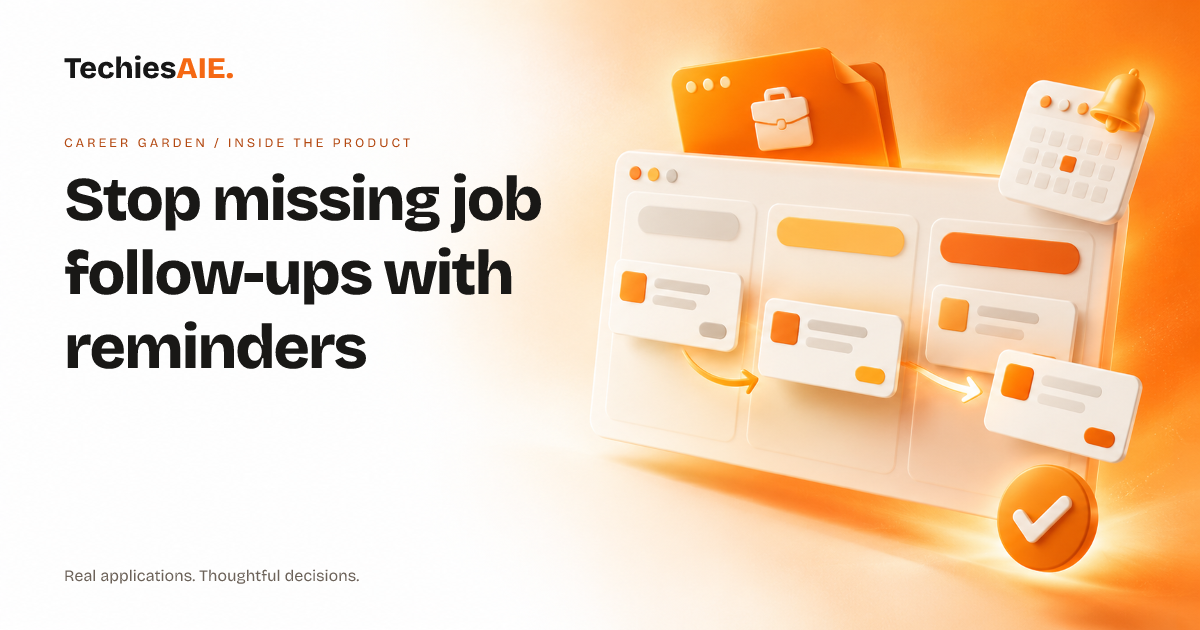
You’ve interviewed a candidate and promised to follow up in three days. But your spreadsheet reminder is buried under tabs, and your email inbox is full of other messages. By the time you notice, the candidate has accepted another job. Career Garden solves this by sending automatic reminders so no follow-up slips through the cracks.
Career Garden is a job tracking app designed to replace spreadsheets for hiring teams. It stores job applications, interview notes, and follow-up deadlines in one place. Unlike a spreadsheet, it sends reminders automatically—no manual checks needed. This keeps candidates engaged and your hiring process on track. See Career Garden’s features
How follow-up reminders work in Career Garden
After an interview, you add the candidate’s name, contact info, and a note about their skills. The app asks: When should we follow up? You pick a date—say, three days later—and it schedules a reminder. Unlike a spreadsheet, you won’t forget to check if you’ve already sent that email.
When the follow-up date arrives, the app sends a notification. You can reply right from the app or mark it as done. All updates stay linked to that candidate’s record, so your team sees the full history without digging through emails or scattered notes.
Career Garden also shows a dashboard with a list of upcoming follow-ups. You see at a glance who needs a call, email, or update. This is different from a spreadsheet, where you’d have to sort columns or highlight cells to find what’s due.
When a spreadsheet still works—and when it doesn’t
A spreadsheet is fine if you’re tracking a few candidates alone and don’t mind checking reminders manually. But if your team shares updates, or you’re juggling more than 20 candidates, spreadsheets fail. Notes get overwritten, reminders get missed, and no one sees the full picture.
Career Garden solves this by letting multiple people access the same job records. For example, a hiring manager can add a candidate, and a recruiter can update notes or reschedule follow-ups. Everyone sees the latest version, unlike a spreadsheet where changes get lost in copies or shared files.
The app also handles follow-up types—like phone calls, emails, or in-person updates—so you can mark each step as complete. A spreadsheet can’t track this level of detail without extra columns that get messy or outdated.
A key limitation: No built-in candidate database
Career Garden stores your job applications and follow-ups, but it doesn’t pull candidate info from LinkedIn or other job sites. If you need to search for candidates or pull in their profiles, you’d still use those tools separately and copy details into the app manually.
This means you’ll need to add candidate details like resumes or portfolios on your own. If this is a dealbreaker, you’d need to discuss adding integrations or custom fields during development—something TechiesAIE can help with for similar projects. For example, we’ve built custom job tracking tools that pull candidate data directly from job boards or LinkedIn. Explore custom job tracking solutions
What a similar project would need
If Career Garden’s template doesn’t fit your hiring workflow, you’d need to discuss a few key things upfront. For example, do you need to track candidate test scores, portfolio links, or internal hiring notes? These would require custom fields or extra steps in the app. TechiesAIE can build these into a custom solution.
You’d also want to clarify who should see what. For instance, should all team members access every candidate’s record, or only specific hiring stages? Access rules would need to be set up during development. We’ve handled this for client projects like shared fleet management tools where different teams need different levels of access.
Finally, think about how the app connects to your existing tools. If you use email for follow-ups, you might need an integration to log replies automatically. Or if you store resumes in a cloud folder, you’d need a way to link files to each candidate’s record. For example, we’ve built custom integrations for ecommerce sites to sync order data with tracking tools.
TechiesAIE can build or adapt a job tracking app with these features. Start by sharing your hiring process, and we’ll show how to handle your specific needs—whether that’s reminders, shared access, or integrations. For instance, we’ve recently helped a career coach build a client job tracking system to organize applications and follow-ups in one place.