What to Do When Your Financial Dashboard Won’t Fit the Screen
FinTrack’s responsive layout helps financial tasks stay clear on phones—but what happens when a key detail gets cut off or a chart won’t load?
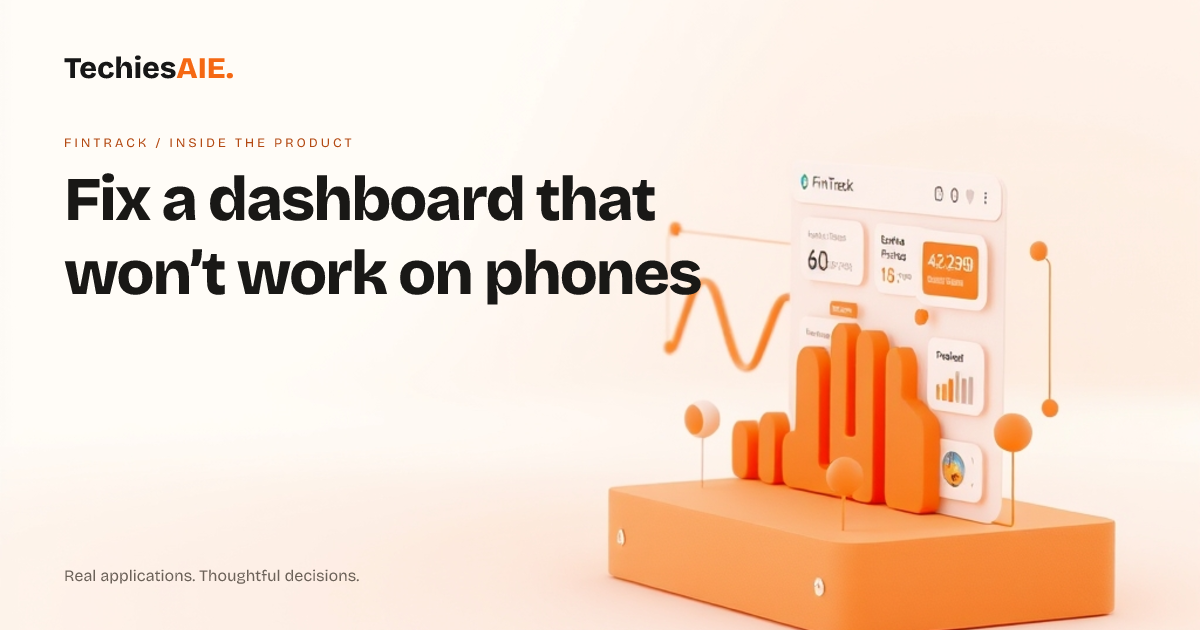
FinTrack’s dashboard is built to show financial tasks clearly on phones and desktops. But sometimes, a key chart or task list gets cut off because the screen is too small. This isn’t a bug—it’s how responsive layouts work when the design doesn’t account for every possible screen size. Explore FinTrack
For example, if your phone shows only half of a monthly expense chart, you won’t see the full picture. Or if a list of pending invoices gets cut off, you might miss a due date. FinTrack’s demo shows a clean layout, but real-world use depends on how your actual data fits.
FinTrack’s responsive layout adjusts the dashboard to fit smaller screens. However, it can’t automatically resize every chart or list to show all details. If a section is too wide, it may get cut off or require scrolling—something you might not notice until you’re actually using it on a phone.
The demo at FinTrack’s product page shows a template design. Your actual financial data—like longer invoice lists or wider charts—might not fit the same way. This is a common issue with ready-made dashboards: they look good in examples but may not handle your specific data.
What to check before buying
Before deciding, test FinTrack’s demo with your own financial data. Open the dashboard on a phone and see if all your charts, lists, and key tasks appear fully. If parts get cut off, you’ll need to adjust the layout or choose a different design.
Look for sections that might not fit, like long lists of transactions or wide tables. These are the most likely to cause problems on smaller screens. FinTrack’s responsive layout works best for simpler, structured data—like basic income/expense summaries or short task lists.
If your financial tasks involve complex reports or many columns, FinTrack’s template may not handle them well. For example, a detailed cash flow statement with 20 rows might not display neatly on a phone. This is where a custom-built dashboard could save time later.
How to fix it if you already have FinTrack
If you’ve already set up FinTrack and find parts of your dashboard are cut off, you have two options. First, you can manually adjust the layout to prioritize what’s most important on smaller screens. For example, shrink less critical charts or combine related tasks into one view.
Second, you could ask the team that built FinTrack to tweak the responsive layout for your specific data. This might involve resizing charts, adding scrollable sections, or rearranging tasks so nothing gets hidden. It’s a small change but can make a big difference for phone users.
For example, if your invoice list is too long, you might turn it into a scrollable table instead of a fixed-width chart. This keeps all details visible without cutting off rows. FinTrack’s demo doesn’t show custom adjustments, but they’re possible with the right team.
When to build something custom instead
If FinTrack’s layout keeps cutting off key parts of your financial work—like detailed reports or multi-step approvals—it might not be the right fit. In these cases, a custom-built dashboard could save time in the long run by designing screens specifically for your data.
For instance, if you need to track supplier payments with 15 columns of details, FinTrack’s template won’t handle it well. A custom dashboard could group related data, add filters, or let you zoom in on key sections. This is especially useful for businesses with unique financial workflows.
TechiesAIE can build a dashboard tailored to your exact needs, including responsive layouts that work for your specific data. Unlike FinTrack’s template, a custom solution would account for your phone’s screen size from the start. This might cost more upfront but could pay off if your financial tasks are complex. Explore TechiesAIE software services
What similar projects need
If you’re considering a financial dashboard but aren’t sure whether to adapt FinTrack or build something new, start by listing the tasks that get cut off or hidden on phones. These are the pain points a custom solution would solve first.
For example, if your team relies on detailed monthly reports that don’t fit on a phone, prioritize a design that shrinks or splits these views. Or if approval workflows get buried in long lists, build a simpler overview with direct links to full details. These choices shape the final product.
A similar project would need clear answers to three questions: What financial tasks get cut off on phones? Which details are most important to keep visible? And how much time would adjusting FinTrack’s layout save compared to building something new? These answers help decide the best path.
For businesses in Mumbai or Delhi, TechiesAIE offers direct support to test FinTrack’s layout or build a custom dashboard. Start by sharing your financial tasks and screen-size issues. The team can then recommend adjustments or a full rebuild based on what you actually need.
See how TechiesAIE builds custom financial tools at our software development page. Or explore other ready-made solutions in our product catalogue.