What a first financial dashboard *actually* looks like on phones—and what to skip
FinTrack’s dashboard works on phones, but its first version skips user logins, alerts, and integrations. Learn what’s ready—and what to leave out—to avoid overbuilding.
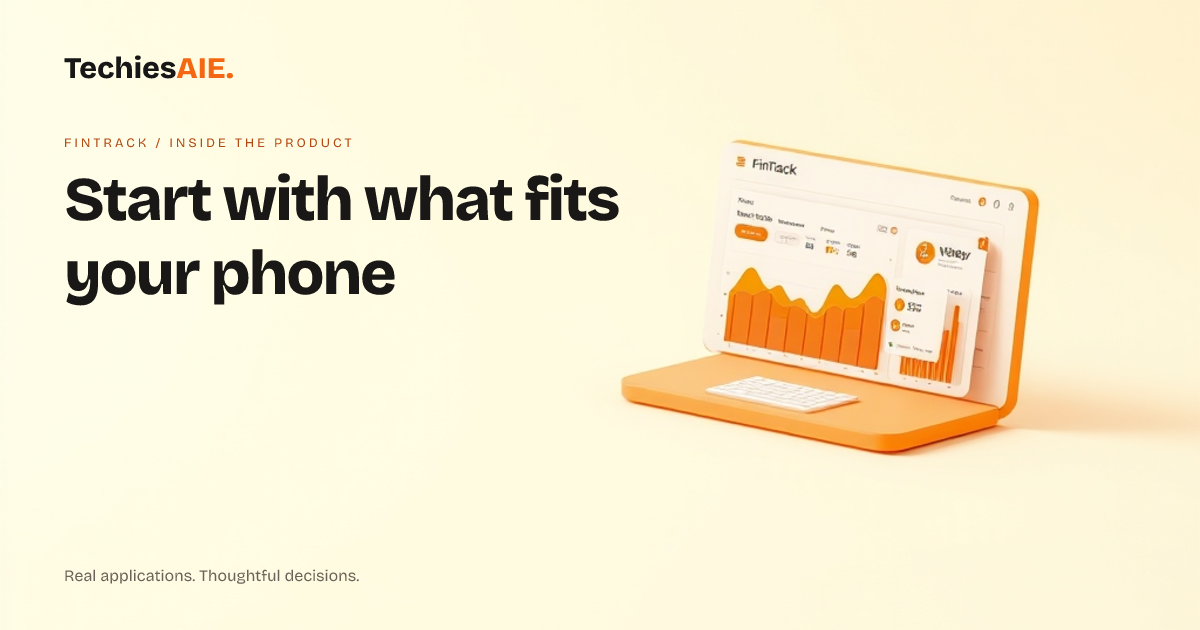
FinTrack’s dashboard is designed to work on phones, tablets, and desktops—but its first version focuses only on what fits basic financial tasks. If you’re tracking invoices, expenses, or payments, you can start with a clean layout that adjusts to any screen. The demo shows task cards that resize automatically, so no one has to zoom in or scroll sideways. Explore FinTrack
The demo includes a responsive layout that makes financial tasks easy to see on a phone. For example, a payment due or a file to review appears as a large card with a clear title and deadline. This replaces the frustration of squinting at tiny spreadsheet cells or asking, “Did we send that invoice?” The layout is simple: one screen for all tasks, sorted by urgency.
You’ll see what needs doing at a glance—like payments due, files to review, or reminders to send. Each task is a card with a title and deadline. This works well for small teams or solo owners who share the same workspace. For instance, a freelancer tracking invoices or a two-person accounting team managing expenses can start here without extra tools.
What’s included—and what’s not in the first version?
The demo includes a responsive layout that adjusts to phones, tablets, and desktops. On a phone, tasks appear as large, easy-to-read cards. On a desktop, the same tasks spread out neatly. This means no more tiny text or zooming in and out. For example, a payment due or a file to review is always clear—no matter the device.
The first version treats the dashboard as a single workspace. If your team is small and everyone works together, this setup avoids extra steps like user logins or access rules. For example, a two-person team can track invoices and expenses in one place without needing different permissions for each person.
The demo does not include user logins, shared access rules, or integrations with tools like QuickBooks. If your team needs different people to see only certain tasks, you’ll need to discuss those rules later. For now, the dashboard assumes one workspace for everyone.
No alerts or notifications are included. You won’t get phone or email reminders for deadlines unless you add that feature later. For now, checking the dashboard regularly is the only way to see updates. This means setting a daily check-in time for your team.
What to skip—and what to plan for next?
Start by listing the three financial tasks that cause the most confusion or delays. For example: tracking invoices, reviewing expense reports, or managing client payments. These are the cards that should appear first in FinTrack. If you can handle these tasks without extra tools, they’re ready for the first version.
Ask: Can we handle this without user access or reports? If yes, it’s ready to go. If you need different permissions or detailed summaries, note those as items to add later. The goal is to avoid overbuilding—start with what you need today. For example, a freelancer might start with invoice tracking and add client portals later.
Think about who will use the dashboard. If it’s just you or a small team working together, the demo’s single-workspace setup might work. If others need to see only their tasks, you’ll need to discuss access rules upfront. For larger teams, we can explore custom access options like those built for fleet systems. Explore TechiesAIE software services
If your team grows or tasks get more complex, you might need a custom build. For instance, if you handle payroll, tax filings, and client billing—all in one system—FinTrack’s demo might not cover everything. In that case, we’d discuss adapting the design or building something new, similar to how we’ve handled custom financial tools for advisory firms.
The key is to start small. FinTrack’s responsive layout handles the basics of seeing tasks clearly on any screen. Everything else—like user logins, alerts, or integrations—can be added step by step. For example, a small business might add these features after six months of using the dashboard.
If you’re unsure whether FinTrack’s demo fits your needs, we can review your actual tasks and suggest adjustments. The goal is to avoid building something that won’t work for your team—or leaving out what you do need. For instance, we’ve helped teams adapt similar dashboards for learning platforms or ecommerce workflows.