How to check if your financial data looks clear on phones before buying
Before buying FinTrack, test if your financial data looks clear on phones—here’s how to spot tiny charts, overlapping text, or missing numbers that frustrate clients.
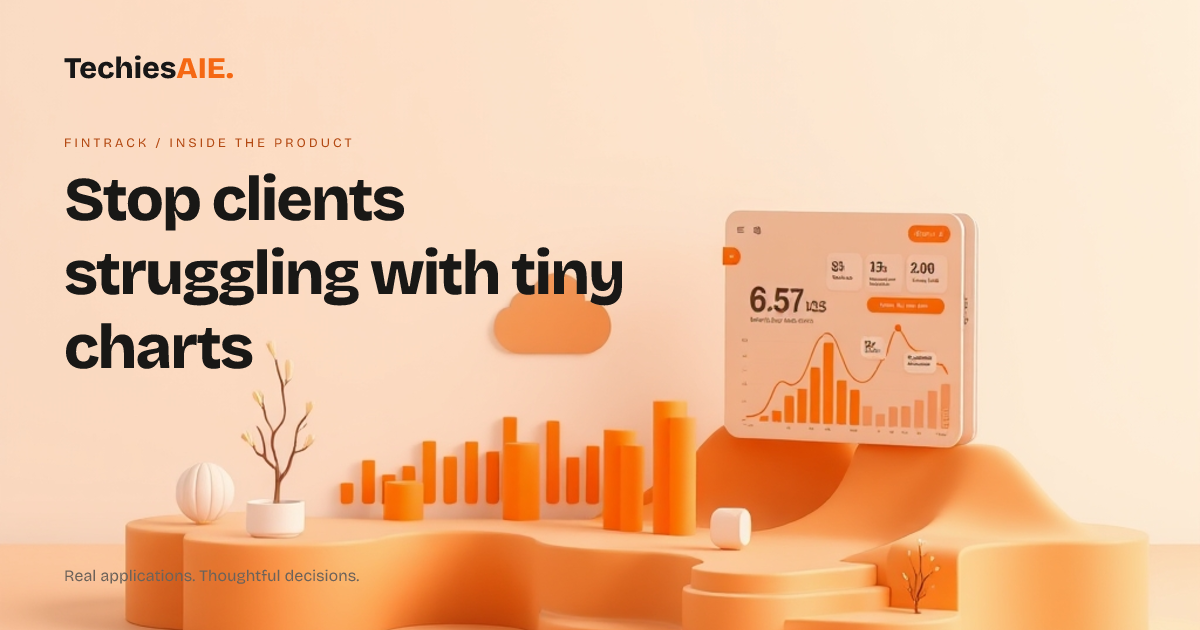
FinTrack is a financial dashboard designed to show income, expenses, and charts clearly on any screen. But many dashboards look fine on computers—until you open them on phones with real client data. Tiny charts, overlapping text, or missing numbers force clients to squint, zoom, or call you for help. That’s time you could spend advising instead of fixing layouts.
The demo shows a responsive layout, meaning it should adjust to phones and tablets. But responsive doesn’t always mean usable with your actual data. For example, long account names or unusual financial values can still break the design. You’ll need to test this with your own numbers before deciding if it works for clients on the go. Explore FinTrack’s demo
Check 1: Are the key numbers readable on phones?
Open FinTrack on your phone. Look at the main figures—like total revenue or profit. If the numbers are too small to read without zooming, clients won’t use the dashboard. The demo uses short labels, but your real data might have longer descriptions that push text out of place. Test with your actual financial data to confirm.
Check 2: Do charts stay clear when tapped?
Tap a data point on the chart. On phones, charts often shrink or lose labels when touched. If you can’t see the exact value after tapping, clients will ignore the dashboard. FinTrack’s demo suggests touch-friendly charts, but your data might behave differently—always test with real numbers.
Check 3: Does the layout stay clean on small screens?
Switch between phones, tablets, and computers. The dashboard should rearrange sections—like moving charts below key figures—without hiding buttons or overlapping text. If menus disappear or text cuts off on small screens, clients may give up and ask for a printed copy instead.
Pay special attention to dates or long account names. These often cause text to spill outside its box on phones. If labels are cut off, clients won’t know what they’re looking at. The demo uses short labels, but your real data might have longer descriptions that break the layout.
What FinTrack doesn’t include (and how to adapt it)
The demo shows a clean dashboard, but it doesn’t include login rules or client access controls. If you need secure client portals, you’d have to add passwords or team permissions yourself. This is a common gap in ready-made dashboards—plan for extra setup if security matters to your clients.
FinTrack also doesn’t connect automatically to accounting tools like QuickBooks or Xero. You’d need to export data manually or build a custom link. Many template dashboards have this limitation, so confirm how you’ll keep the numbers updated before buying.
What would a similar project need?
If FinTrack’s layout works for your data but lacks security or integrations, you could adapt it to fit your needs. For example, adding client logins or connecting to your accounting software would turn it into a custom solution. TechiesAIE builds similar financial tools with these exact requirements—start by telling us what’s missing from the demo. Explore TechiesAIE software services
For example, TechiesAIE helped a logistics client build a custom financial dashboard that worked on phones and included secure client access. Or explore ready-made templates like FinTrack to compare options before deciding.
If you need a dashboard that handles client logins and syncs with your books automatically, a custom-built tool might be better. The choice depends on how much you’re willing to set up yourself versus paying for extra features. Either way, testing the demo first helps you decide.
TechiesAIE also builds custom ecommerce dashboards for businesses that need to track sales, inventory, and customer data clearly on any device. Or explore AI workflow automation to connect financial data directly to your tools without manual exports.