TechiesAIE built Kanban Pro to evaluate live multi-user sync features
What specific live tasks and sync details should a business owner ask to see in a demo before commissioning custom workflow software?
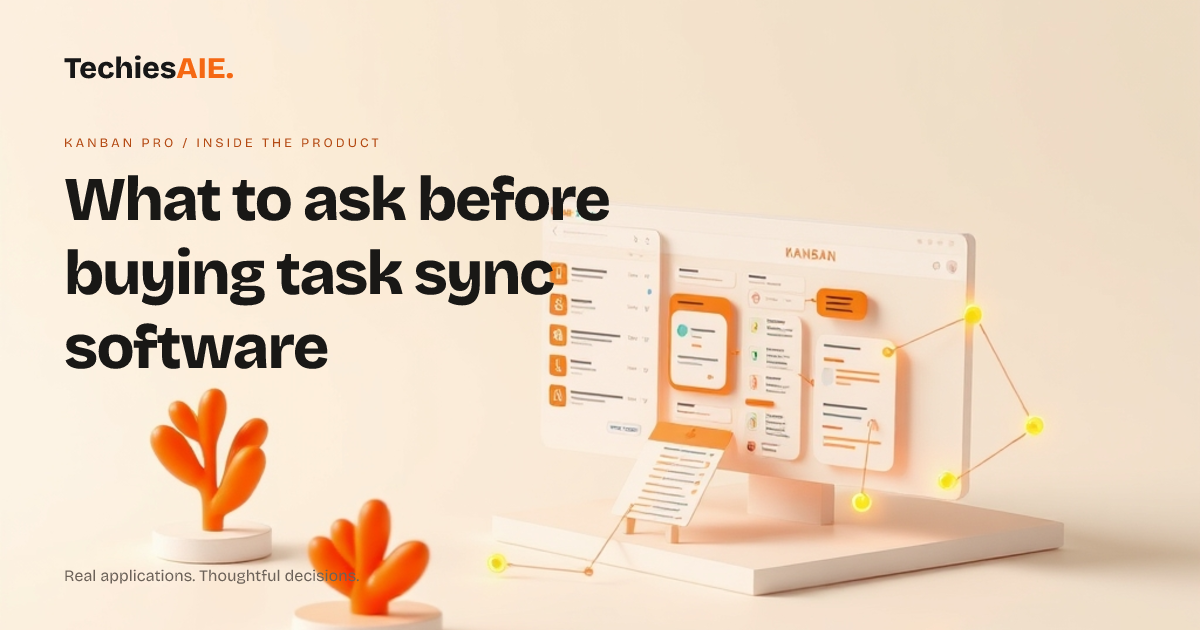
Buying custom software for your business can feel risky when you only see static pictures. You need to know how the application handles daily tasks before you commit any money. Kanban Pro is a real-time collaborative workspace app that features live boards, comments and checklists to help teams see what needs doing right now. Explore Kanban Pro
The application also includes multi-user sync to keep everyone updated. When planning a custom tool, owners often ask what a live demonstration should actually show. Let us look at what to check in a demo using Kanban Pro as a practical guide for your own project.
Check the Live Board and Drag-and-Drop Tasks First
Your first question during any software demo should be about core usability. Can users move task cards smoothly across columns without reloading the page? You want to see how easy it is to keep track of jobs as they move from pending to finished. When TechiesAIE builds custom software solutions, we ensure the main interface feels fast and simple for everyday users. Explore TechiesAIE software services
In a proper demonstration, watch how the system handles simple actions like dropping a card into a new list. If the screen stutters or requires a manual page refresh, your team will lose patience during busy work hours. Ask the developer to show this action live with two different browser windows open at the same time.
Test Multi-User Sync and Team Updates
Next, you must test how the application handles changes made by different people at once. Multi-user sync means that when one person drags a task, another person sees that change immediately. This prevents team members from working on old information or duplicating someone else's effort.
Ask the vendor to type a comment or check off a list item while you watch your own screen. If updates appear instantly through WebSocket-powered synchronization, the core communication layer is working properly. When TechiesAIE sets up real-time tools, we verify that team updates flow smoothly across all active screens without manual refreshes.
Review Comments and Activity Feeds
A good workspace needs more than just moving cards around on a screen. Team members often need to leave notes, ask questions or find a file attached to a specific job. Kanban Pro includes comments and activity feeds so that past conversations stay attached to the right task card.
During your evaluation, check how easily you can read past updates without scrolling through endless text. When TechiesAIE designs custom business applications, we structure activity logs to keep important details clear and readable. Ask the developer to demonstrate how a new comment appears in the live feed without hiding older notes.
Understand Meaningful Limitations Before You Buy
Every application has boundaries, and catalogue templates are no exception. Kanban Pro provides a focused collaborative workspace, but it does not include complex accounting tools, automated billing, or deep outside software integrations out of the box.
Recognising these limits helps you plan your actual budget. If your business needs connection to payroll software or custom email alerts, treat those additions as separate custom requirements. Discussing these extra needs early prevents expensive surprises after development starts.
What a Similar Custom Project Needs
If you want to build a tool like Kanban Pro for your own company, start by listing your absolute must-have features. You will need a clear plan for user accounts, live data synchronization, and simple task boards. Working with experienced software developers helps turn your specific checklist into a reliable working product.
You can explore the live application directly at the Kanban Pro live product page to see how these features behave in real time. When you are ready to discuss your own workflow needs, you can talk with us about building a similar application for your team.