How to stop losing leads when your team can’t keep track of who’s doing what
LeadViora helps teams stop losing leads by automatically assigning, prioritizing, and reminding them of follow-ups—so no lead slips through the cracks.
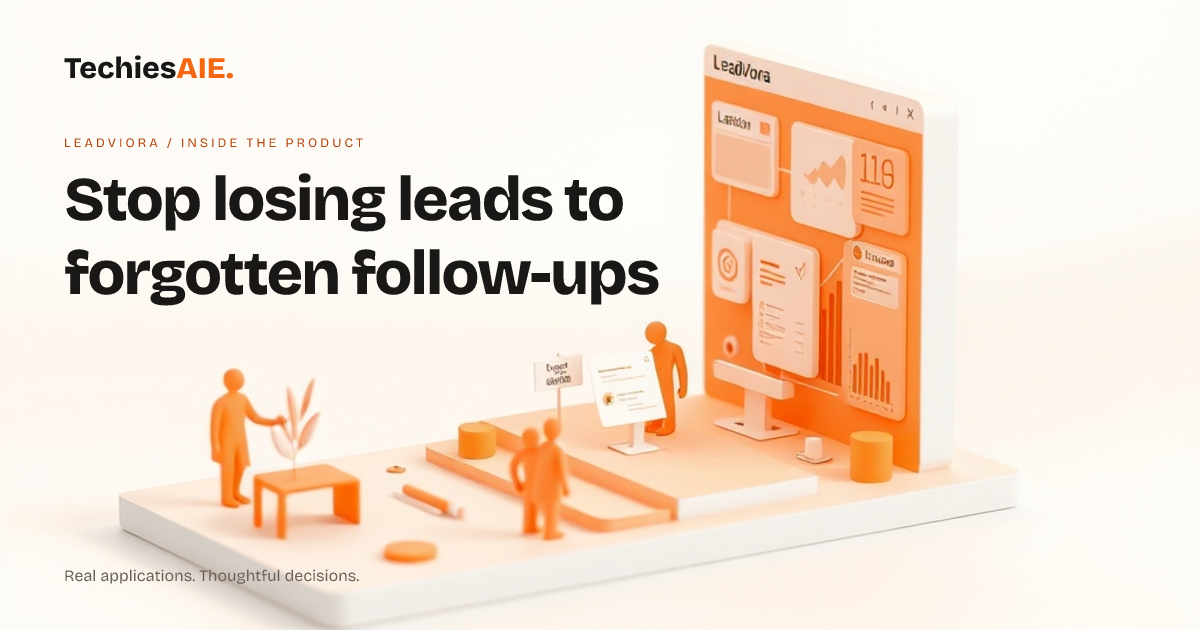
Every morning, Sarah checks her inbox for new leads. She adds them to a shared spreadsheet, but by afternoon, half are still marked ‘Pending.’ No one knows who’s supposed to follow up, and reminders get buried. This is how leads slip away—because no one owns them, and no system keeps track of who’s supposed to do what.
LeadViora fixes this by automatically assigning leads to the right person based on rules you set. For example, leads from your website go to your sales team, while high-value inquiries get flagged for the manager. No more guessing or arguments over who should reply next. Explore LeadViora
LeadViora also gives each lead a priority score. New leads from your website might get a medium priority, but a repeat customer’s inquiry could jump to high. This helps your team focus on what matters most without wasting time on low-value tasks. The score updates automatically as new details come in.
The biggest frustration? Forgetting to follow up. LeadViora sends automated reminders so no lead gets ignored. If a lead hasn’t been contacted in three days, the system flags it and notifies the assigned person. This keeps the sales pipeline moving without manual checks or spreadsheets.
Here’s how it works in a real day: A lead fills out your contact form. LeadViora assigns it to the sales team based on your rules. The system sets a reminder for tomorrow. If the lead isn’t contacted by then, it bumps up the priority. No lead falls through the cracks.
LeadViora also shows simple sales analytics. You can see how many leads came in this week, how many were followed up on, and which team member closed the most deals. This helps spot trends—like if leads from a specific source convert better—so you can focus your efforts where it counts.
What LeadViora doesn’t do (and what you’d need to add)
LeadViora handles assignment, reminders, and basic analytics—but it doesn’t connect to your email or phone calls yet. If you want leads to auto-populate from emails or sync with your phone, you’d need to discuss how to link those tools. This is a common step for teams who want everything in one place.
Another gap: LeadViora doesn’t track customer details like past purchases or notes from calls. If your team needs that history to follow up, you’d want to add a way to pull that data in—or build a note-taking feature directly into the app. This is often a top request for businesses with repeat customers.
LeadViora is designed to be simple, but if your team uses other tools—like accounting software or a project manager—you’d need to plan how to share data between them. For example, when a lead becomes a customer, you might want to auto-create an invoice or update your project list. This is where custom work comes in.
What a similar project would need
If LeadViora’s features fit your needs, you’re ready to go. But if you need extra steps—like pulling in emails, adding customer history, or linking to other tools—you’d work with TechiesAIE to build those connections. For example, we could adapt LeadViora to pull leads from your website form and auto-send follow-up emails, all without manual work. Explore TechiesAIE automation services
Another common ask: turning LeadViora into a full customer portal. If you want leads (and later, customers) to log in and see their own details, track order status, or upload documents, that’s a separate build. We’d start with the basics—like a login page and a simple dashboard—and expand as needed. This is how many businesses grow their tools over time.
LeadViora is a template for lead management, but every business has unique needs. For example, a real estate agent might need to track property details alongside leads, while a service business could use it to assign repair jobs. The key is starting with what you do every day—and then adding what’s missing. Talk to us about adapting LeadViora for your workflow.
If you’re using spreadsheets or sticky notes to track leads, LeadViora could save you hours. But if your team already has a CRM with missing features—like no reminders or poor assignment rules—we could build something even more tailored. The first step is describing your daily pain points. See how we build custom automation.