How to stop losing track of team tasks when they’re scattered across tools
Kanban Pro helps teams see real-time updates on tasks, so no one misses what’s being worked on or when it’s due.
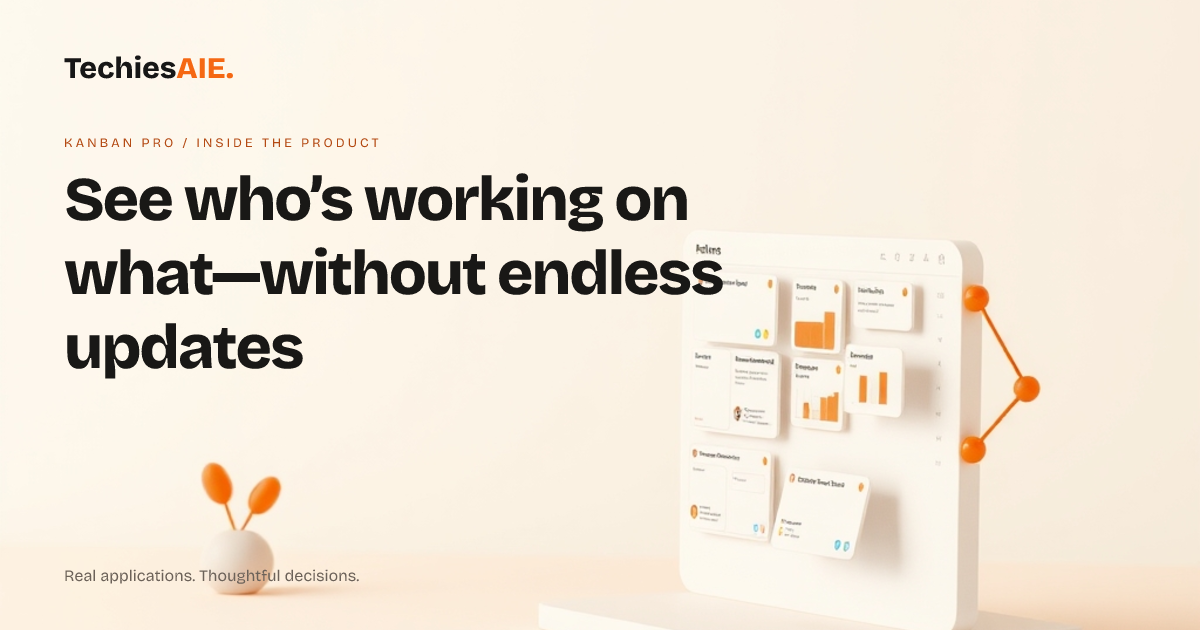
Every morning, Priya checks her email for updates on client projects. She sees a note from Raj about a delayed task, but by the time she replies, he’s already moved on. The task gets stuck in ‘In Progress’ for another day. Meanwhile, her team uses three different tools—email, a shared spreadsheet, and a chat app—to track work. No one sees changes fast enough. That’s the friction Kanban Pro fixes with real-time multi-user sync.
Kanban Pro is a shared digital board where every team member drags tasks into columns like To Do, In Progress, and Done. The key feature here is multi-user sync: as soon as someone updates a task—like marking it as ‘Done’ or adding a comment—the change appears for everyone instantly. No refreshing, no waiting for replies, no lost updates. This is built on WebSocket technology, which pushes updates directly to all screens the moment they happen. See how real-time sync works in Kanban Pro
Priya’s team starts their day by opening Kanban Pro. They see a board with tasks like ‘Update client proposal’ and ‘Fix website bug’. Raj drags his task from In Progress to Done and adds a note: ‘Sent to client—awaiting feedback.’ Priya’s screen updates instantly. She knows the task is complete and can plan next steps without asking. No more guessing if work is done or who’s stuck.
How real-time sync stops work from slipping through the cracks
The first step where things go wrong is when someone updates a task in one tool but forgets to tell the team. In Kanban Pro, every change—like moving a task or adding a comment—triggers an activity feed. This feed shows a timeline of updates, so Priya can see ‘Raj updated this task 10 minutes ago’ without digging through emails. The feed also lets her reply directly on the board, keeping all discussion in one place.
Next, Priya assigns a new task to her colleague, Aisha. Instead of sending an email, she drags the task to Aisha’s name in the Assigned To field. Aisha’s screen flashes a notification: ‘New task assigned to you.’ She opens the board, sees the task, and starts work immediately. No back-and-forth messages. The board shows who’s working on what, so Priya avoids double-assigning tasks or missing deadlines.
By the end of the day, Priya notices a task is stuck in In Progress for too long. She checks the activity feed and sees Raj marked it as ‘Blocked—waiting on client feedback.’ Now she knows exactly why it’s delayed and can follow up. Without real-time sync, she’d have to ask Raj directly, wasting time and risking miscommunication.
What happens when real-time sync isn’t enough
Kanban Pro’s real-time sync works well for small teams using the same board. But if your team needs to track tasks across multiple boards—like one for clients and one for internal projects—you’ll hit a limit. The product doesn’t automatically sync changes between boards or enforce rules like ‘Only managers can move tasks to Done.’ These would need custom setup, which TechiesAIE can handle.
Another gap is access control. Kanban Pro lets you invite team members to the board, but it doesn’t let you restrict who can edit certain tasks or boards. For example, if Priya wants only her managers to approve tasks, she’d need extra rules. This is where a custom-built tool—or an adapted version of Kanban Pro—could fill the gap. TechiesAIE can add these features if needed. See how we adapt collaboration tools for specific needs
What a similar project would need to match your workflow
If Kanban Pro’s limits don’t fit your team, you might need a tool with board-to-board sync or custom access rules. For example, a logistics team tracking shipments across regions could use Kanban Pro’s real-time updates but add a layer to auto-sync tasks between boards for each city. TechiesAIE can build this by extending Kanban Pro’s features or creating a similar tool from scratch.
Another example: a service business handling client projects might need automatic reminders when tasks are overdue. Kanban Pro doesn’t send these by default, but we can add them as notifications tied to task deadlines. This keeps Priya from manually chasing updates and ensures nothing slips through.
For teams already using other tools—like Google Sheets or Trello—you’d also need integration setup. Kanban Pro doesn’t natively connect to these, but we can build bridges to pull in data or push updates automatically. This way, your team avoids switching between apps and keeps everything in sync.
The bottom line: Kanban Pro solves the core problem of lost or delayed updates with real-time sync. But if your team needs extra rules, multiple boards, or deeper integrations, we can adapt it—or build something tailored to your exact workflow. Start by testing Kanban Pro’s live demo to see if it fits your daily tasks.