How to stop losing track of daily financial tasks on your phone
FinTrack helps small business owners see what needs doing and keep track of jobs without switching between messy spreadsheets and emails.
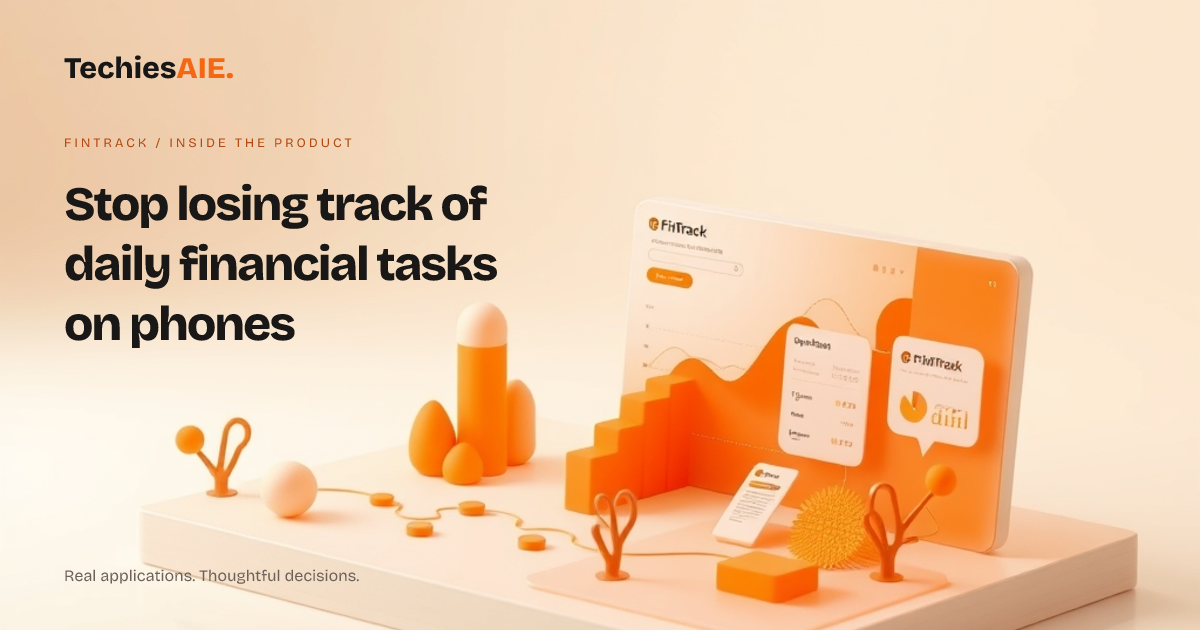
Every morning, you check your phone for pending invoices, overdue payments, and client follow-ups. But instead of seeing what needs doing at a glance, you’re stuck opening spreadsheets, emails, and notes. By the time you close the last tab, half the day is gone. FinTrack’s dashboard design helps you see what needs doing without the clutter. Explore FinTrack
FinTrack is a clean, structured dashboard built for small business owners who need to keep track of jobs and financial records on any screen. It’s not just another spreadsheet—it’s designed to show you tasks, deadlines, and key numbers in one place, even on a phone. You can explore it here: FinTrack demo.
Start your day by opening FinTrack. The dashboard shows your top tasks—like sending reminders for overdue invoices or reviewing this month’s expenses—right at the top. No more digging through folders or emails to find what’s urgent. You can set up reminders for key deadlines, so nothing slips through the cracks.
See what needs doing at a glance
FinTrack groups your daily tasks into clear sections. For example, you might have a ‘Pending Payments’ box showing invoices due this week, a ‘Client Follow-ups’ list for reminders, and a ‘Monthly Review’ chart for expenses. Each section is designed to fit on a phone screen without squinting or zooming.
If you’re on the go and need to find a file—like last month’s profit report—you don’t have to search through folders. FinTrack lets you filter tasks by type (invoices, expenses, reminders) or by date. This saves time when you’re checking emails or waiting for a client call.
Send reminders without switching apps
One of the biggest time-wasters is chasing clients for payments or follow-ups. FinTrack lets you send reminders directly from the dashboard. For example, if a client’s invoice is past due, you can click a button to send a polite reminder via email or message—no need to open another app.
You can also set up automatic reminders for recurring tasks, like monthly subscriptions or quarterly reviews. This means you’ll never forget to follow up, even if you’re busy with other work. FinTrack keeps your reminders organized by priority, so you always know what to tackle first.
A limitation: No built-in file storage (yet)
FinTrack’s dashboard is great for tracking tasks and seeing key financial data, but it doesn’t store your actual files—like PDF invoices or bank statements. Right now, you’d still need to keep those in a separate folder or tool. If storing and accessing files directly from the dashboard is critical, this might need custom work.
For example, if you want to attach a client’s signed contract to their invoice reminder, you’d need to upload it elsewhere first. This is a gap if you rely on having everything in one place. A similar project would need to include file storage or integrations with tools like Google Drive or Dropbox.
What would a similar project need?
If FinTrack’s dashboard fits your daily tasks but lacks file storage, you could build a custom version that includes uploads and attachments. This would let you see tasks, send reminders, and access files—all in one spot. TechiesAIE can help adapt FinTrack or build a tailored solution for your workflow. Explore TechiesAIE software services
For instance, a real estate agent might use FinTrack to track client payments and property inspections. But if they also need to store lease agreements or property photos, they’d want a dashboard that combines task tracking with file access. This is where custom development comes in.
Another example: A freelancer managing multiple clients could use FinTrack to see pending invoices and project deadlines. But if they need to attach project briefs or client feedback to each task, they’d need a dashboard that handles both tracking and file storage. This is a common need for small teams.
If you’re ready to explore a dashboard that fits your exact workflow—including file storage or other tools—discuss your project with TechiesAIE. They can show you how to adapt FinTrack or build something new.
For now, FinTrack’s dashboard design solves the problem of losing track of tasks on phones. But if you need more—like storing files or connecting to other tools—you’ll want to talk to the team behind it. They’ve built dashboards for custom business software, ecommerce stores, and learning platforms, so they know how to make it work for you.