How a shared screen keeps financial tasks clear during handover
FinTrack’s responsive layout helps teams hand over financial tasks without missing key details on phones, tablets, or desktops.
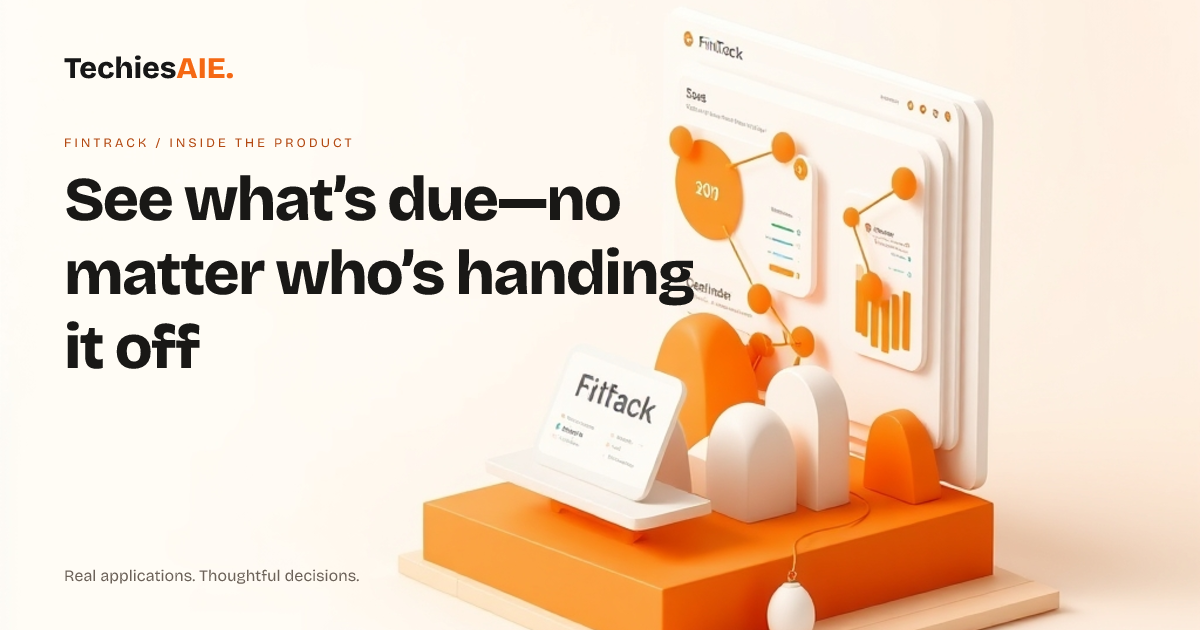
Handing over financial tasks is easier when both people see the same screen. Right now, spreadsheets or folders force the new person to dig through emails or ask “Where’s the latest invoice?” FinTrack’s dashboard keeps key details visible in one place—no more hunting for files or approval notes. Explore FinTrack’s responsive layout
FinTrack’s design works on phones, tablets, and desktops. That means if the handover happens in a meeting or remotely, everyone sees the same view. No zooming or scrolling to find what’s due—just a clear list of tasks, files, and notes.
What stays visible during handover?
The dashboard shows three things at once: what’s due this week, where files are stored, and who’s responsible. For example, a payment reminder sits next to the invoice file, so the new person doesn’t have to guess where to find it. No more lost emails or buried folders.
Tasks are grouped by priority. Overdue payments or pending approvals stand out, so the new person sees what’s urgent first. This cuts down on questions like “Did we forget to follow up on this?” because the dashboard flags what needs attention.
Files and notes stay attached to each task. If the outgoing person left comments like “Check with the client before approving,” those notes appear right on the task card. No more searching through emails or shared drives for context.
What’s missing in a first version?
FinTrack’s demo shows a clean layout, but a real handover needs two things it doesn’t include yet: access rules and alerts. For example, if only certain people should see client-sensitive data, those rules would need to be set up. Right now, the demo assumes everyone sees the same view—something to plan for if your team has sensitive data.
Another gap: automated reminders. If a task is past due, the dashboard won’t send a push notification or email to the new person. That would require extra setup, like connecting FinTrack to a calendar or email tool—work TechiesAIE can help with if your team needs it.
What would a similar project need?
To build a handover-friendly financial dashboard like FinTrack, you’d need to decide: Who gets to see what? For example, should the accountant see all client files, or just their own? This affects how the dashboard is set up and secured. TechiesAIE can help design these rules for your team’s needs. See how TechiesAIE builds custom access rules
You’d also need to plan for alerts. If a task is overdue, should the system email the new person or flag it in the dashboard? This depends on how your team works—some prefer quiet reminders, others need loud warnings. For example, a fleet management system might need instant alerts for overdue payments, while a learning platform could use gentle reminders for pending approvals.
Finally, think about how files are stored. FinTrack’s demo shows files linked to tasks, but in reality, you’d need to decide: Are files stored inside the app, or linked from a shared drive? This affects how easy it is to update or back up files later. For instance, a custom ecommerce dashboard might need files stored inside for security, while a WordPress site could link to existing cloud storage.
For a team that needs to hand over financial tasks smoothly, FinTrack’s responsive layout is a good start. But to match your exact workflow, you’d likely need to add access rules, alerts, and file storage choices—work TechiesAIE can adapt for your needs.
If your team struggles with handover chaos, a dashboard like FinTrack could cut down on lost time and missed tasks. The key is making sure the right details stay visible—and the system works on every screen, whether you’re reviewing payments, managing a custom SaaS product, or tracking orders in an ecommerce store.