What to show when a crypto payment step fails
When a crypto payment step fails, Crypto Checkout shows customers the next step—without losing the sale or confusing them. Here’s how it works and what you’d need to build for your business.
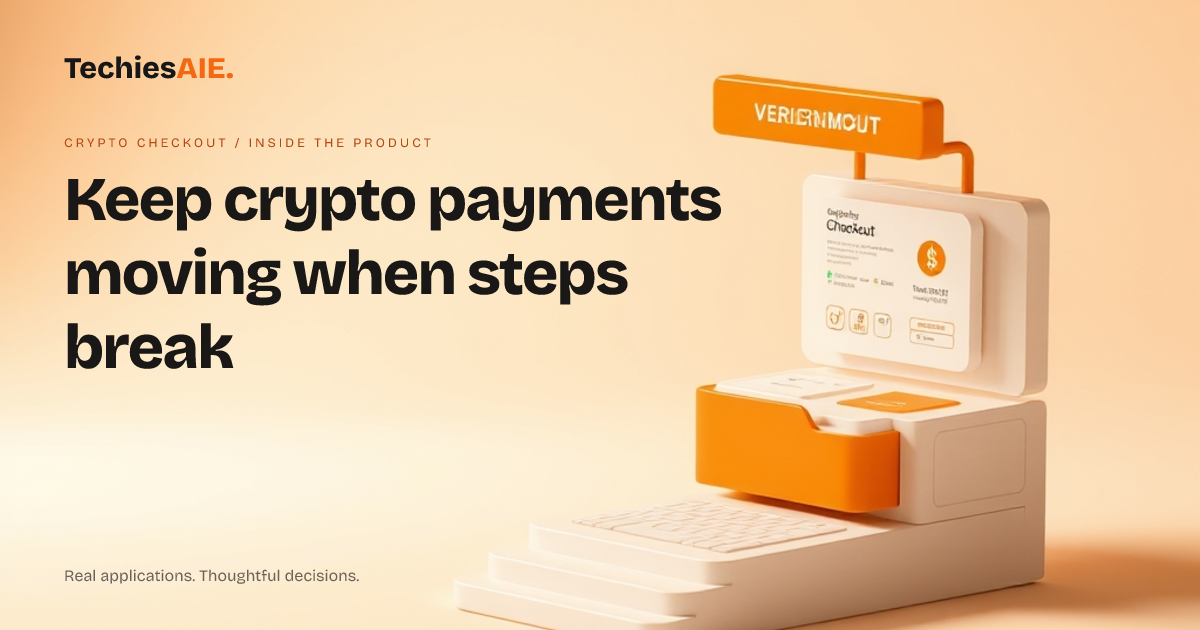
Crypto Checkout helps customers when a payment step fails. Right now, it handles two common issues: when a wallet isn’t connected or when no payment method is picked. These are spots where customers often get stuck. The UI guides them forward without losing the sale. See the live demo to test how it works. Explore Crypto Checkout
The payment screen starts with two choices: You pay and You receive. If a customer picks You pay but doesn’t connect a wallet, they see a clear error message. Instead of a blank screen, they get a prompt like ‘Try another wallet or contact support.’ This keeps them in the flow and reduces frustration.
Another spot where things can break is when a customer picks You receive but doesn’t choose a payment method. The template shows options like bank transfer or crypto-to-cash. If nothing is selected, the Continue button stays disabled. This forces them to pick something before moving forward. It’s a simple rule that stops empty submissions.
What happens when the template can’t handle the error?
The template doesn’t cover every possible error. For example, if the exchange rate changes mid-transaction or a network fee isn’t calculated, the current UI won’t know how to respond. That’s where a custom-built solution comes in. Teams need to plan which errors are most likely and how to handle them.
A similar project would need rules for unexpected errors. For instance, if a customer’s crypto balance is too low, should they see a message like ‘Your balance is insufficient’? Or should they get a chance to add more funds? These choices depend on your business. The template gives you a starting point, but real-world use requires planning.
How does this fit into your bigger payment system?
Crypto Checkout works as a standalone payment UI. Right now, it doesn’t connect to your accounting or inventory tools. If you need sales records to update automatically, you’d need to build that link. For example, a digital product store using this for crypto payments would still need to match each sale to their stock levels manually—unless they add automation later.
TechiesAIE can adapt this template to fit your existing tools. For example, if you sell services and want crypto payments to trigger invoices, we’d add that logic. The template handles the payment step, but the rest depends on what you already use. See our software services for examples of how we connect apps like this. Explore TechiesAIE software services
This template could also work for internal tools. For example, if your team needs to track payments between departments or vendors, we can adapt the UI to show payment statuses and send reminders when steps are missed. This keeps everyone on the same page without spreadsheets. See our automation services for similar projects.
For businesses that need to accept crypto payments and keep records for taxes or audits, we can build a custom version that logs every transaction. This includes details like exchange rates, fees, and customer info—all in one place. The template handles the payment step, but we can add the record-keeping part.
What’s the next step if you need more error handling?
Start by listing the errors you’ve seen most often. For example, do customers abandon checkout because their wallet isn’t set up? Or do they get confused when the exchange rate updates? Write down these cases and decide what message or next step makes the most sense for each. This list becomes your requirements for a custom build.
The template shows how to handle basic errors, but real businesses need to think about edge cases. For example, what if a customer’s internet cuts out during a crypto transfer? Should they see a retry button? Or should the system save their progress and email them a link to finish later? These details matter for keeping sales from slipping away.
If you’re unsure where to start, begin with the template’s error messages. Test them with your team to see what feels clear and what still causes confusion. Then, decide which errors need custom solutions. Contact us to discuss building out these cases for your specific needs.