What job records you must track to avoid hiring chaos
Career Garden helps hiring teams keep track of job applications, follow-ups, and progress—but only if you know which records to track first.
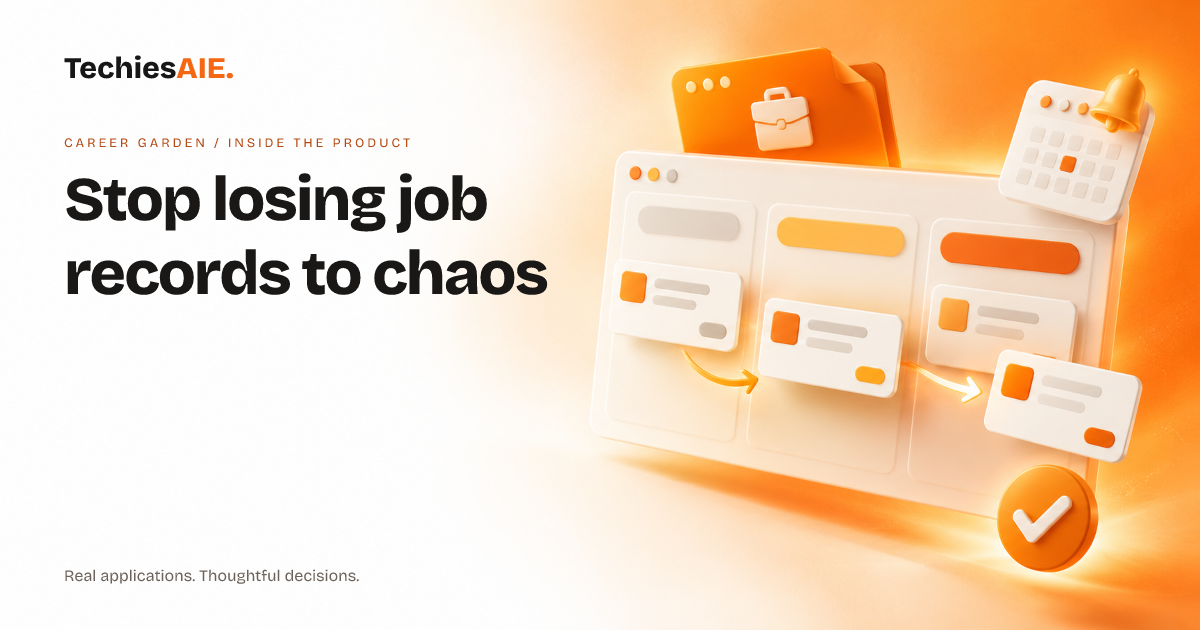
Hiring teams often lose job candidates because they can’t keep track of applications, follow-ups, or interview notes. Emails get buried, spreadsheets get messy, and phone reminders get ignored. Career Garden helps—but only if you first decide which records actually matter to your workflow.
Career Garden is a job tracking app designed to organize three key records: job applications, follow-up reminders, and progress updates. Each record helps you see what’s been done, what’s coming up, and what might slip through the cracks. The app keeps these records in one place so you don’t have to dig through emails or guess where a candidate stands. Explore Career Garden
Start by listing every job application you’re tracking. Career Garden lets you add details like the job title, company name, application date, and contact info—all in one spot. No more flipping between tabs or searching old emails to find who you’ve already contacted. You can also tag applications by job type or priority to sort them quickly.
The app sends automated reminders for follow-ups, so you never forget to check in with a candidate. Set a reminder for a week after their interview, or mark a deadline for when you need to decide on an offer. These reminders appear in your dashboard, so you see what needs doing without opening another tool.
Career Garden also shows your hiring progress in a simple dashboard. You’ll see how many applications you’ve sent, how many interviews you’ve scheduled, and which candidates are still in the running. This helps you spot gaps—like if you’ve stopped following up with certain candidates—or celebrate wins when you make an offer.
What’s missing from the template?
Career Garden’s demo shows basic tracking, but real hiring workflows often need more. For example, you might want to track internal notes about why you liked (or didn’t like) a candidate. Or you may need to share access with team members so everyone sees the same updates. These aren’t included in the template and would need custom work.
Another limit is how the app handles exceptions. If a candidate ghosts you or a job posting gets pulled unexpectedly, you’ll need to manually update their status. There’s no built-in way to flag these issues automatically—so you’d have to discuss adding rules for common hiring problems.
If your team uses other tools—like a shared calendar for interviews or a CRM for client records—you’ll need to decide how (or if) Career Garden connects with them. The template doesn’t include integrations, so this would require extra planning upfront.
What would a similar project need?
A custom version of Career Garden could include extra records, like tracking salary offers, rejection reasons, or internal hiring notes. You’d also need to define who sees what—like giving hiring managers access to candidate feedback but keeping salary details private for HR.
For career coaches helping clients with job searches, a similar app could track client applications, resume updates, and interview feedback—all in one place. Learn how TechiesAIE builds custom job tracking tools for coaches. Explore TechiesAIE software services
Small recruitment agencies might need to track candidate sources (like job boards or referrals) alongside applications. This extra record type isn’t in the template but could be added to a custom version. See how TechiesAIE adapts job tracking apps for agencies.
If your team uses spreadsheets now, you’ll want to test how Career Garden’s records compare. For example, spreadsheets let you sort data in many ways—but the app’s dashboard might show only the records you’ve defined. This trade-off is worth discussing before committing. Explore TechiesAIE’s custom software services to shape this for your exact workflow.
For teams spread across locations, you might want to add mobile access so hiring managers can update records from interviews or client meetings. This would require testing how the app works on phones and tablets before building it out.