TechiesAIE built FinTrack to keep financial tasks clear on any screen
FinTrack helps small business owners see financial tasks clearly on phones and desktops—without losing details when switching screens.
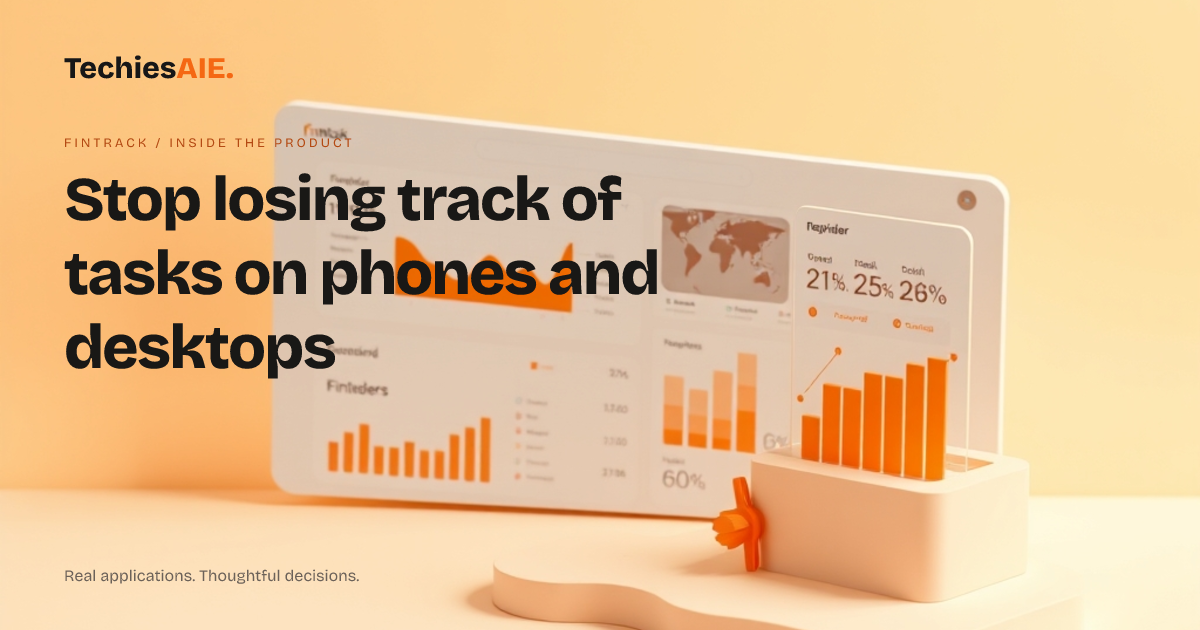
You’re on your phone, checking if a client’s payment is overdue. The screen is small, so you tap to zoom in. Later, you switch to your desktop to update the record. Now the layout looks different—menus are in new places, and you waste minutes figuring out where to find the same task. This happens every day. FinTrack is designed to show financial tasks the same way on any screen. The demo shows a layout that adjusts automatically, so you don’t lose time or details when switching devices. Explore FinTrack’s responsive demo
FinTrack’s responsive layout means the dashboard rearranges itself for your screen size. What fits neatly on a phone—like a list of due payments with clear dates and amounts—scales up smoothly on a desktop. No hidden menus, no tiny text, no guessing where things moved. This matters when you’re juggling tasks between devices, like marking a payment as received on your phone and adding a note on your desktop later.
Here’s how it works in a real day: You open FinTrack on your phone to see three overdue invoices. The key details—client name, due date, and amount—fit on the screen. You tap one to mark it as paid. Later, you switch to your desktop to add a follow-up email. The same layout appears, just bigger. No need to relearn where things are. The demo shows this exact workflow: viewing tasks on small screens and updating them on larger ones without confusion.
FinTrack handles two common pain points: 1) Seeing all tasks clearly on a phone screen. 2) Updating records without frustration on a desktop. For example, you might review expenses on your phone during a meeting, then drill into details on your desktop afterward. The layout stays consistent, so you focus on the work, not the screen.
What happens when your workflow doesn’t fit the demo?
FinTrack’s responsive design works well for standard tasks like tracking payments, reviewing expenses, or spotting overdue items. But if your team uses unique workflows—like custom approval steps for large transactions or specific report formats—the demo may not cover them. For instance, if your team color-codes expenses by department, you’d need to discuss adding that feature. The responsive layout solves the ‘screen size’ problem, but custom workflows often require extra planning.
For example, if your team shares financial summaries with clients, you might need a way to generate clean reports directly from the dashboard. This isn’t shown in the demo but could be added as part of a custom project. TechiesAIE has built similar financial tools for teams in fintech and accounting workflows, where clear data presentation is key. Start by listing what your team does daily, then discuss how to adapt the design. Explore TechiesAIE software services
What would a similar project need to include?
If you’re considering FinTrack or a similar dashboard, start by answering: What financial tasks do we do on phones and desktops? Where do we lose time switching screens? The responsive layout handles the ‘how it looks’ part, but you’ll need to confirm how it fits your exact needs. For example, if your team uses QuickBooks or Xero, you might need to connect the dashboard to pull live data. This isn’t part of the demo but is a common addition for teams managing real-time financial records.
Other projects like this often include: 1) Pulling live data from accounting tools to avoid manual entry. 2) Setting up user permissions so only the right people see or edit tasks. 3) Adding reminders for overdue items or custom alerts. These features aren’t in the FinTrack demo but are typical for teams with specific requirements. TechiesAIE can adapt the design to match your workflow—whether you need a simple dashboard or a tool with deeper integrations.
For a closer look at FinTrack’s responsive design, visit the demo: FinTrack dashboard demo. To discuss building a similar dashboard for your team—including custom workflows, data connections, or user access—start here: TechiesAIE custom software services.