TechiesAIE built FinTrack to review financial records on any screen
How to keep track of jobs and review your financial records on any phone or computer without messy screens.
Running a busy business means you need to keep track of jobs and see what needs doing every single day. When money numbers live in messy files, finding a single record takes too much time. You waste precious hours trying to make sense of cluttered tables on small phone screens while trying to run your operations.
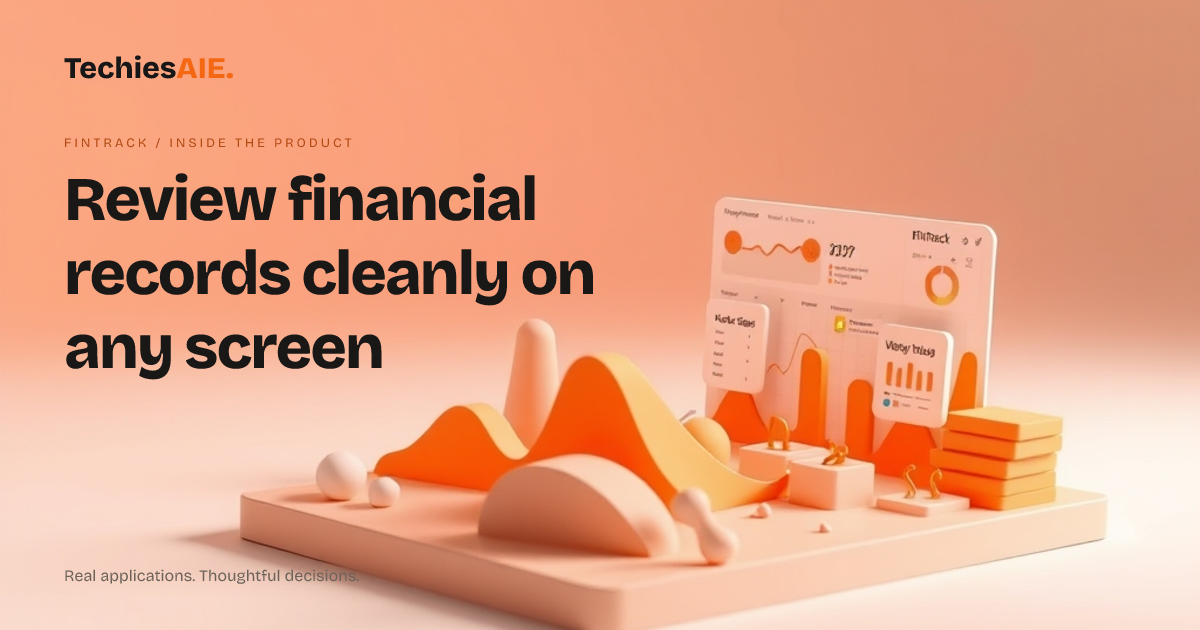
TechiesAIE built FinTrack to give teams a clean way to view money information. This template uses a responsive layout, meaning it adjusts nicely whether you use a phone or a desktop computer. It helps you see your important numbers without any extra clutter getting in the way of your daily choices. Explore FinTrack
Spotting the right financial UI
A good financial UI means the user interface or visual parts on your screen show numbers in a clear order. When you open the application, you find charts and figures arranged neatly. You do not have to guess what a line chart means because the design keeps everything simple and direct.
If your business needs a custom portal to manage client data or track internal metrics, TechiesAIE can build similar tools tailored to your exact workflow. You can explore our approach on the TechiesAIE development services page to learn how we scope custom builds for growing teams. Explore TechiesAIE software services
Reviewing records on the go
Business owners often check numbers away from their desks. A responsive layout helps the screen fit smaller phones automatically. You can review your daily totals, check what needs doing, and spot trends while travelling between meetings without opening a messy laptop file.
The template demonstration shows how dashboard design organizes key details into neat boxes. Instead of scrolling through endless rows of text, you see graphical summaries right away. This makes it much easier to share updates with your team and keep everyone on the same page.
Important limits to keep in mind
Every ready-made template has clear boundaries. FinTrack provides a visual interface for financial information, but it does not connect to bank accounts or payment gateways out of the box. Those live connections are buyer requirements that need custom programming and proper security setup.
When your team wants to send a reminder or update status logs automatically, a similar project would need a clear list of the exact data sources and security rules your business requires before any code is written.
Building your own custom tool
Deciding whether to use a ready template or build a custom tool depends on your daily tasks. If you need specific user logins, strict privacy rules, or links to other software, a custom build is usually the right path to protect your sensitive data.
When you are ready to create a tool that fits your exact company rules and helps your staff keep track of jobs easily, get in touch to discuss your project scope with our team.
Next steps for your custom workflow
Planning a new software tool requires understanding how your staff handles daily records. Whether you adapt an existing visual template or start from scratch, mapping your exact review steps helps ensure the final application truly supports your business goals.
TechiesAIE works directly with growing businesses to scope clear requirements and deliver maintainable tools. You can reach out today to discuss your project brief and find the right technical path forward.
Bringing your team data together
Managing multiple spreadsheets often leaves team members confused about which file holds the latest numbers. Centralizing your visual displays helps everyone see what needs doing without searching through old folders or asking colleagues for updates during busy hours.
When designing a custom solution, defining how records are sorted and displayed prevents future confusion. A structured interface ensures your staff spends less time looking for files and more time serving customers and completing daily tasks.