How to Stop Guessing Where Your Team’s AI Work Gets Stuck
CueBench Team Analyzer turns raw AI session logs into clear trends—so you can stop guessing where delegation gaps hide in daily work.
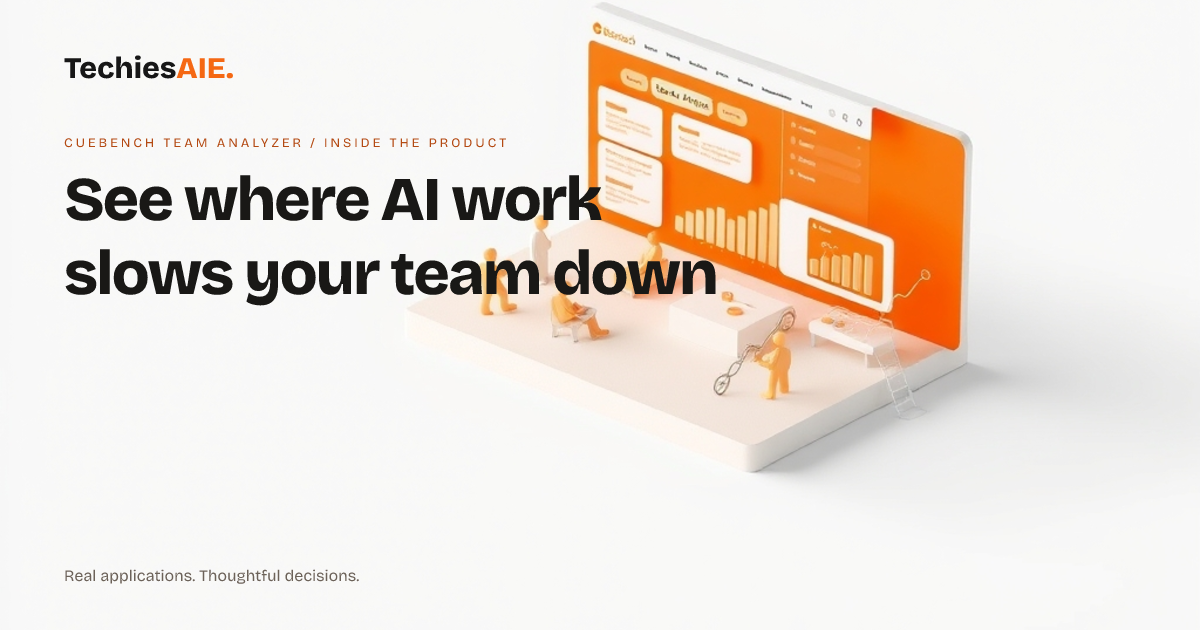
Every afternoon, Jake checks his team’s AI task list. Three people are stuck delegating work instead of finishing it. He knows this because he copies scores from their AI tools into a spreadsheet. By evening, the data is outdated. CueBench Team Analyzer shows these gaps automatically—no spreadsheets needed. It works with your team’s AI session logs to spot trends you’d miss in manual tracking. Explore CueBench Team Analyzer
The tool focuses on three key AI workflow scores: Delegation (how often tasks get passed on), Discernment (how well decisions are made), and Diligence (whether work is completed on time). You upload session logs in .jsonl format, and the dashboard updates in real time. No more guessing which team member is holding things up.
How it finds the gaps you can’t see in spreadsheets
CueBench Team Analyzer tracks how often tasks get delegated—and whether that delegation leads to delays. For example, if one person’s Delegation score drops while their Diligence score rises, they might be taking on too much. The tool flags this pattern instantly, so you see problems before they slow your team.
You can compare individual scores side by side. If two team members have the same role but one’s Delegation score is 20% lower, the tool highlights the difference. This helps you spot who needs extra training—or who might be overloaded. The demo dashboard shows how this works with sample data.
The dashboard also shows trends over time. If a team member’s scores dip for three days in a row, you’ll see it before their work piles up. Unlike spreadsheets, this data updates automatically—so you’re always working with the latest insights.
What it can’t do—and what you’d need to add
Right now, CueBench Team Analyzer works with session logs in .jsonl format. If your team uses a different AI tool, you’d need to adapt the logs first. This might mean writing a small script or asking your IT team to format the data correctly. We’ve helped teams build similar data adapters for their specific workflows. Explore TechiesAIE software services
The tool doesn’t assign tasks or send reminders. It only shows where work gets stuck. To act on the insights, you’d need to connect it to your team’s project tools—like Slack or Trello—or build simple alerts. This is something we can help with if you’re adapting the tool.
How this fits into your daily work
Imagine you’re reviewing a project that’s behind schedule. Instead of asking everyone for updates, you check CueBench Team Analyzer. It shows which team members are delegating too much—and which tasks are stuck because of it. You can then focus coaching on the right people without wasting time on guesswork.
For example, if your customer support team uses AI to draft responses, you can see who’s delegating research tasks instead of resolving issues. The tool doesn’t tell you why—but it shows you where to dig deeper. This saves hours of manual tracking and outdated spreadsheets.
What a similar project would need
If you want to adapt this tool for your team, you’d need to confirm three things first: (1) Your AI tools export session logs in a usable format. (2) You can identify which scores matter most for your workflows (like Delegation vs. Speed). (3) You’re okay with building simple alerts or integrations to act on the insights.
We’ve built tools like this for teams that track customer feedback trends or logistics delays. The key is making sure the data you collect actually answers the questions you have every day. For a quick test, you can load a demo dashboard with sample data.
If it fits your needs, we can discuss adapting it further—or building a custom solution tailored to your team’s AI workflows. Start by checking if your session logs match the required format.