How to Keep Track of Every Team Job, Even When Things Move Fast
Kanban Pro helps teams keep track of jobs and comments in real-time, preventing lost updates.
Imagine your team working on several jobs at once. Someone finishes their part, updates a spreadsheet, and emails everyone. But then, a few new notes come in. Someone else moves the job forward. Soon, nobody is sure which version of the notes is correct.
This is a common moment of friction. Kanban Pro helps teams keep track of jobs without this confusion. It’s an application that shows all tasks on a shared board. Everyone sees the same information right away.
See All Jobs Together
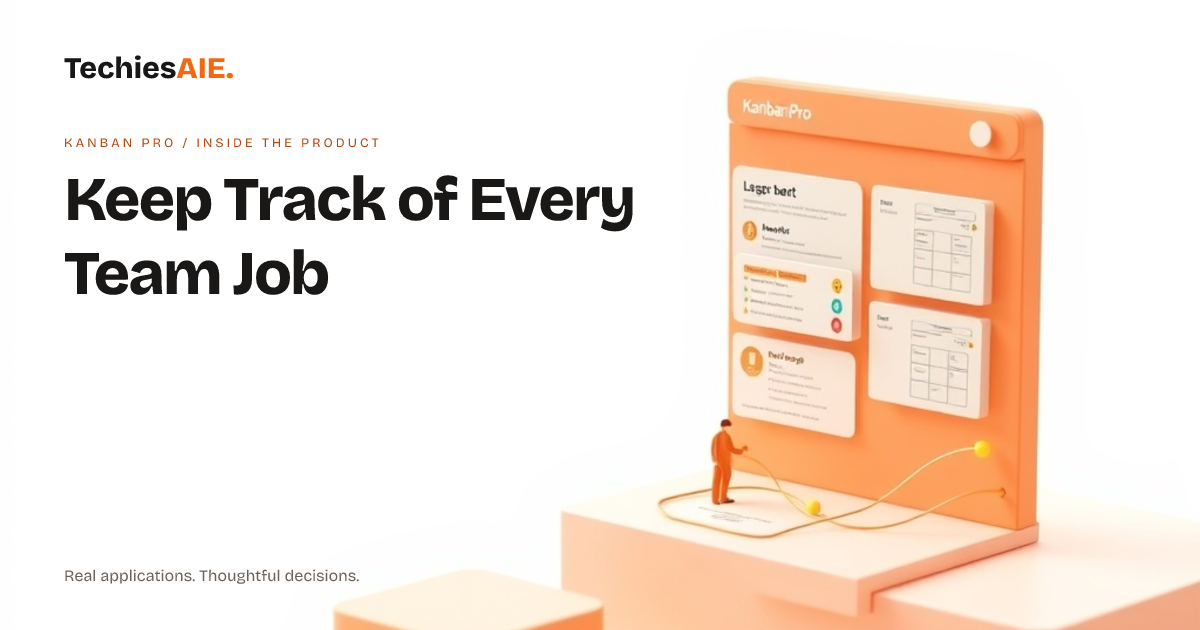
Kanban Pro offers live boards. Think of these as digital whiteboards. Each job is a card that you can move. This means everyone can see what needs doing, what is in progress, and what is finished. It’s clear and simple for the whole team.
For example, a customer service job might start in 'New Inquiries.' After a call, someone moves it to 'Waiting for Reply.' This single view keeps everyone informed about each job's current status.
If you need a website that shows live updates for customer inquiries, TechiesAIE can build that. This helps your team and customers stay on the same page. Find more about our web services here. web services
Everyone Sees Updates Instantly
The key feature for keeping track of records is 'Multi-user sync.' This means that when one person makes a change, everyone else sees it at the same time. There is no need to refresh a page or wait for an email. It’s like magic, but it's just good technology.
When a team member adds a comment or drags a job card to a new column, the change appears on everyone's screen. This ensures all records are up-to-date for everyone. No more working from old information.
Comments Stay with the Job
Kanban Pro also supports 'Comments and activity feeds.' Every job card has a space for notes and conversations. All discussions about a job stay with that job. You do not need to hunt through old emails to find a specific detail. This keeps all records in one place.
If a team member asks a question about a job, the answer is right there on the card. This makes it easy to see the history of a job. It reduces confusion about past decisions and steps taken.
To build an application like Kanban Pro, we consider how teams need to share and keep records. This often includes planning for how many people will use it and how many jobs they will track. You can see the live product here to get an idea of how it works. live product here
What Kanban Pro Does Not Do
While Kanban Pro is great for keeping track of tasks and comments, it focuses on these core features. It does not handle complex billing or customer contact details in a deep way. For example, it won’t send automated emails to customers or manage invoices.
It also does not track employee hours automatically. It is a tool for seeing job progress and team communication. For broader business needs, you might require a custom application. This is where TechiesAIE can help you decide.
What a Similar Project Needs
If you need an application to keep track of more than just jobs and comments, consider your specific needs. What other records do you need to manage? Do you need to connect with accounting software or customer databases?
A project like this might need custom rules for who can see what. It could also need special ways to find a file related to a job. TechiesAIE can build custom software tailored to these exact needs. This ensures all your records are managed just how you like.
We can help you think through what records are most important. This includes how long you need to keep them and who needs access. It is all about making sure your team can do their best work without losing track of anything important.
Want to discuss how a custom application can help your team keep track of every job and associated record? Contact us today to start the conversation.