How to hand over team tasks without losing track of comments
Kanban Pro helps teams hand over tasks with comments and activity feeds, keeping everyone updated.
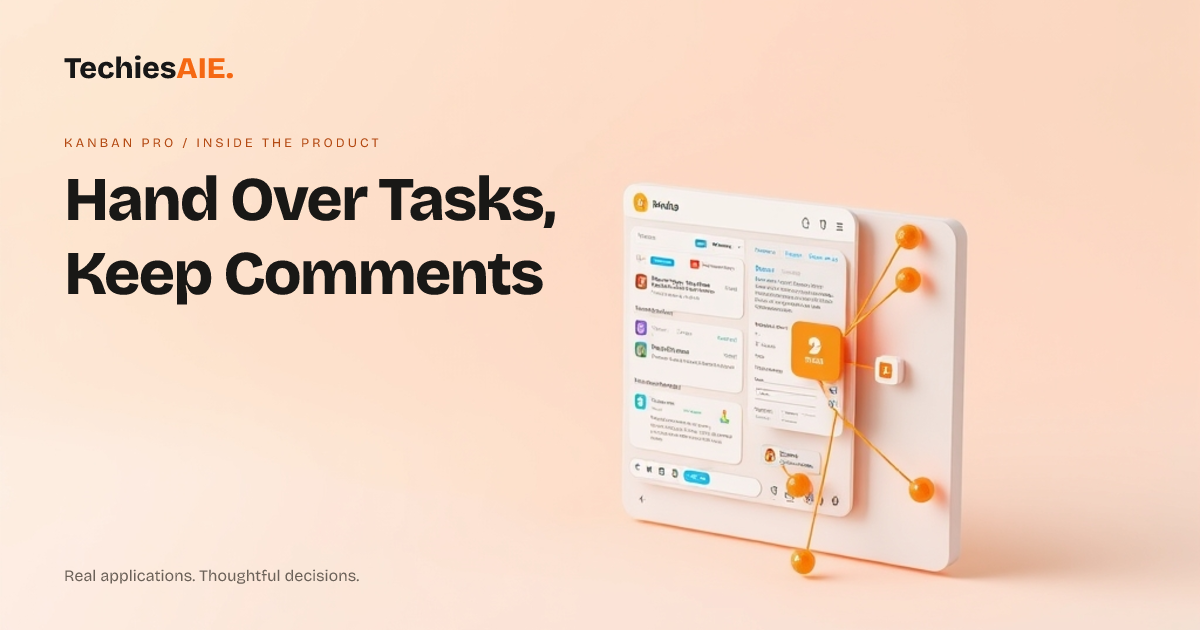
Have you ever handed over a job to a team member, only for them to ask about a detail you already explained? It is frustrating to repeat yourself, and it slows everyone down. Kanban Pro is an app designed to keep everyone on the same page.
This app acts like a shared digital whiteboard. It helps teams keep track of jobs and all the conversations around them. Kanban Pro uses live boards and multi-user sync. This means everyone sees the latest updates at the same time. You can see how this works at its live demonstration board: https://canban-one.vercel.app
The Challenge: Lost Comments
Imagine Sarah is working on a client's website design. She needs to hand it over to Mark for coding. Sarah has made many small changes and shared feedback in chat messages. If she just tells Mark to 'look at the file,' he might miss important notes.
This happens when comments are buried in emails or separate chat apps. Mark then asks Sarah questions already answered. This wastes time for both of them. It also risks missing a key detail for the client.
Keeping All Notes in One Place
Kanban Pro helps fix this with comments and activity feeds. When Sarah adds a task for the website design, she can attach all her feedback directly to that task. Mark sees it instantly when he looks at the task.
The activity feed also shows every change made to the task. It records who did what and when. This means Mark can quickly see the entire history of the task. He will not need to ask Sarah for old messages or details.
For businesses needing similar ways to track communications around tasks, TechiesAIE can adapt and build custom software. This ensures your specific workflow needs are met. Learn more about our custom software services.
Real-time Updates for Smooth Handovers
The 'Multi-user sync' feature is key here. As Sarah adds comments or moves the design task from 'In Progress' to 'Ready for Review,' Mark sees these changes immediately. There is no need to refresh or wait for an email.
This real-time connection means that when Mark officially takes over the task, all the context is right there. He can read Sarah's comments, see past activities, and understand what needs doing next. This makes the handover quick and clear.
Think of it as both people always looking at the exact same whiteboard. If one person draws something, the other sees it right away. This prevents miscommunication and forgotten steps. It keeps projects moving forward.
What Kanban Pro Does Not Cover
While Kanban Pro helps with task visibility and comments, it is a template demonstration. It does not include advanced features like detailed access rules for different users. You cannot, for example, hide specific comments from certain team members without custom work.
It also does not integrate with other tools directly. If you need it to pull data from your accounting software, that would be a separate build. These are common requirements for custom applications. TechiesAIE specializes in building these connections.
If your business needs a system to share internal documents related to tasks, that would also be a custom feature. The existing product focuses on task management and communication within the board itself.
What a Similar Project Needs
A project like Kanban Pro provides a strong starting point. If you need to track tasks with shared comments, this structure is very useful. It shows how live updates keep everyone informed during handovers.
To build a similar custom application, you would need to define your exact user roles. Who can see what? What external tools must it connect to? How will it handle different types of files?
TechiesAIE can help you map out these details. We can take a product like Kanban Pro and add the specific features your business needs. This ensures your team always has the right information during task handovers. We can also integrate it with your existing website if needed.