How to Keep Track of Your Creative Work Records
A portfolio app that helps designers keep past projects visible, organized, and easy to review—without drowning in spreadsheets or lost files.
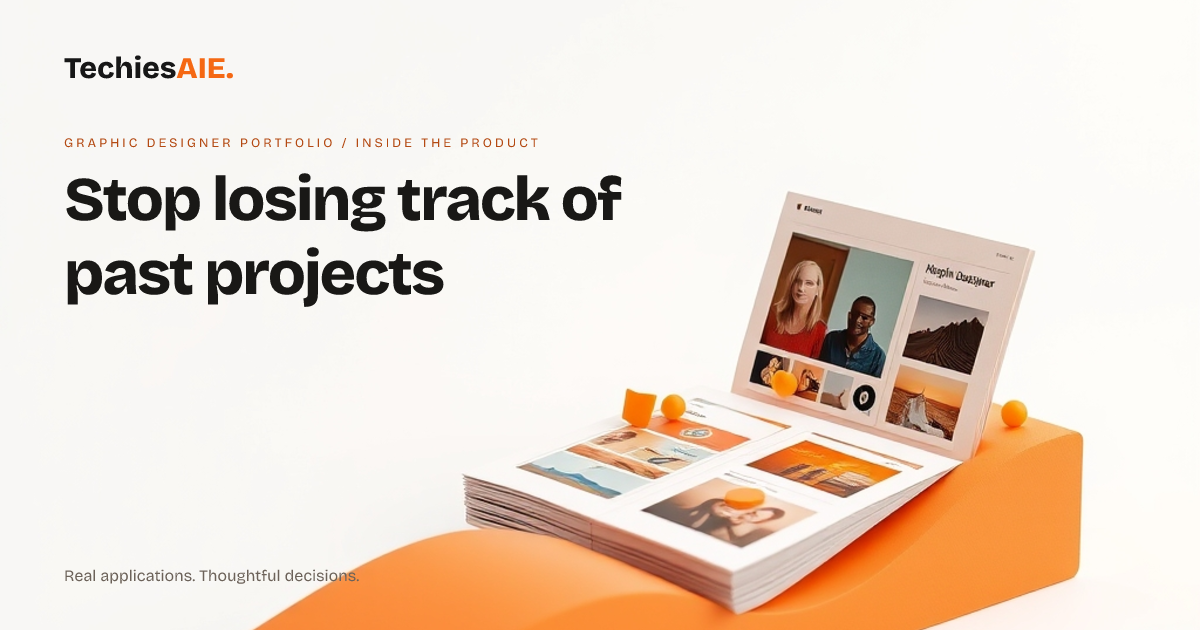
Graphic designers and art directors often juggle multiple projects at once. Files get buried in folders, client details slip through the cracks, and past work becomes hard to find when pitching new ideas. The Graphic Designer Portfolio app helps teams keep track of every project in one place—so nothing gets lost and nothing slips by unnoticed. Explore Graphic Designer Portfolio
This portfolio isn’t just for showing work. It’s built to store and organize records like project names, client details, dates, and even notes about what went well—or what didn’t. Every piece of work lives in one spot, making it easy to review past projects when planning new ones.
For example, when a designer wants to pitch a similar project to a new client, they can quickly pull up past work. Instead of digging through old emails or folders, they see everything in one view: project thumbnails, client names, and even a short description of the work. This saves time and keeps details from getting mixed up.
How the portfolio keeps records organized
The app uses a visual project gallery to display work. Each project appears as a clickable thumbnail with key details like the client’s name and the type of work (brand identity, packaging, etc.). This makes it easy to scan and find what you need without sifting through folders.
Behind each thumbnail, there’s a dedicated project page. Here, designers can add notes about the project—like challenges faced, client feedback, or even file links. This turns the portfolio into a living record of past work, not just a pretty showcase.
For teams, this means no more guessing where a file is or who worked on what. Every project’s details stay in one place, so new team members can jump in without asking endless questions. It’s like having a shared notebook for all your creative work.
What’s missing—and what you might need
Right now, the portfolio demo shows a clean way to organize projects. But it doesn’t include tools to track time spent on each project or link directly to invoices or contracts. If those records matter to your team, you’d need to discuss adding them during a custom build.
Another gap: the demo doesn’t show how to handle access rules for team members or clients. If you need to share parts of your portfolio with specific people—or restrict who sees what—this would need to be set up as part of a custom project.
For example, a design studio might want to let clients view only their own projects, while keeping internal notes private. This kind of control isn’t included in the current demo but could be added if it’s a priority for your workflow.
What a similar project would need
If you’re ready to adapt this portfolio for your team, start by listing what records you need to keep. Do you track client feedback, project timelines, or file versions? The demo shows a strong foundation, but custom work would focus on filling in those gaps.
For instance, a packaging designer might need to log material costs or supplier details for each project. A brand identity studio might want to store mood boards or competitor research. These extra records would need to be built into the portfolio during development.
TechiesAIE can help turn this demo into a custom solution. Whether you need to track more details, set up access rules, or connect to other tools your team uses, the starting point is clear: a portfolio that keeps your creative work visible and organized. Explore TechiesAIE software services
This same approach could work for other creative teams, too. A photography studio might adapt it to track shoot details, while a marketing agency could use it to organize campaign records. The core idea—keeping past work searchable and useful—applies to many creative businesses.
See the demo portfolio in action to get a sense of how it works. Then, discuss your specific needs with TechiesAIE to explore what’s possible for your team’s records.
Explore the Graphic Designer Portfolio demo here. Learn more about custom software solutions here.