How a simple payment screen keeps crypto buyers from leaving
Customers abandon crypto checkouts when steps are unclear. This design shows payment choices, fees, and next steps upfront—so buyers stay engaged.
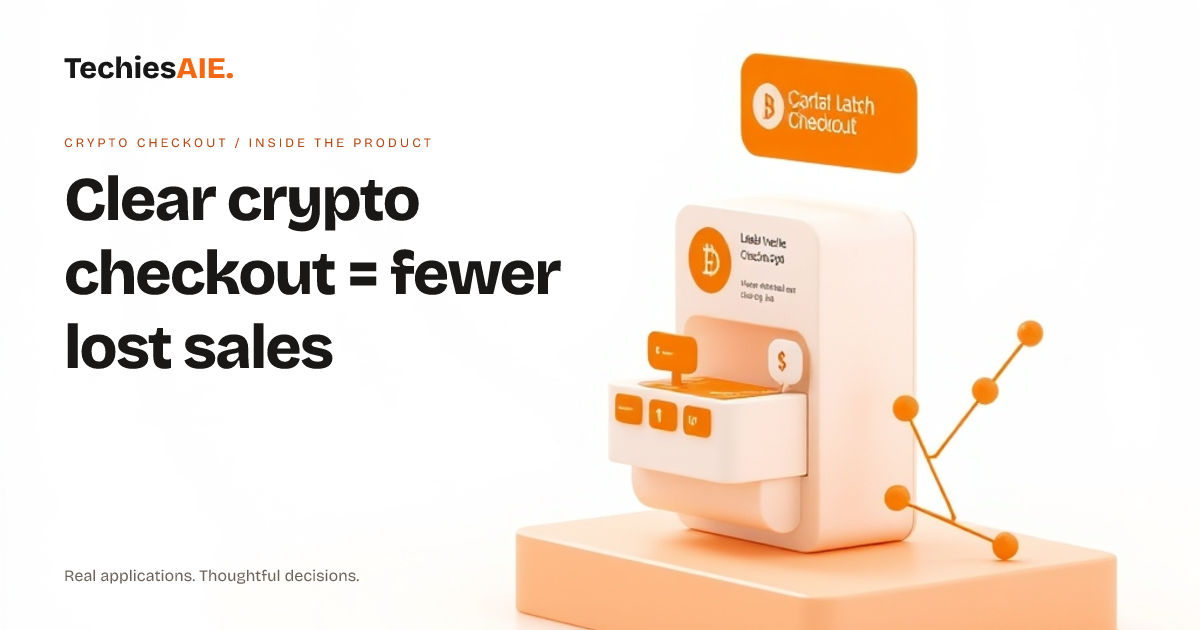
A customer taps ‘Checkout’ and sees a long list of steps. Halfway down, they spot a warning about ‘network fees.’ They pause. Then they leave. This happens every day when crypto checkout steps aren’t clear. Crypto Checkout fixes this by showing only what matters: payment method, exchange rate, and one clear ‘Continue’ button. Explore the template to see how it works. Explore Crypto Checkout
The product starts with two simple choices: ‘Pay from’ (their crypto wallet) and ‘Pay to’ (their preferred method, like local cash). No hidden steps. No confusing jargon. This matches how people expect to pay—simple and direct. For example, a buyer in Lagos sees ‘1 ETH ≈ 0.98 NGN’ upfront, so they know exactly what they’re getting.
After selecting their method, customers tap ‘Continue.’ The next screen shows their wallet options (like MetaMask or Trust Wallet) or payment method (bank transfer, mobile money). Each step is short and focused. This keeps customers moving forward instead of getting stuck. The design avoids technical terms unless the customer is converting to cash.
Why this matters for your business
A confusing checkout means lost sales. Many customers abandon carts when they can’t quickly see fees, exchange rates, or payment options. Crypto Checkout solves this by putting key choices front and center. This is especially useful for businesses selling to international buyers who may not trust unfamiliar payment steps.
The product also works on phones and tablets. Some customers start checkout on their laptop but finish on their phone. A responsive design ensures the payment screen looks good and works the same way everywhere. This reduces frustration for customers who switch devices mid-checkout.
For businesses using this template, the checkout flow is ready to go. But real-world use needs a few extra steps. You’ll need to connect it to your crypto wallet provider (like Coinbase or Binance) and your local payment system (like Flutterwave or Paystack). This ensures the ‘Pay from’ and ‘Pay to’ options actually work for your customers.
What’s missing—and how to fix it
The template shows a smooth flow, but it doesn’t handle errors yet. For example, if a customer’s wallet balance is too low or the network fee changes last-minute, they’ll see a blank screen. A custom app would show clear messages like ‘Insufficient funds’ or ‘Network fee updated—please confirm.’ This keeps customers from guessing what went wrong.
Another gap: the template doesn’t track sales data automatically. You’d need to add a way to log transactions (like saving receipts to a spreadsheet or database). This helps you see what’s selling and spot issues, like high drop-off rates at the payment step. See how we can adapt this for your data needs. Explore TechiesAIE ecommerce services
What a similar project would need
If you’re building a custom crypto checkout, start with these three things: 1) A clear ‘Pay from’ and ‘Pay to’ screen, 2) upfront exchange rates and fees, and 3) a responsive design that works on all devices. These choices cut drop-offs and build trust. Then, add error messages and data tracking to handle real-world problems.
TechiesAIE can adapt this template for your specific needs. For example, we’ve built similar payment screens for ecommerce stores, subscription services, and local businesses accepting crypto. Each one starts with the same clear UI but adds features like multi-currency support or tax calculations. See our ecommerce services for examples.
For businesses already using spreadsheets to track crypto sales, this template is a step up. It replaces manual notes with a shared, real-time checkout process. No more guessing if a sale went through or if a customer left because of confusion. Learn how to move from spreadsheets to a shared system.
The template also works well for businesses that need to accept crypto but don’t want to overhaul their entire checkout. You can add it alongside your existing payment methods (like credit cards) without confusing customers. This keeps things simple while expanding your payment options.