How to stop losing job candidates when follow-ups get buried
Career Garden helps hiring teams avoid losing candidates when follow-up reminders get buried in emails or forgotten in notes.
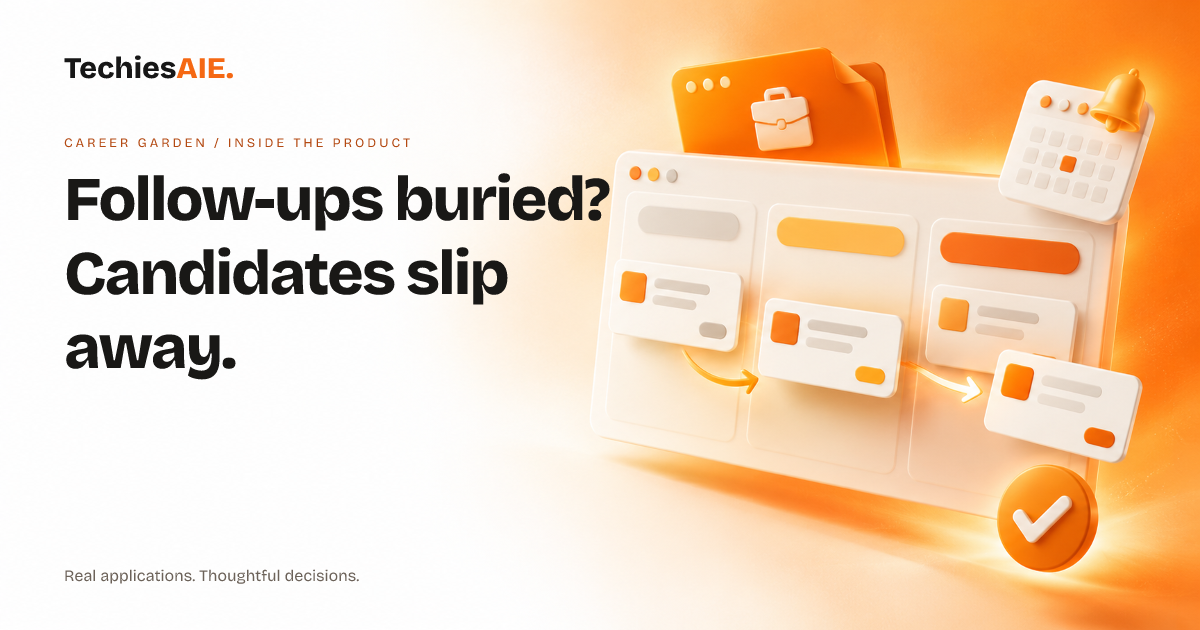
You interview a candidate on Tuesday. They seem perfect for the job. But by Thursday, you’ve forgotten to send that thank-you email. Or worse, you meant to call them back yesterday—but their voicemail says they’ve already accepted another offer. Career Garden helps teams avoid this by keeping follow-ups front and center. It’s built to handle the daily grind of hiring: storing applications, interview notes, and reminders in one spot. Explore Career Garden
The app’s follow-up reminders are its main strength. Instead of relying on email flags or sticky notes, Career Garden lets you schedule reminders directly tied to each candidate. Need to send a rejection email by Friday? Set a reminder. Want to call a top candidate back in three days? Schedule it. The reminder stays linked to their profile, so you always know who needs attention and why. No more digging through emails or notes to figure out who you owe a call to.
Here’s how it works in a real hiring week. You interview five candidates on Monday. Afterward, you set reminders in Career Garden: thank-you emails for three candidates by Wednesday, and calls for two others by Friday. On Wednesday, the app alerts you to send those emails. Each reminder shows the candidate’s name, job title, and why you’re following up. If you miss the alert, the reminder stays in your dashboard until you mark it as done.
You can also add notes to reminders. For example, if a candidate mentioned they’re waiting for another offer, you might write ‘Ask about timeline’ in the reminder. This keeps all the context in one place, so you’re not scrambling to recall details later. The app doesn’t just remind you—it gives you everything you need to act fast.
What’s missing in the template?
Career Garden, as a template, doesn’t yet handle team access rules. If multiple people need to manage candidate records—like a hiring manager and an assistant—you’d need to discuss how to set up permissions. For example, should the assistant only see follow-ups they’re responsible for, while the manager sees everything? This is a common need for teams with shared workloads.
Another gap is integrations with email or calendar tools. Right now, reminders stay inside the app. That means if you rely on Outlook or Google Calendar, you’d need to check Career Garden separately to avoid missing a reminder. For teams that use these tools daily, this could mean extra steps to stay on top of follow-ups.
When would you need a custom version?
Career Garden works well for teams with a straightforward hiring process: collect applications, interview candidates, and follow up. If your workflow is simple, this template could save hours of lost time. But if your process is more complex—like tracking candidate scores or managing multi-stage interviews—you might need to adapt the template or build custom features.
For example, a career coach helping clients apply for jobs could use Career Garden to track client applications and follow-ups. But if they also need to log client progress notes or share updates with other coaches, the template would need adjustments. TechiesAIE can help decide what’s needed for your specific workflow. Explore custom software services to see how we’ve built similar tools for hiring teams. Explore TechiesAIE software services
If your team uses spreadsheets or sticky notes to track follow-ups, Career Garden could replace that chaos. But if your hiring process has unique steps—like sending automated rejection emails or tracking candidate feedback—you’d need to discuss how to adapt the template during development.
What would a similar project need?
To build a reminder system like Career Garden for your hiring workflow, you’d need to clarify a few things first. Who should see or update candidate records? Will you need roles like ‘Admin’ or ‘Recruiter’? Do you need reminders to sync with your email or calendar? And are there unique steps in your hiring process, like scoring candidates or managing multi-stage interviews?
TechiesAIE builds custom software like Career Garden to fit specific workflows. Whether you need reminders, team access, or integrations with your tools, we can scope what’s possible and deliver a solution you can maintain. For example, we’ve helped career coaches, small businesses hiring staff, and recruitment agencies manage their hiring workflows more efficiently.
Ready to stop losing candidates to buried follow-ups? Discuss building a similar system for your hiring team. Include details about your workflow, tools, and any special requirements.