How a Small Team Can Add a Progress Dashboard Without Pausing Work
A small team can introduce Career Garden’s progress dashboard for job applications without pausing their current workflow—if they focus on the right first steps and avoid common pitfalls.
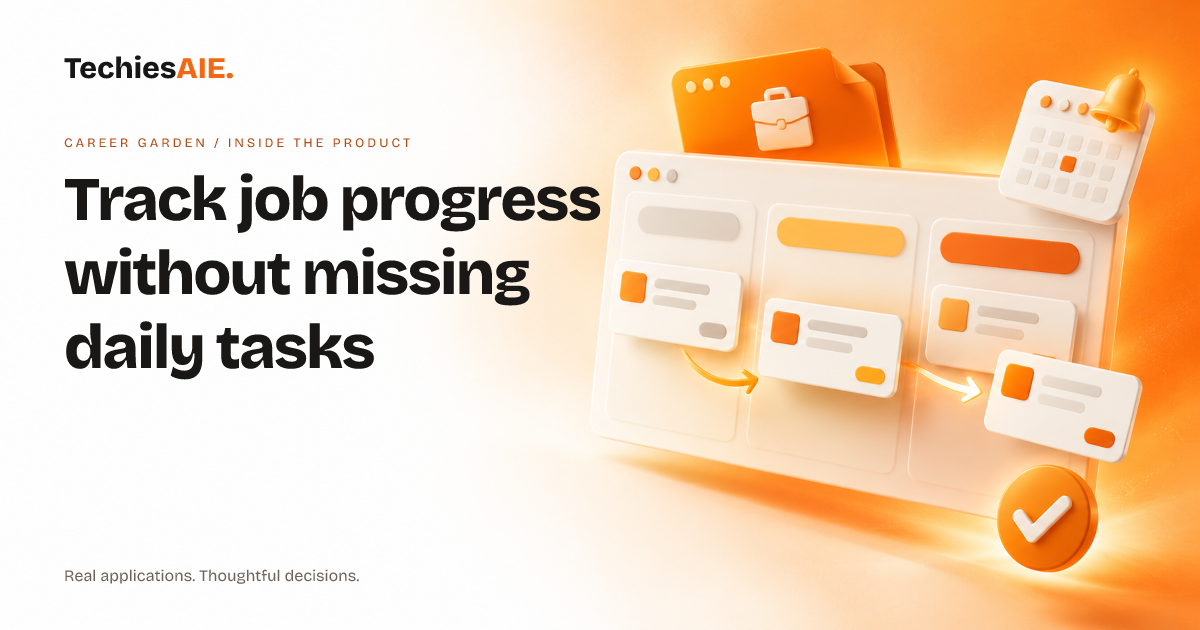
Career Garden’s progress dashboard helps small teams see job application stages at a glance—submitted, interviewed, offered, or rejected—without adding extra work. It’s designed to fit into daily tasks, not replace them. The dashboard updates as new steps are added, so teams don’t have to manually log progress in spreadsheets or emails.
The dashboard starts with a simple view: a list of jobs grouped by stage. For example, all ‘applied’ jobs appear together, followed by ‘interviewed’ and ‘offered.’ This makes it easy to spot what’s next without digging through notes or old emails. Teams can also set reminders for follow-ups, like calling a candidate after an interview. Explore Career Garden
To introduce the dashboard without disruption, start with one hiring workflow—like tracking applications for a single role. Add jobs to the dashboard as they come in, marking each step (e.g., ‘applied,’ ‘interview scheduled’). This keeps the focus narrow and avoids overwhelming the team with too many changes at once.
A common challenge is forgetting to update the dashboard. To fix this, set a quick daily check-in—like 5 minutes—to log progress. This small habit ensures the dashboard stays accurate without slowing down the team’s work. For example, a hiring manager could update it during their morning coffee break.
If your team uses spreadsheets or emails to track job applications, the dashboard can start as a supplement. Copy key details into Career Garden first, then slowly shift more tracking to the app. This gradual approach avoids forcing a full switch and keeps daily work on track.
Career Garden’s dashboard is built for job applications, but similar tools can be adapted for other workflows. For example, a career coaching business could use it to track client job placements, while a small agency might monitor freelance project stages. The core idea is the same: a clear view of progress without losing track of daily tasks.
TechiesAIE can help design a progress dashboard tailored to your specific needs. Whether you need reminders, shared access, or custom stages, the focus is on fitting the tool into your existing workflow—not overhauling it. For example, a learning platform could adapt this idea to track course completions, or a fleet system might use it to monitor vehicle maintenance schedules. Explore TechiesAIE software services
For teams ready to build something similar, start by testing the dashboard with one workflow. Focus on the basics: tracking job stages and setting reminders. Later, you can add more features like shared access or custom reports. The goal is to see progress without slowing down the team’s current work.
If your team relies on emails or notes to track job applications, Career Garden’s dashboard can serve as a central hub. Instead of searching through emails or spreadsheets, everyone can see the same updated progress in one place. This reduces confusion and ensures no follow-ups are missed.
What the Progress Dashboard Does for Your Team
The dashboard shows job stages in one place. No more flipping between spreadsheets or emails to see what’s next. For example, a hiring manager can quickly see which candidates are still ‘interviewed’ and need a follow-up call.
Reminders keep follow-ups from slipping through the cracks. Set a reminder to call a candidate after an interview, and the dashboard will alert you when it’s time. This avoids missed opportunities because someone forgot to check their inbox.
The dashboard is simple to start with. You don’t need to set up complex rules or permissions right away. Just add jobs as they come in and mark their progress. Later, you can add more details like notes or shared access if needed.
What to Watch Out For
One limitation is that the dashboard is designed for job applications. If your team tracks other types of progress—like client onboarding or project milestones—you may need to adapt it or build something similar. For example, a custom product could be shaped to fit your exact workflow.
Another challenge is keeping the dashboard updated. If team members forget to log progress, the dashboard won’t show an accurate picture. To fix this, set a simple rule: update it once a day, even if just for 5 minutes. This keeps it useful without adding stress.
If your team uses other tools—like a shared calendar or CRM—the dashboard might not connect to them automatically. You’ll need to decide whether to keep using those tools or move everything into Career Garden. For example, a software solution could be built to sync with your existing tools if needed.