How two salespeople hand over leads without missing follow-ups
LeadViora helps two salespeople hand over leads clearly, so no one misses a follow-up or forgets who’s handling what.
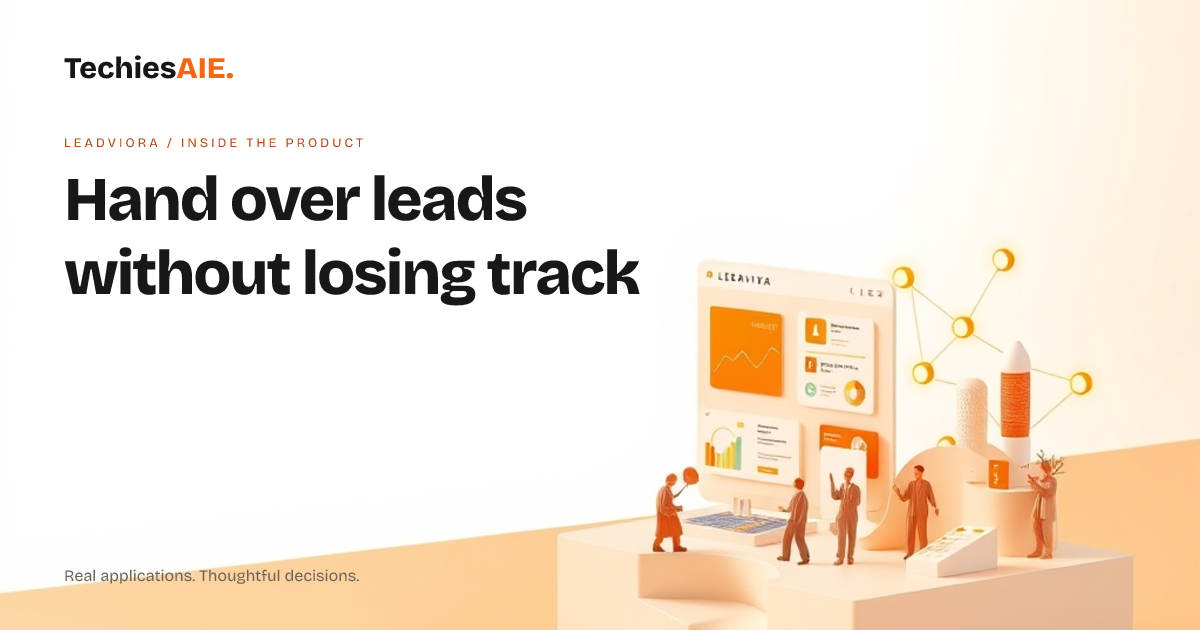
Two salespeople share a lead list. One finishes at 5 PM, the other starts at 9 AM. The first person marks leads as ‘needs follow-up’ but doesn’t write down who should handle them. The second person starts calling, only to find half the leads were already contacted. No one knows who’s doing what, and leads slip through the cracks.
LeadViora is a shared workspace for leads. It shows every lead, who owns it, and what’s next. No more guessing who’s handling what. The app keeps track of jobs so the team stays on the same page—even when shifts change. Explore LeadViora
At the end of the day, the first salesperson opens LeadViora and marks leads as ‘assigned to me’ or ‘needs follow-up.’ They add notes like ‘called twice, left message’ so the next person knows where things stand. The app reminds them to update ownership before leaving.
Two ways LeadViora keeps leads visible during handover
LeadViora shows a clear list of all leads, who’s handling them, and what’s next. No more scrolling through emails or spreadsheets to find out who’s doing what. The dashboard updates in real time, so both people see the same picture.
The app assigns leads automatically based on rules you set. For example, ‘all new leads from Mumbai go to Person A, others to Person B.’ This cuts down on arguments over who should call whom. Rules can change anytime if the team’s focus shifts.
LeadViora also sends reminders for follow-ups. If a lead hasn’t been contacted in three days, the app alerts the owner. No more ‘I forgot’ excuses. The next person on shift sees these reminders right away and picks up where the first person left off.
What’s missing when you only see the demo
The demo shows lead lists and reminders. But real teams need more. For example, what if leads come from different sources—like a website form, a phone call, or a trade show? The demo doesn’t show how LeadViora connects these sources to the same workspace. You’d need to discuss how to bring all lead data into one place.
Another gap: the demo doesn’t show how the app handles mistakes. What if a lead is marked as ‘closed’ by accident? Or if two people try to edit the same lead at once? These are questions for the team building the system, not the template. TechiesAIE can adapt LeadViora to fit these needs.
What a similar project would need
A real handover system needs clear rules for who gets which leads. For example, ‘Person A handles all leads from 9 AM to 3 PM, Person B takes over after.’ These rules should be easy to change if the team’s schedule shifts. The app must also show a history of who did what, so no one repeats work. Learn how TechiesAIE builds custom lead systems
You’ll also need a way to track why leads were lost. For example, ‘Did we miss a call because the reminder didn’t go out?’ or ‘Was the lead marked as closed too soon?’ LeadViora’s analytics can show these patterns, but the setup depends on how your team tracks details today.
Finally, think about how leads move from one stage to another. For example, ‘a contacted lead becomes a demo request, then a proposal.’ The app should show this path clearly, so both people know what’s next without asking. TechiesAIE can design this workflow to match your team’s steps.
LeadViora is a starting point. But a real handover system needs rules, reminders, and a clear path for leads. If your team works across shifts or shares leads, this setup can save time and avoid missed calls. Discuss your needs to see how TechiesAIE can adapt it for you.