What a first financial dashboard version *actually* shows—and what to plan for next
FinTrack’s dashboard helps small teams see key financial data at a glance—but a first version won’t do everything. Here’s what it can handle right now, and what to discuss for later.
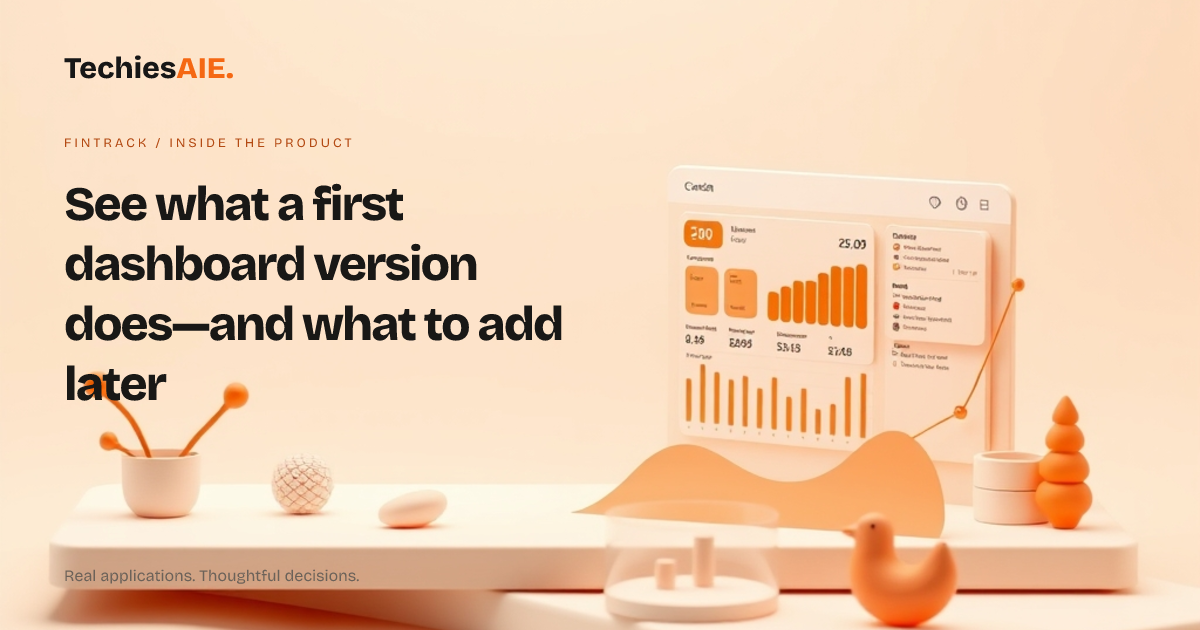
FinTrack’s dashboard is built to show financial data clearly on phones and desktops. Right now, it handles three key tasks: displaying clean charts, organizing data in easy-to-read sections, and working on different screen sizes. This is what a first version can do—without extra features like user access rules or custom reports.
The dashboard uses simple charts to show trends like income, expenses, or savings over time. You pick the data it shows, and it arranges it in boxes so you can see what matters most at a glance. No spreadsheets or confusing numbers—just the facts you need. See the FinTrack demo
A first version won’t let different team members see only the data they’re allowed to. That means if you have multiple people using it, you’ll need to talk about how to handle access later. Right now, the focus is on making sure the data looks clear and works on any device.
What a first version can do
The dashboard shows data in two ways: as simple charts (like line graphs for trends) and as organized lists (like recent transactions). You choose which charts to include, so you’re not stuck with extra clutter. For example, you might show monthly income alongside expenses—side by side, not buried in a spreadsheet.
It works on phones, tablets, and desktops without looking squished or broken. Tap or click to zoom in on details, and the layout adjusts so you’re not scrolling sideways. This matters if your team checks finances on the go.
You can rearrange the dashboard sections to match how you work. Move the most important chart to the top, hide what you don’t need, and keep it simple. The goal is to see what’s happening now—not dig through old spreadsheets.
What a first version won’t do
Right now, FinTrack doesn’t connect to your accounting software or bank feeds. You’d need to export data first (like from Excel or QuickBooks) and upload it. This keeps the first version simple, but it means you’ll need to plan for automatic updates later if you want real-time numbers.
You can’t set up different user accounts or permissions in this version. If multiple people need access, you’ll need to discuss how to handle that before moving forward. For now, the dashboard is designed for one person—or a small team that doesn’t need strict access controls.
Custom reports or alerts aren’t included. For example, you can’t set up automatic emails when expenses hit a certain limit. These would need to be added in a later update if they’re important for your workflow.
What to discuss next
If you’re happy with the basic layout and charts, the next steps depend on what’s missing for your team. Do you need user accounts? Automatic data updates? Or just a cleaner way to share financial updates with clients? These are all things to talk about before building further.
For example, if you run a small advisory firm and want clients to see their portfolio data, you’d need to add user logins and custom views. That’s not part of the first version—but it’s something TechiesAIE can help design next. The key is starting with what you need today, not waiting for everything to be perfect. Explore TechiesAIE software services
TechiesAIE can also adapt this dashboard for other uses. For instance, a logistics team might use a similar layout to track fuel costs and vehicle expenses. Or a coaching business could display client payments and session schedules in one place. The dashboard design is flexible enough to fit different financial tasks—if you know what’s missing first.
Before you decide, ask: What’s the one financial task we’re tired of doing manually? Is it tracking client payments? Comparing monthly budgets? Or just making sure everyone sees the same numbers? Start there, and the rest will follow.
Need help figuring out what to build first? Discuss your financial dashboard needs with TechiesAIE’s team. They’ll help you match FinTrack’s capabilities to your actual workflow—without overbuilding.