How a Clean Dashboard Fits Your Phone Without Losing Key Numbers
FinTrack’s responsive design keeps financial tasks visible on phones without clutter or zooming, solving the problem of spreadsheets that look like tiny puzzles on small screens.
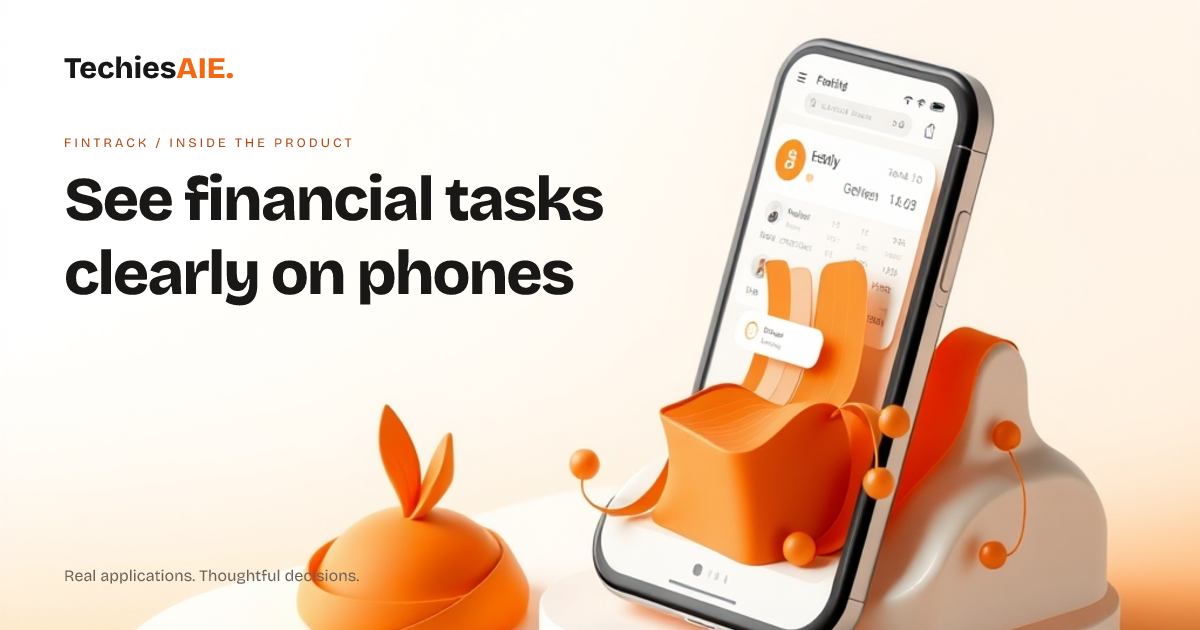
Small business owners often check financial tasks on phones. But dashboards built for desktops cut off key numbers, charts, and due dates on small screens. FinTrack’s design keeps everything visible without zooming. This avoids the frustration of spreadsheets that look like tiny puzzles on a phone.
FinTrack’s responsive layout adjusts automatically. Numbers stay readable. Charts shrink but keep their shape. Due dates don’t disappear into the side of the screen. This means no more tapping ‘zoom’ or switching to a laptop just to see what’s due. See the responsive demo
How it helps with daily work
Imagine checking payments while waiting for a client. On FinTrack, you see all invoices at once. No scrolling sideways to find due dates. The layout stacks tasks neatly so you spot overdue items fast. This cuts the time spent hunting for numbers in spreadsheets by half.
FinTrack also groups related files together. Instead of digging through folders, you tap one section to see all receipts, contracts, or bank statements for a client. This works the same way on a phone or tablet—no hidden files, no extra clicks.
For teams, this means less back-and-forth. No one emails ‘Where’s the file for Client X?’ because everyone sees the same clear view. Files stay attached to tasks, so nothing gets lost in clutter.
What it can’t do yet—and what that means for you
FinTrack’s demo shows a clean design, but it’s not a full app ready to connect to your bank or accounting software. You’d need to plan how to link it to your actual data. This might mean adding a step to upload files or sync records manually.
Right now, the demo focuses on layout. It doesn’t include user logins, password rules, or team permissions. Those would need to be built or adapted later if you want multiple people to use it safely.
If your team uses specific tools—like QuickBooks or Xero—you’d also need to decide how to pull data into FinTrack. This could mean extra work to match your workflows, such as building custom connections or manual uploads.
What a similar project would need
To build something like this for your business, you’d start by listing the financial tasks you do most often. Which screens do you check daily? What files or numbers do you need to see at a glance? FinTrack’s demo shows a template for this, but your actual tasks might need tweaks.
For example, if you run a small fleet and track vehicle expenses, we could adjust FinTrack’s design to show fuel costs, maintenance due dates, and driver reports in one view. This would require customizing the layout to fit your specific needs, as shown in our fleet systems service. Explore TechiesAIE software services
If you’re a consultant managing client invoices, we’d focus on grouping tasks by client and due date. This could be built using FinTrack’s responsive design as a starting point, then adapted to include automated reminders for overdue payments—a feature we’ve handled in similar custom product builds.
If your workflows are complex—like tracking multiple types of expenses or integrating with specialized software—you might need a custom build. For instance, a dashboard for a healthcare clinic tracking patient payments and insurance claims would require deeper customization than FinTrack’s demo allows. Start by sharing your daily tasks—we’ll show you the best fit.
TechiesAIE can help adapt FinTrack’s layout for your tasks or build a custom dashboard from scratch. The choice depends on how much your workflows differ from the demo. For example, if you need to track both invoices and inventory, we’d discuss whether FinTrack’s design can be extended or if a custom solution is better. Use this service page to explore options for your team’s needs.