What to ask for in a responsive design demo
Crypto Checkout helps businesses convert crypto to cash, and responsive design ensures it works on any device.
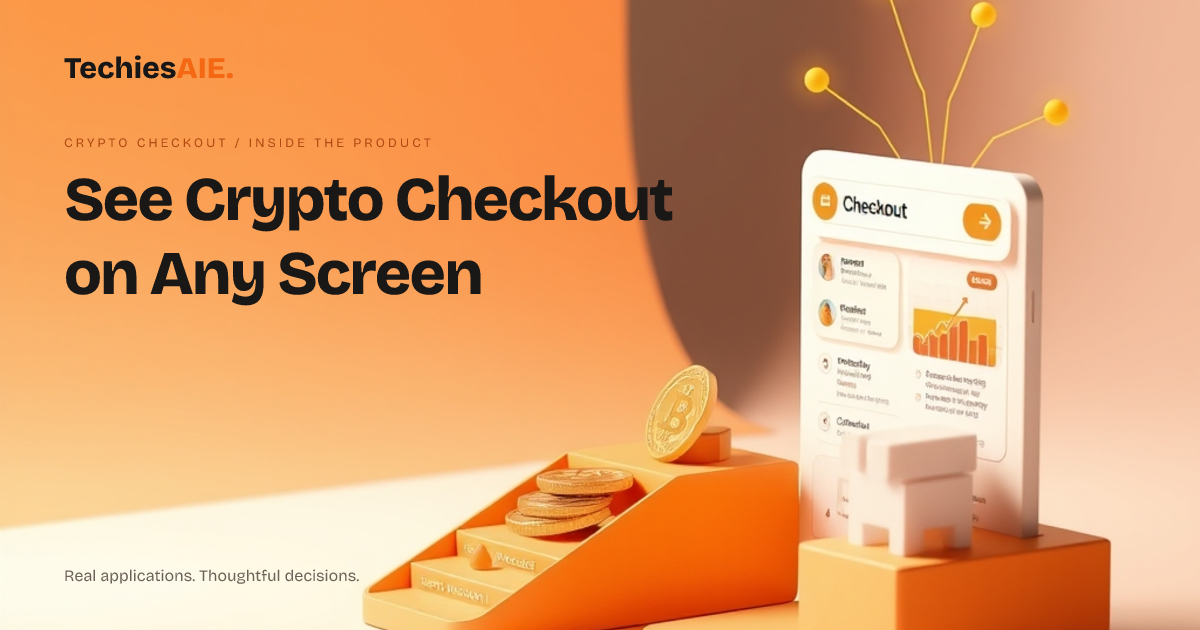
Imagine a customer trying to pay you with crypto. They pull out their phone, but the payment buttons are too small. Or they are on a tablet, and the numbers are cut off. This kind of problem loses sales.
TechiesAIE’s Crypto Checkout is a demonstration application that helps businesses take crypto payments easily. It focuses on a simple flow to turn crypto into cash. A key feature is its responsive design, which means it should work well on any screen size. You can see this in action on the product page. Crypto Checkout
Why Responsive Design Matters
Responsive design means the application changes its look based on your screen. It’s like a chameleon. It makes sure text is readable and buttons are clickable, whether you are on a phone, tablet, or computer.
For a crypto payment app, this is very important. Customers use different devices. If the app is hard to use on one, they might give up on their payment. That costs your business money and customer trust.
What to Ask About Payment Flow
When you look at a demo of Crypto Checkout or a similar application, watch the payment flow closely. Does it make sense? The app lets users choose to pay with crypto and receive cash, or the other way around. It shows
The demo shows how you pay in ETH and receive NGN (Nigerian Naira). See how it clearly displays the exchange rate and network fees. This clarity is important. A good responsive design keeps these details visible on small screens.
Ask to see the
This step shows where the money is going. Ensure this screen adjusts well. Text fields for recipient details should be easy to fill out on any device size. Overlapping text makes payments slow.
Testing Wallet and Payment Method Selection
Crypto Checkout also features a clear way to select your wallet and payment method. This is a critical part of the payment UI. In a demo, observe how these dropdowns or selection boxes behave.
On a small phone screen, do the lists for 'Select wallet' and 'Select payment method' open cleanly? Can you easily tap your choice? If these elements are fiddly, customers will get frustrated.
A custom application could also connect to your existing systems. TechiesAIE can build specific integrations so payments flow smoothly. We specialize in custom software development for these kinds of needs. Explore TechiesAIE ecommerce services
Beyond the Demo: What to Consider
While Crypto Checkout demonstrates responsive design, a custom project would need more. Think about what happens if a transaction fails. How would the app tell your customer what went wrong? This kind of error handling needs careful planning.
Also, consider access rules. Who can see certain payment details? Who can approve conversions? These are not shown in the demo but are vital for a real business application. You would need specific user roles.
Finally, think about data. Where do payment records go? How do you keep track of jobs? A complete solution would store this information securely. This might involve building a custom database behind the application.
What Your Project Needs
A project like Crypto Checkout starts with a clear idea. What do you need it to do? This demo shows a clean payment flow that works on many devices. That’s a great start.
Then, you add layers. Error messages, security roles, and how it connects to your bank. TechiesAIE helps map out these steps. We help build applications that fit your exact business needs, keeping future growth in mind.
If you want to explore building a custom application with responsive design, talk to us. We can help you define what you need and how to build it.