What to check in a storefront demo before you buy
Before buying a storefront template, ask to see these three key parts of the layout—so you know what you’re getting.
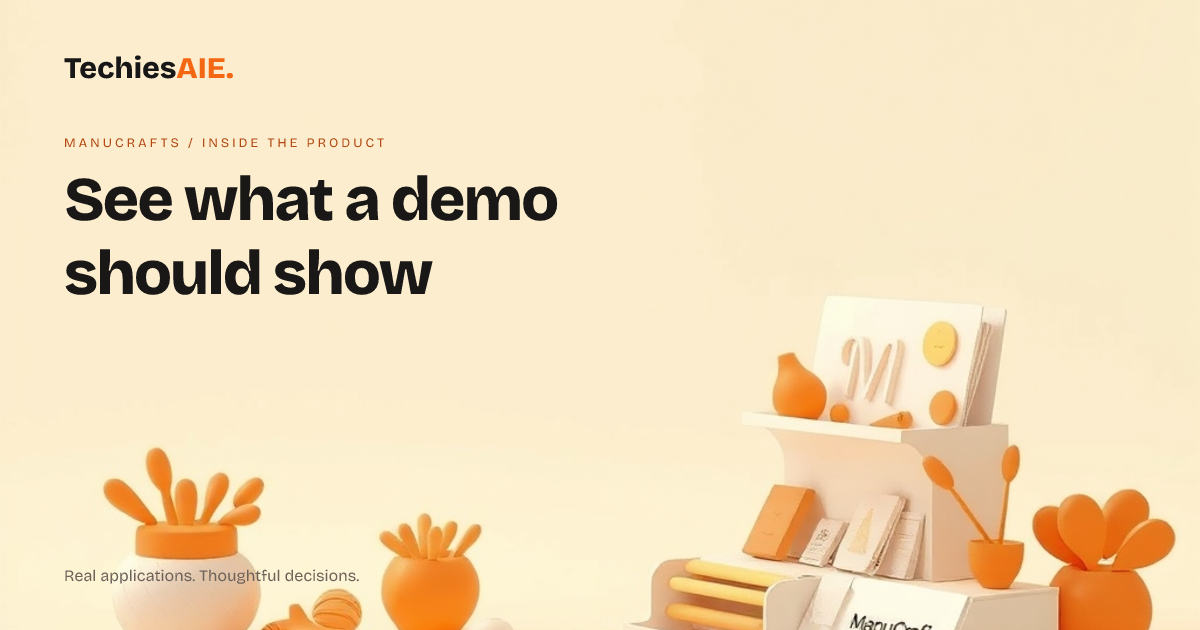
ManuCrafts is a storefront template built for handmade and craft brands. It’s designed to work right away on phones and desktops. But before you buy, you should ask to see three key parts of the layout in a demo. This helps you spot what’s included—and what might need extra work later.
The demo should show how products look on a phone. Many templates need fixes after launch because buttons or images don’t fit well. ManuCrafts promises a layout that works on phones without extra tweaks. Ask to see it in action with real product photos—like yours—to confirm it’s not just a placeholder.
Next, check if the demo shows a fast-loading storefront. A slow site loses sales. ManuCrafts claims to load quickly, but you should test it with a few product pages. Look for blank spaces or delays—these often mean hidden setup work. A demo should load in under two seconds on a normal phone connection. See the ManuCrafts demo
What to ask in a demo: Three must-see parts
1. Product cards on phones: Tap through a few products in the demo. Are images sharp? Do buttons work without zooming? A good demo uses real photos and shows how scrolling feels. If it’s hard to tap or read, the template may need custom fixes later.
2. Fast loading on slow networks: Ask the demo to load on a phone with a weak signal. If pages take more than two seconds, the template might need extra coding to speed it up. Slow sites frustrate buyers—so this is a dealbreaker for many sellers.
3. Checkout flow on mobile: Even if the demo doesn’t include payments, ask to see how a buyer would add items to their cart and start checkout. ManuCrafts is a template, so this part might need extra work. But you should confirm the layout is ready for this step.
ManuCrafts is a starting point, not a finished store. The demo should make this clear. For example, it might not include payment processing or advanced features like discounts. But the layout—how products look and how buyers navigate—should work without surprises.
If the demo skips these three parts, ask why. A good seller will show you exactly what’s included. For instance, they might say, ‘The layout works on phones, but you’ll need to add payment tools later.’ This helps you plan for extra costs upfront.
What’s missing—and how to prepare
ManuCrafts won’t include payment processing or inventory tracking. These are common gaps in templates. Ask the demo to show where these would fit. For example, does the checkout page have space for a ‘Pay Now’ button? If not, you’ll need to add it later.
Another gap: custom branding. The demo might use placeholder colors or fonts. Ask to see how easy it is to swap these for your logo and brand colors. Some templates make this simple; others need extra coding. This affects how much you’ll pay to set it up.
Templates like ManuCrafts are best for sellers who want a quick start. They’re not for brands needing complex features like memberships or subscriptions. If you see these missing in the demo, you’ll likely need a custom solution—like one built by TechiesAIE’s ecommerce team. Explore custom ecommerce development
Before you buy, list what you must see in the demo. For example: ‘Show me how a buyer adds a product to their cart on a phone.’ This keeps the conversation focused on what matters to you, not just what the seller wants to highlight.
If the demo doesn’t cover your key needs, ask for a written list of what’s included—and what’s extra. This saves time and money later. For example: ‘This template includes the layout, but you’ll need to pay separately for payment tools.’
What’s next for your storefront?
ManuCrafts is a template, so it won’t do everything. But it’s a great start for handmade brands who want a storefront that works on phones and loads fast. If you need more—like payments or custom features—you’ll need to plan for extra work. That’s where services like TechiesAIE’s ecommerce development come in.
For example, you might use ManuCrafts for the layout and then add payment tools later. Or you might need a custom storefront if your products require special features. Either way, start with a clear demo checklist. This helps you avoid surprises and pick the right tool for your needs.
Need help checking a demo or building a similar storefront? TechiesAIE can review templates or build a custom solution tailored to your brand. Start by telling us what you need to see in a demo—and we’ll help you ask the right questions.