How to Track Job Progress Without Losing Sight of What's Next
Career Garden helps you track job application progress, so you always know where you stand.
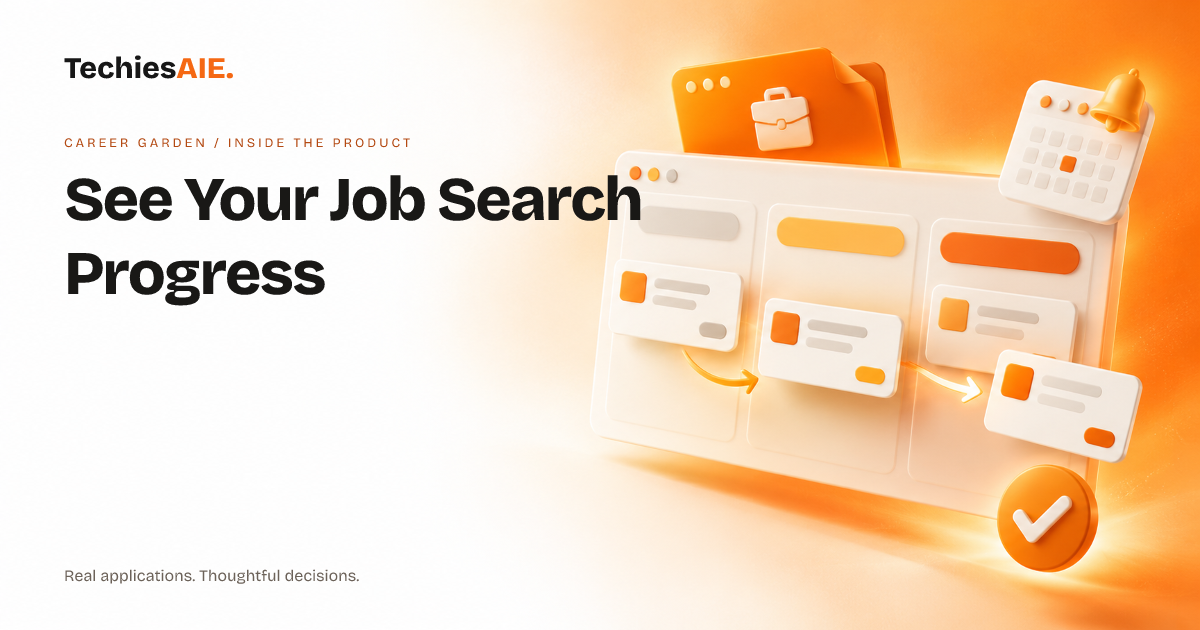
Have you ever felt lost trying to remember where each job application stands? It's easy to lose track when you send out many applications. You might forget if you sent a thank-you note or if an interview is still pending. Career Garden, an application from TechiesAIE, helps you see all your job activities clearly. It offers a 'Progress dashboard' to show your entire job search journey. Find it at Explore Career Garden
Career Garden is a job tracking app. It helps you keep track of jobs, follow-up reminders, and your career progress. The 'Progress dashboard' is a key part. It gives you a quick visual summary of where you are with every job. This makes it easier to manage your search and know what needs doing next. It's like a map for your job hunt. This application template demonstrates core tracking features, ready for adaptation.
Seeing Your Overall Job Progress
Imagine you have applied for five different jobs. Each one is at a different stage. One is a new application, another had a first interview, and a third is waiting for a follow-up. Without a clear overview, you might spend time checking each one individually. The Career Garden 'Progress dashboard' pulls all this information together. You see it all on one screen.
This dashboard shows your overall progress at a glance. You can see how many applications are active. It also shows how many follow-ups are due soon. This helps you prioritize your tasks. You instantly know if you need to send a reminder or prepare for an interview. This quick view saves you time and stress.
Tracking Each Job Step
Let's say you just finished an interview. You log into Career Garden. You can update the status for that specific job. The 'Progress dashboard' then reflects this change. It keeps your overall summary current. This simple update makes sure your big picture view is always correct.
The app tracks different stages like 'Applied,' 'Interview Scheduled,' or 'Offer Received.' Each job moves through these steps. The dashboard shows you how many jobs are in each stage. This helps you understand your momentum. Knowing this helps you plan your next moves.
When you need a custom view for unique job stages, TechiesAIE can help. We build custom applications that fit your exact workflow. This ensures your progress tracking matches your specific needs. Visit Explore TechiesAIE software services
Managing Your Follow-Ups
A crucial part of job searching is the follow-up. Forgetting to send a thank-you note or check in after an interview can hurt your chances. Career Garden gives you follow-up reminders. These reminders appear on your 'Progress dashboard.' They tell you exactly when and whom to contact.
For example, after an interview, the dashboard might show a reminder to send a thank-you email in two days. This prevents important steps from being missed. It helps you stay on top of all communications. This feature is crucial for a smooth job search.
What Career Garden Does Not Do
Career Garden helps you track your job applications and progress. However, it does not apply for jobs for you. It also does not write cover letters or resumes. You still need to do that part of the work yourself. The app is a tool to organize your efforts, not replace them.
This product template shows how a dashboard can work. It does not include features like sending emails directly from the app. It also doesn't integrate with specific job boards. If you need these types of connections, a custom solution would be necessary.
For businesses that manage many candidates, a system with more advanced features might be needed. This could include automated email sending or direct links to calendars. TechiesAIE builds custom software to meet these more complex requirements. Our services are described at
Building a Custom Tracker
If Career Garden's template doesn't quite fit, you might need a custom application. A custom tracker could have specific rules for your team. It could also connect to your existing tools. This ensures it fits perfectly into your daily work.
A custom project starts by understanding your exact needs. We would discuss every step of your process. This includes how you track jobs now and what problems you face. Then, we design a solution just for you.
This process ensures the final application helps your team do its best work. It keeps your important information visible and easy to use.