How Two People Share Job Application Progress
Career Garden helps teams share job application progress so nothing gets missed during handovers.
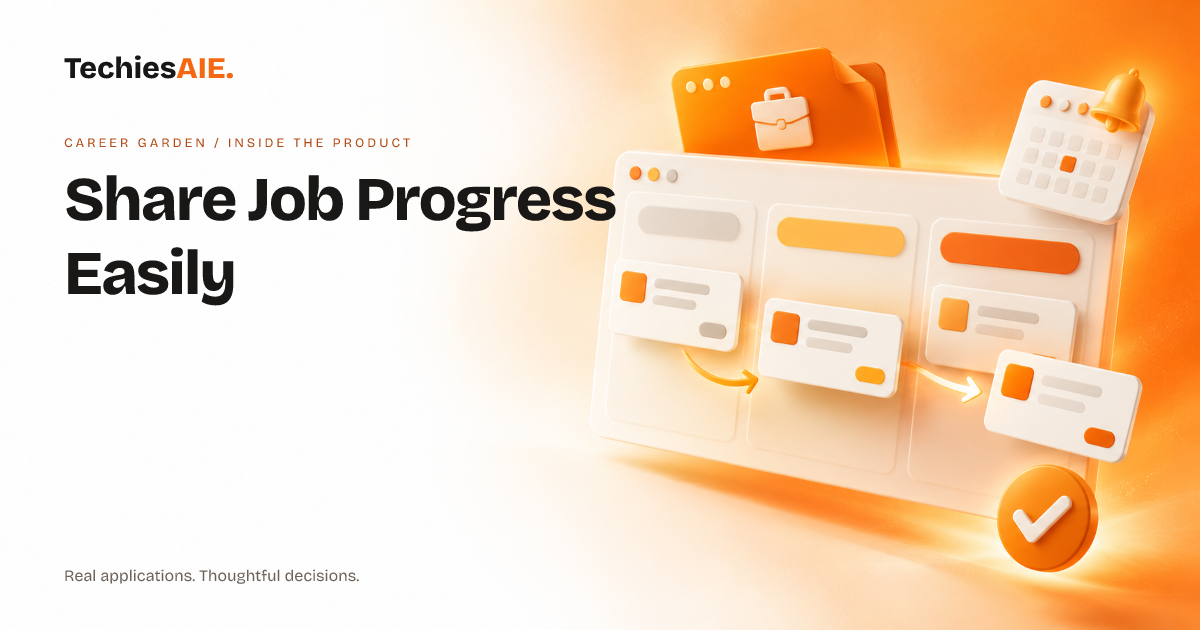
Imagine two people on your team are helping with job applications. One person reviews resumes in the morning. Another handles interviews in the afternoon. How do they easily know what the other has done and what needs doing next?
This is where Career Garden, a job tracking application, steps in. It helps organize applications and follow-ups. A key part is its 'Progress dashboard.' This tool lets everyone see the current status of each job application. You can find it at Explore Career Garden
When the morning person finishes reviewing resumes, they update the status. For example, they might mark a candidate as 'shortlisted.' The progress dashboard shows this update right away. This way, the afternoon person knows exactly where to pick up.
The dashboard makes sure no candidate falls through the cracks. It also shows reminders for follow-up tasks. If an interview needs to be scheduled, the dashboard reminds the team. This helps them stay organized.
A customized dashboard like this could be built for any process. For example, TechiesAIE can build similar custom dashboards for managing customer leads or tracking project milestones. This helps keep team handovers clear. Explore TechiesAIE software services
See Everything at a Glance
The progress dashboard gives a quick overview of all active applications. You can see which stage each candidate is in. For instance, 'Application received,' 'Interview scheduled,' or 'Offer extended.' This means less time asking for updates.
This feature reduces miscommunication. Everyone sees the same, up-to-date information. It stops people from doing the same work twice or missing important steps.
Another helpful part is seeing who is responsible for the next step. If the morning person assigns an interview to the afternoon person, it's visible. This clear assignment makes handovers simple.
Tracking Specific Tasks
Beyond just status, the dashboard can show specific tasks. Maybe the morning person notes that a background check is needed. This task can be added and seen by the next person. It keeps important details from getting lost.
Career Garden is a template demonstration from our catalogue. This means it shows what is possible. It helps you see how an application can keep track of jobs, follow-ups, and career progress. See more templates here:
The progress dashboard capability is confirmed in the TechiesAIE product catalogue. We did not inspect a live demo, so this story focuses on its described functions. Adaptations can add more specific rules or integrations.
A Real-World Handover
Consider a small business with shared hiring duties. One person manages the job postings and initial screening. Another conducts phone interviews. When the first person goes home, the second needs to know which candidates are ready for a call.
With Career Garden’s progress dashboard, the second person just logs in. They immediately see a list of candidates marked 'Ready for phone interview.' They don't need to read emails or ask for a summary. This saves time and prevents delays.
What It Does Not Handle
While useful, the catalogue description does not detail advanced access rules. For example, if only certain people can see salary information. Also, it does not confirm direct integration with external calendars or video call tools.
These specific needs would be custom additions. TechiesAIE can adapt and build custom software. This ensures your unique business rules are followed precisely. This makes the tool fit your process perfectly.
For example, we can build custom software to connect your job tracking with existing HR systems or add custom alerts. This ensures new features work with your current tools. Visit our services to learn more:
What a Similar Project Needs
To build a similar shared progress dashboard, you need to define your exact steps. What stages does a job application go through? What information must be visible at each stage? Who needs to see what?
Thinking about these questions helps create a clear plan. It ensures the new tool truly supports your team's specific handover needs. This makes the project successful.