What to ask about dashboard design before buying a financial app
Before buying a financial dashboard, ask these key questions about how it organizes your data—and what you’ll need to add later.
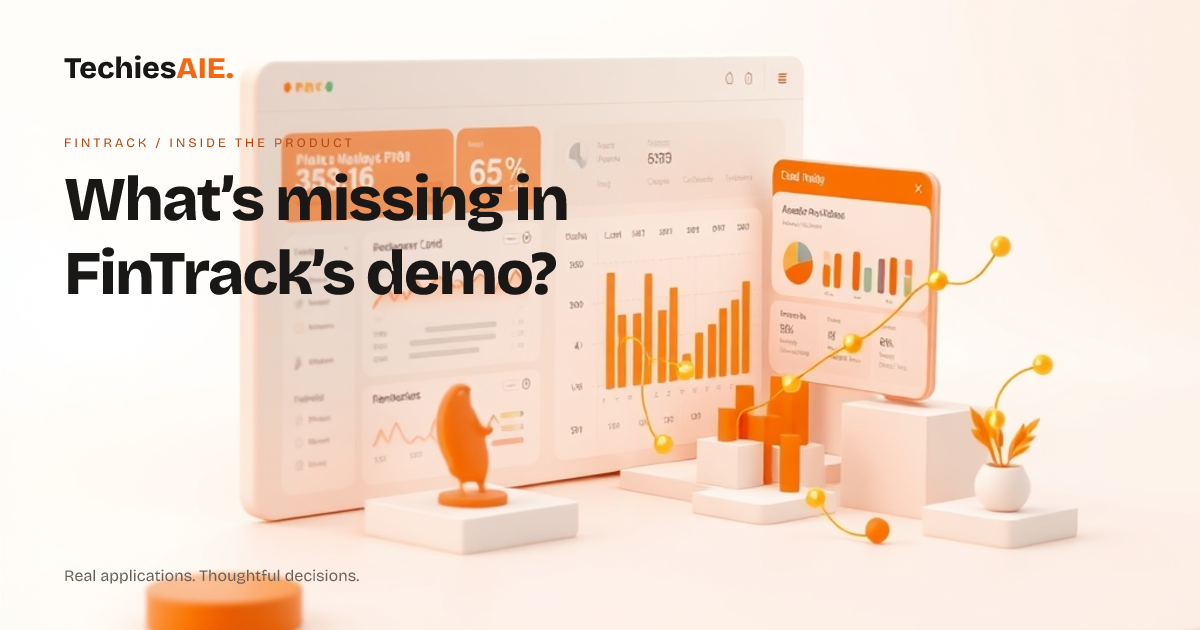
FinTrack’s demo shows a clean way to see financial data on any screen. But before buying, you should ask: What exactly does this dashboard show by default? A demo might look organized, but it could hide how your actual data—like invoices, expenses, or client records—will appear. For example, will it group your data by month, by client, or by type? If not, you’ll need to plan how to sort it later. Explore FinTrack
The demo also doesn’t show who can see what. If you share this dashboard with your team or clients, will they see the same data as you? Or will you need to set up different views? This is a common gap in ready-made dashboards. For instance, a bookkeeper might need to see raw numbers, while a manager only needs summaries. FinTrack’s demo doesn’t confirm if these rules are built in or need extra work.
Here’s a real workflow to test: Imagine you want to see what needs paying this month. Can you filter the dashboard to show only unpaid invoices? Or will you have to click through multiple screens? The demo might show charts, but it won’t prove if those charts can be adjusted for your specific tasks. For example, can you highlight overdue payments in red, or does that require custom coding?
Another key question: How does the dashboard handle mistakes? If you enter the wrong number, can you fix it easily? Or will you have to start over? The demo might look polished, but it won’t show what happens when data is wrong or missing. For example, if a client’s payment is recorded twice, will the dashboard catch it, or will you spend time cleaning up errors later?
What to ask about the dashboard layout
FinTrack’s demo proves the dashboard works on phones and computers. But ask: Does it work for your most important tasks? For example, if you often check financial data on a small phone screen, can you still see all the details you need without zooming in? The demo might look good, but it won’t show if your actual data—like long client names or detailed notes—fits neatly. Test this by asking for a mockup with your real data labels.
Also check how the dashboard handles too much data. If you have hundreds of transactions, will it slow down or crash? The demo might show a few sample records, but it won’t prove how it performs with your full list. For example, if you have 500 monthly entries, will the dashboard still load fast, or will you need to limit what’s shown at once? This is a common limitation in ready-made templates.
What’s missing from the demo
The demo won’t show how the dashboard connects to your other tools. For example, if you use accounting software like QuickBooks or Excel, will FinTrack pull data from there automatically? Or will you have to copy numbers by hand? This is a critical question if you want to avoid double work. The demo might look standalone, but real-world use often depends on how it fits with what you already use.
You’ll also need to plan for future changes. If your business grows, will the dashboard handle more clients, more transactions, or new types of data? The demo might look simple now, but it won’t show if it can grow with you. For example, if you add a new service line, will the dashboard need a complete redesign? This is where a custom-built dashboard (like one built by TechiesAIE) can save time later by planning for growth upfront. Explore TechiesAIE software services
What you’d need to build a similar dashboard
If you’re buying FinTrack as a template, you’ll likely need to add these pieces yourself or discuss them with the builder: User roles (who sees what), data filters (how to sort and highlight), and error handling (what happens when data is wrong). These aren’t shown in the demo but are essential for real use. For example, if you want to send a reminder for overdue payments, the dashboard might need extra rules to flag those records.
To match FinTrack’s demo but add what’s missing, you’d need to plan for: Custom data fields (to fit your specific records), mobile adjustments (to ensure small screens work), and integration tests (to confirm it connects to your other tools). These steps aren’t visible in the demo but are critical for a dashboard that actually helps you work faster. For example, if you want to find a file quickly, the dashboard might need a search feature that isn’t in the template.
TechiesAIE can adapt FinTrack’s design or build a similar dashboard from scratch, depending on your needs. For example, if you need fleet tracking tools (like dispatch statuses or driver logs), we’d start with a dashboard that groups data by vehicle or route—something not shown in FinTrack’s demo. Or if you’re running a learning platform, we’d design a dashboard that tracks course progress, payments, and learner accounts in one view. The demo gives you a starting point, but the real work begins when you match it to your tasks.
Start by asking: What’s the one financial task this dashboard must solve for me? Whether it’s keeping track of jobs, spotting errors, or sharing updates with your team, the demo should prove it can handle that task clearly. If it doesn’t, you’ll know what to build—or adapt—next. See how TechiesAIE builds custom dashboards for financial teams.