How to share files and screens without account hassles
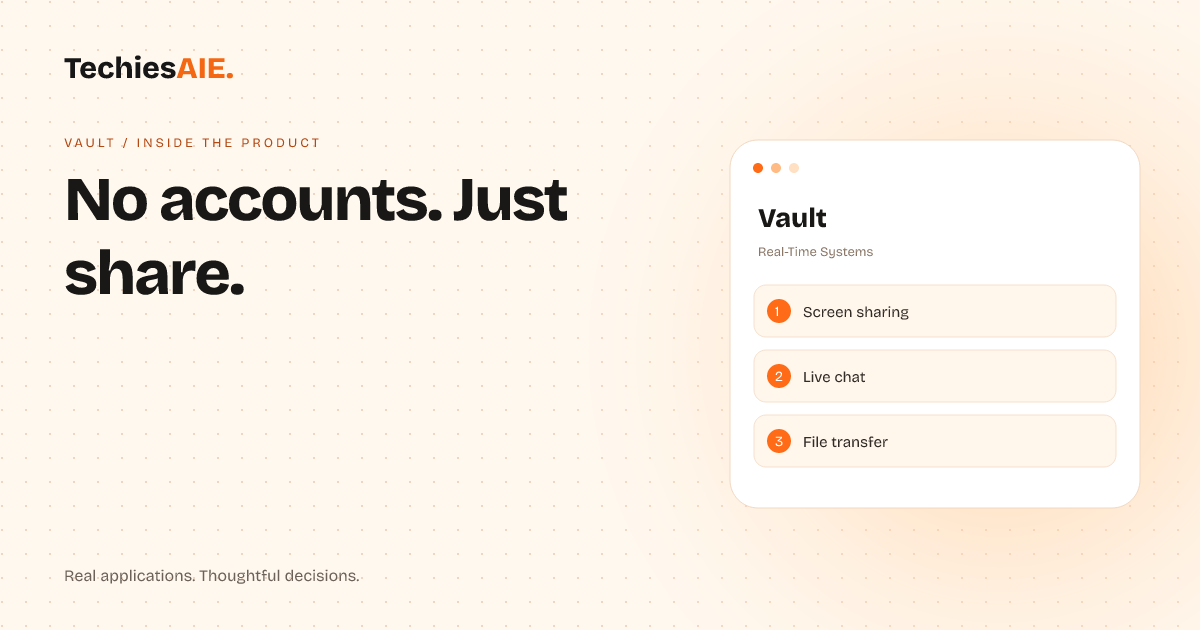
Vault lets teams share files, screens, and live chats instantly—no accounts, no delays, no lost momentum.
You’ve sent a client a design file to review. Their reply: “I can’t open the link—it says I need an account.” Now you’re stuck explaining passwords, waiting for signups, or scrambling for another way to share. Vault fixes this. It lets you share files, screens, and live chats without asking anyone to create an account. Explore Vault
Vault works like a temporary workspace. You send a link, and your client or partner joins instantly—no emails, no passwords. It’s built for the exact moment you need to hand off a file, walk someone through a screen, or bounce ideas in real time.
For example, a marketing team reviewing a campaign draft with an agency could upload the file to Vault. The agency sees it instantly, leaves comments, and asks questions—all without signing up. No email threads. No lost files. Just a shared space that disappears when the work is done.
Three ways Vault cuts friction out of sharing
1. No account setup. Clients or partners join by clicking a link. No forms. No delays. If they’re already in a Vault room, new files or chats appear automatically. Reviews stay on track instead of getting stuck in setup.
2. Live screen sharing. Need to walk someone through software or fix a glitch? Vault lets you share your screen in real time. They see exactly what you see, and you can point, type, or draw together—no need to switch to Zoom or another tool. Explore TechiesAIE’s custom software services
3. File transfer without attachments. Upload a file once in Vault, and everyone in the room can download it instantly. No ‘file too big’ errors. No waiting for attachments. Just share the link and move on.
Vault also includes a live chat. If your client has questions while reviewing a file, they can type them in the chat window. You’ll see the message right away and reply without switching apps. It’s like having a mini meeting inside the file-sharing tool.
For instance, a law firm might use Vault to share a contract draft with a client. The client can mark up the document, ask questions in the chat, and even screen-share their own edits—all while the lawyer watches. No one gets lost in email chains or missed updates.
What Vault doesn’t do—and why that’s okay
Vault isn’t a project management tool. It doesn’t store files long-term, assign tasks, or track deadlines. Its job is to handle the moment you need to share something quickly. If you’re looking for a place to organize ongoing work, Vault won’t replace tools like Slack—but it’ll save you from the friction of setting one up just for file sharing.
Another limit: Vault rooms disappear after a set time (like 24 hours) if no one’s active. This keeps things secure but means you’ll need to recreate the room if you need to revisit the same files later. For most reviews, this isn’t a problem. For long-term collaboration, you’d pair Vault with another tool.
What a similar project would need
If Vault’s approach fits your workflow but you need extra features—like longer room lifespans, custom branding, or integrations with tools you already use—TechiesAIE can build something tailored. For example, a design agency might need Vault rooms that auto-save client feedback as comments on the original file, while a training team could add a recording feature for replaying sessions.
TechiesAIE could adapt Vault’s zero-account model to fit your specific needs. For instance, if your team frequently shares large datasets with clients who hate signing up for tools, we could build a version that lets you upload entire folders. Or if your workflow relies on screen sharing for training, we could add features to record sessions for later review.
The key is starting with the friction point—like clients getting stuck on account creation—and designing around it. Vault proves that even simple tools can solve real problems when they’re built for the exact moment you need them. Discuss building a similar tool for your team.