How to stop losing campaign content in scattered tools
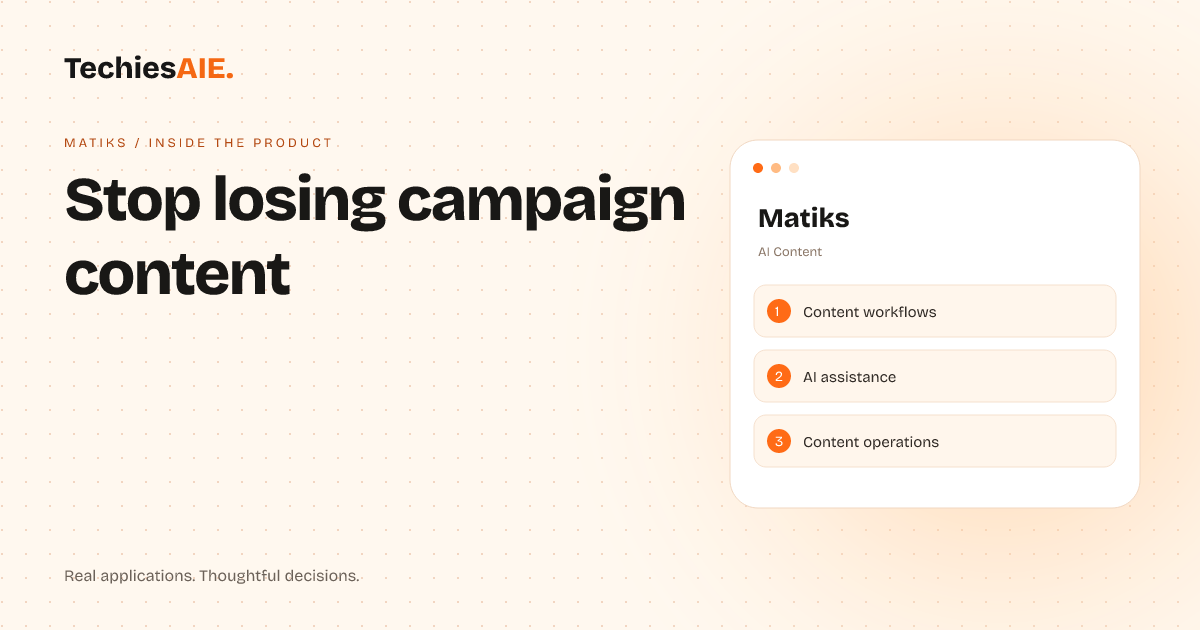
Matiks helps marketing teams keep campaign content organized, generated, and on track—without losing files in emails or tools.
Marketing campaigns need three things: ideas, files, and deadlines. But when content lives in emails, shared drives, and forgotten notes, teams waste hours hunting for what they need. Deadlines slip. Files get lost. The campaign unravels.
Matiks is an AI-powered workspace designed to keep campaign content organized, generated, and on track. It combines planning, AI assistance, and operations into one place—so teams don’t lose track of jobs, files, or reminders. Explore Matiks
Here’s how it works in a real campaign sprint: Start by outlining the campaign in Matiks. Add key dates, content types (blogs, social posts, emails), and who’s responsible. The tool turns your plan into a clear checklist—no more guessing what needs doing.
Next, use Matiks’ AI assistant to draft content. Need a blog intro? A social media post? Just describe what you want, and the AI generates a first version. Edit it directly in the tool, then save it as part of your campaign folder. No more hunting through drafts or emails.
When files are ready, Matiks helps you track their status. See which drafts are complete, which need reviews, and who’s stuck. Set reminders for deadlines so nothing slips through the cracks. Everything stays in one place—no more ‘Did you send that file?’ messages.
One limitation: Matiks is a template demonstration right now. It shows how AI can organize content workflows, but the actual tool would need custom setup to match your team’s exact needs—like connecting to your design tools or CRM.
If you’re ready to build a similar AI-powered content workflow, TechiesAIE can adapt Matiks’ approach to your team’s tools and processes. We’ve built custom automation for marketing teams, ecommerce stores, and learning platforms—each tailored to keep work organized and on track. Explore TechiesAIE automation services
For example, we’ve helped ecommerce teams automate product descriptions and social posts using AI, while keeping all files and deadlines in one dashboard. Or built a learning platform where course content is generated, reviewed, and published without manual handoffs. Each project starts with your specific workflow.
The key is matching AI tools to your team’s actual pain points. Do you lose files in emails? Need faster drafts? Struggle with deadlines? A custom-built solution can turn those frustrations into a smooth, automated process—just like Matiks does for content campaigns.
To explore building a similar workflow, share your biggest campaign headaches. We’ll show how AI and automation can turn scattered tools into a single, reliable workspace.
How Matiks keeps campaigns on track
Matiks combines three key features to stop campaigns from unraveling: planning, AI generation, and operations tracking. Here’s how each part helps your team.
1. Plan the campaign in one place
Instead of scattered notes or emails, Matiks lets you outline the entire campaign—dates, content types, and owners—in a single dashboard. See what needs doing at a glance.
2. Generate content with AI
Describe what you need (e.g., ‘a 200-word blog intro about summer sales’), and Matiks’ AI drafts it for you. Edit, save, and move forward—no more starting from blank pages.
3. Track files and deadlines
Matiks shows which files are ready, which need reviews, and who’s responsible. Set reminders so deadlines don’t slip. Everything stays visible and organized.
What a similar project would need
A custom-built Matiks-like tool would require: connecting to your team’s existing tools (like Google Drive or Slack), setting up AI prompts for your specific content needs, and designing a dashboard that matches your workflow. TechiesAIE handles all three steps.
For instance, if your team uses Canva for designs and Mailchimp for emails, we’d build bridges between Matiks and those tools. Or if your content follows a strict brand voice, we’d train the AI to match it. The goal? A workspace that fits your team’s exact way of working.
Link to see how TechiesAIE builds custom automation for teams: Automation Services.
Link to explore Matiks’ demo: Matiks Demo