How a dental clinic stopped losing patients to phone tag and paperwork
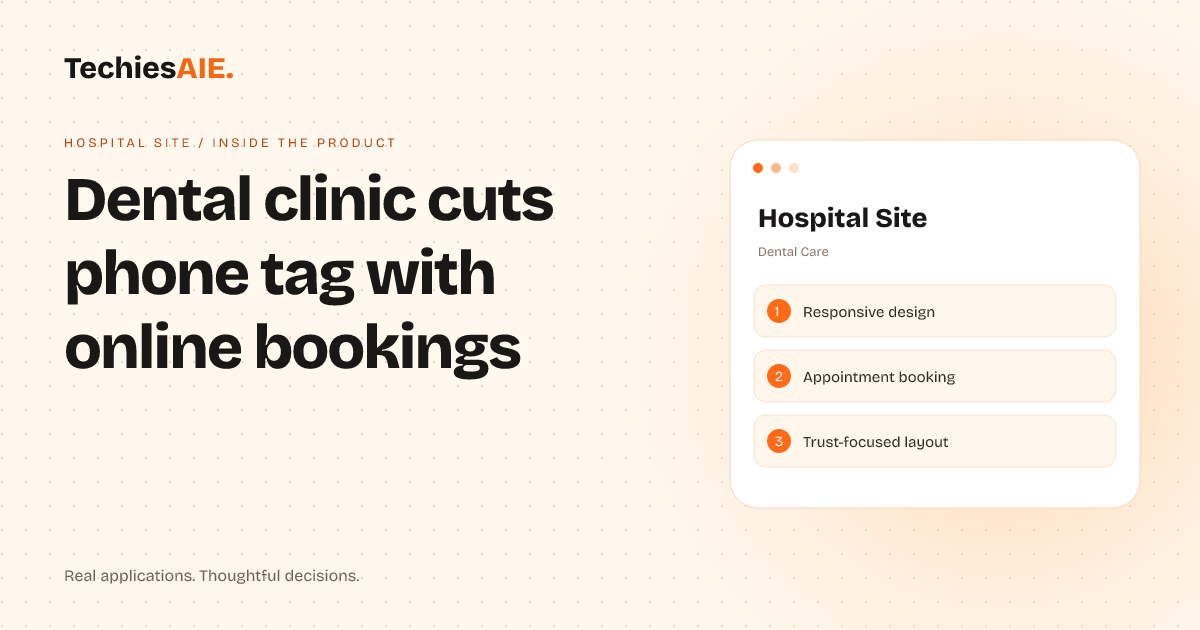
A dental clinic was drowning in phone calls and lost paperwork. Hospital Site helped them book appointments online, keep track of jobs, and build patient trust—without custom software.
Dr. Idris’s clinic was losing patients every week. The phone rang nonstop. Staff spent hours repeating appointment details, chasing missed calls, and digging through paperwork for patient records. Patients got frustrated when they couldn’t book slots easily or find key info like service costs or clinic hours. The clinic needed a way to cut phone tag, keep track of jobs, and build trust—without custom software. See how Hospital Site works
Hospital Site is a ready-made website template built for dental clinics. It lets patients book appointments online, see service details at a glance, and find clinic hours without calling. The template also includes a trust-focused design to make the clinic look professional and reliable—key for winning new patients. It works on phones, so patients can book anytime, anywhere. No more missed calls or staff repeating the same details over and over.
How it helps with three key tasks
First, Hospital Site lets patients book appointments online. Instead of calling, they pick a time slot, enter their details, and get a confirmation right away. This cuts down on phone tag and lets staff focus on other tasks. The booking system also sends reminders automatically, so fewer patients forget their appointments. For example, a patient can book a cleaning appointment in seconds—no waiting on hold or playing phone tag with the front desk.
Second, the template makes it easy to showcase services. Patients can see what treatments are offered, read about the clinic’s expertise, and even find costs upfront. This builds trust and helps patients decide faster. Dr. Idris’s clinic saw fewer no-shows because patients had all the info they needed before booking. No more awkward questions during calls about pricing or treatment options.
Third, the design is built to look professional. It includes sections for team photos, clinic values, and patient testimonials—all things that make a dental practice feel trusted and reliable. Patients who visit the site feel more confident choosing the clinic over competitors who still rely on old-school phone bookings. For instance, a new patient might see before-and-after photos of dental work or read reviews from satisfied clients, making them more likely to book an appointment.
What’s missing—and what you’d need to add
Hospital Site is a strong starting point, but it doesn’t include advanced features like patient login portals or detailed medical record storage. If Dr. Idris wanted patients to access their records or manage follow-ups online, he’d need to add those features separately. This would require custom work, but the template gives him a solid foundation to build on. For example, a clinic might want to add a secure portal where patients can review their treatment history or pay bills online—features that would need extra development.
For clinics that need more than just bookings and trust-building, Hospital Site can be adapted. For example, a clinic managing complex treatments might want to add a secure patient portal or integration with dental software. TechiesAIE could help design those additions while keeping the template’s clean, patient-friendly look. This is similar to how we built Healthcare Portal to help small clinics organize patient bookings and logins without custom software chaos. See how we build healthcare solutions. Explore TechiesAIE website services
What a similar project would need
If you’re a dental clinic owner looking to cut phone tag and build trust, you’d start by setting up Hospital Site as your online hub. This includes customizing the template with your clinic’s name, photos, services, and booking details. You’d also need to connect it to a payment system if you want patients to pay online during booking. For example, a clinic might add a payment gateway to let patients pay for treatments directly when they book an appointment.
Next, you’d train your staff on how to manage appointments through the system. This might include setting up reminders, tracking cancellations, and updating availability in real time. The goal is to make sure the website does the heavy lifting—so your team spends less time on the phone and more time with patients. This workflow is similar to how we helped a room-finder business organize leads and convert prospects into bookings without losing track in spreadsheets or missed calls. See how we build CRM solutions.
Finally, you’d want to add any extra features your clinic needs. For example, if you offer telehealth consultations, you might integrate a video call tool. Or if you need to store patient records securely, you’d explore adding a custom portal. Each of these would require additional work, but the template gives you a head start. For instance, a clinic might want to add a telehealth feature to let patients consult with dentists remotely, which would require integrating a video call service.
TechiesAIE can help with all of this—from setting up the template to adding custom features. Whether you need a simple online booking system or a full patient management tool, we can build something that fits your clinic’s exact needs. For example, we’ve built similar solutions for clinics that need to manage appointments, patient records, and trust-building features in one place. See how we build websites for businesses like yours.