TechiesAIE built Mumbai to help local businesses answer ‘Where are you?’ and ‘What do you do?’ without custom coding
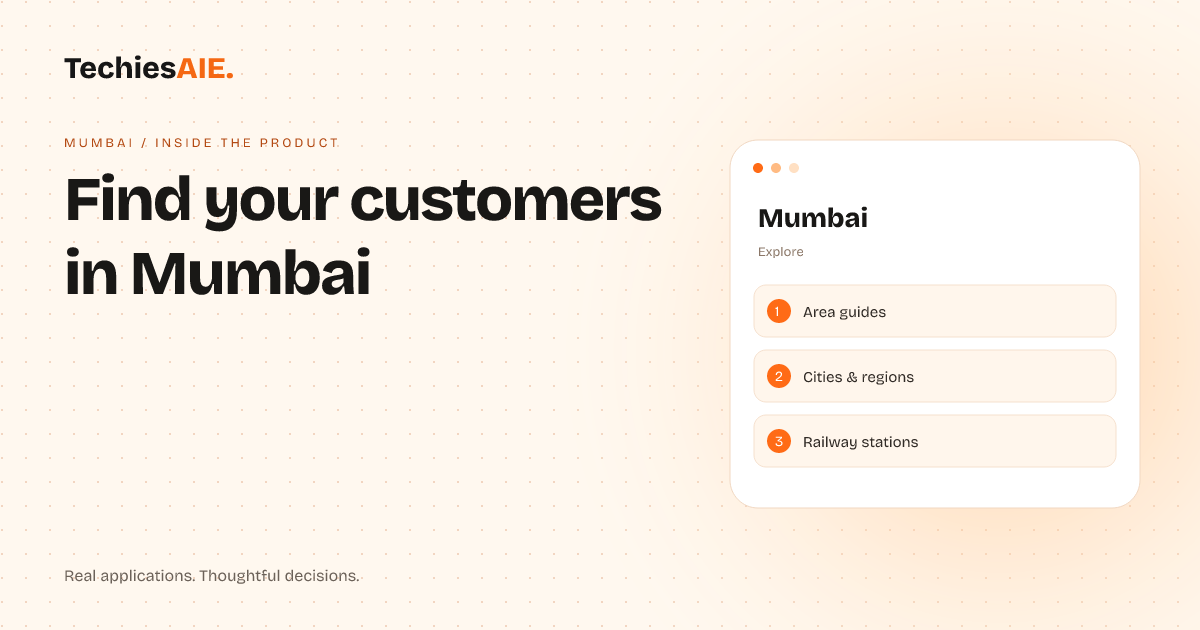
Local businesses in Mumbai can now build a simple online hub to answer customer location questions and showcase services—without custom coding or heavy design work.
A mechanic in Dadar spends an hour daily answering calls like ‘Do you service Marol?’ or ‘What are your working hours?’ He wants customers to see his location, services, and hours online—but he doesn’t have time to build a custom website. The Mumbai template solves this by turning his business into a digital hub in hours, not months. It’s designed for local businesses that need visibility, not complex features.
This template answers two key questions upfront: Where are you? and What do you do? No coding or design skills are needed—just fill in the details like an online form. Think of it as a digital storefront for your neighbourhood, not a generic website. For example, a grocery store in Powai can pin its location and list services like home delivery or bulk orders. Customers see at a glance if the store covers their area—no more ‘Do you deliver here?’ calls.
Show your location and services on a map
The template starts with a clean map of Mumbai. Businesses pin their exact location and list services like repairs, groceries, or consultations. Customers see at a glance if the business covers their area—no more repeated calls. For the mechanic, this means fewer interruptions and more time servicing cars. The map also includes neighbourhood boundaries, so customers know if a business operates in their locality. Explore Mumbai
Each business gets a simple profile page with photos, hours, contact details, and a short description. The template even includes sections for customer reviews or special offers. No technical skills are required—just fill in the blanks like an online form. For example, a tailor in Matunga can add photos of her stitching work, list her service radius, and include a note like ‘Special discounts for bulk orders.’
Guide customers with station links and area guides
Mumbai’s public transport is confusing. Customers often ask, ‘Which station is closest to you?’ The template includes railway station links and neighbourhood guides. For example, a customer searching for a mechanic near Andheri can click a station link and see nearby options—no more wrong directions or guesswork. This works for any local business: salons, cafes, or even home services.
A laundry in Bandra can list its service radius, and customers see if it covers their locality. The template also includes area guides, so customers searching for a service in a specific neighbourhood can filter results easily. For instance, a customer in Chembur can see all nearby businesses that offer home cleaning services—no more back-and-forth messages about delivery zones.
Track who’s interested without spreadsheets
The template includes basic tools to see who’s visiting. For example, the mechanic could track how many people view his profile or click his contact button. This helps him spot busy days or popular services—like ‘More searches for car battery services in summer.’ No spreadsheets or manual logs are needed. For businesses like his, this means smarter decisions, like adjusting service areas or running local promos.
The template doesn’t replace accounting software, but it gives a quick snapshot of what’s working. For example, if foot traffic drops in a neighbourhood, a business might adjust its service area or run a local promo. The focus is on visibility and basic tracking, not full automation. That’s by design—it keeps costs low while solving the biggest pain point: being found.
What’s missing—and how to adapt it
The template is a starting point, not a full customer management system. It doesn’t handle bookings, payments, or complex data. For example, the mechanic can’t take online orders or sync his hub with a WhatsApp chatbot. But these gaps aren’t flaws—they’re clues about what might need custom work later. If he wants to add bookings, he could use a simple form or link to his phone. For payments, he might use a third-party tool like Paytm.
The template focuses on visibility and basic tracking, not full automation. That’s by design—it keeps costs low while solving the biggest pain point: being found. For example, a grocery store could use the template to list its products and delivery zones. Later, they might add a simple order form or sync with a delivery app. The template provides the foundation; custom work comes later if needed.
What a similar project would need
To build a hub like this for your business, start with the Mumbai template as a base. TechiesAIE can adapt it to your needs—like adding a booking system or syncing with your tools. The key is clarity: the hub should answer Where are you? and What do you do? before anything else. For example, a group of local grocers could use this template to create a ‘Find Your Nearest Store’ hub. They’d add their locations, opening hours, and product highlights. Explore TechiesAIE website services
Customers search by neighbourhood, not by scrolling through a long list. The template handles the heavy lifting—you just add your details. If you’re ready to explore a similar hub, start with a project brief. Include your pain points, like ‘Customers can’t find us’ or ‘We waste time answering location questions.’ The team will show you how to turn those frustrations into a simple, effective online presence.
For businesses that need more than a template, TechiesAIE offers custom website development. For example, a fleet management company could build a hub to track vehicle locations and service areas. Or a restaurant chain could create a neighbourhood guide with menus and delivery zones. The template is a starting point; custom work can expand its capabilities later.