TechiesAIE built LinkInPage to turn messy social links into one clean, clickable hub
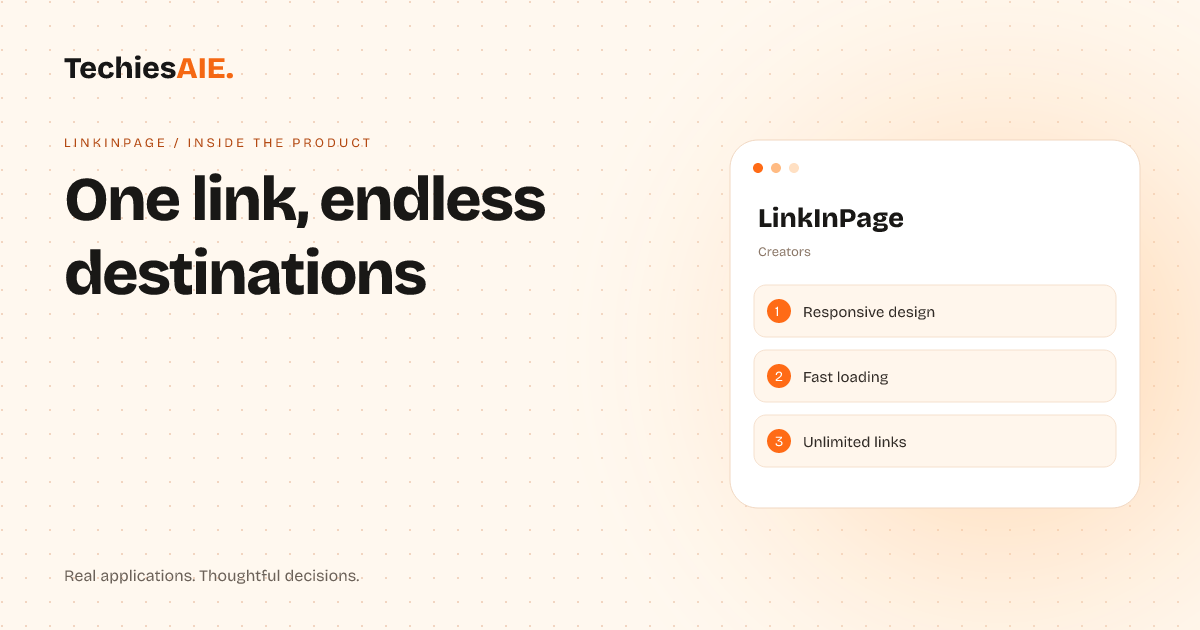
LinkInPage helps creators and small brands organize multiple online links into one fast, mobile-friendly page—so followers don’t miss opportunities or get lost in cluttered bios.
Ravi runs a small coaching business. He posts motivational videos on YouTube, takes client bookings through Calendly, and sells digital workbooks on Etsy. Every time someone asks, ‘Where can I find your links?’ he has to type a messy list in his Instagram bio: ‘DM me for bookings, videos here, workbooks there.’ Most followers ignore it. The result? Missed inquiries, lost sales, and a profile that looks unorganized. This is a common problem for creators, coaches, and small brands. LinkInPage solves it by turning that clutter into one clean, clickable page. Explore LinkInPage
LinkInPage is a ready-made template designed for creators and personal brands. It lets you add as many links as you need—booking pages, videos, stores, or contact forms—without overwhelming your main social profile. The demo shows it’s built for speed and mobile use, so followers can tap and go without waiting. Unlike crowded bio sections, it keeps everything organized in one place. You can see the template live here.
Here’s how Ravi would use it: He adds his Calendly booking link, YouTube channel, and Etsy store link. The template arranges them neatly with icons or buttons, so followers see exactly where to go. No more typing URLs in bios or losing clicks. The page also loads fast on phones, which matters—most of his audience scrolls on mobile. If he wants to add a new link later, like a podcast or membership sign-up, he can do it in seconds.
How LinkInPage fixes three key problems
1. One link, endless destinations: Instead of cramming links into a bio, LinkInPage lets you point your main social profile to one clean page. Followers tap that link and see all your options—bookings, videos, store—without scrolling through a wall of text. Ravi’s Instagram bio now just says ‘Tap below for coaching, bookings, and workbooks’ and links to his LinkInPage. No more ‘DM me for details.’
2. Fast loading, no distractions: The template is built to load quickly on mobile. Slow pages frustrate users, and Ravi’s audience expects instant access. LinkInPage avoids heavy images or scripts, so taps turn into clicks without delay. This keeps followers engaged instead of bouncing away.
3. Easy updates, no tech skills: Ravi doesn’t need to code or hire a developer to add a new link. He logs in, pastes the URL, and saves. The template handles the rest. If he wants to rearrange links or change buttons, he does it in minutes. No waiting for IT or designers.
But there’s a catch: LinkInPage is a template, not a custom tool. It works well for basic needs—organizing links, adding a ‘Follow’ button, or embedding a simple contact form. However, if Ravi wanted to track which links followers click (like ‘How many booked via Calendly?’), he’d need a custom solution. The template doesn’t include analytics or advanced features like user accounts or subscriptions.
For a project like Ravi’s, here’s what you’d need beyond the template: A way to log clicks on each link (so you know which content drives bookings or sales), custom branding (like your logo or colors), and possibly a simple contact form tied to your email. These aren’t hard to add, but they’d require a developer. If you’re happy with a clean, fast link hub and don’t need deep tracking, LinkInPage is a great start.
LinkInPage is just one example of how TechiesAIE builds or adapts tools for specific needs. For instance, if you run a coaching business and need to track which links convert best, we could build a custom version with analytics. Or if you’re a food creator and want to highlight recipes alongside links, we could design a template like Una Recette but focused on your links and promotions. The key is starting with a clear goal—like ‘I need my followers to find my booking link easily’—and then choosing the right tool or building one. Explore TechiesAIE website services
TechiesAIE also builds custom websites for brands that need more than just link organization. For example, if you’re a fitness coach and want a full website with blog posts, membership sign-ups, and a store, we could build something like ManuCrafts but tailored to your coaching needs. Or if you need a way to manage multiple social profiles without logging into every app separately, we could adapt a tool like SocialViora. The right choice depends on your goals.
Need a link organizer or a custom website for your brand? Tell us your goals, and we’ll help you pick the right template—or build something tailored to your needs.