TechiesAIE built Imran Khan to showcase complex backend work without overwhelming visitors
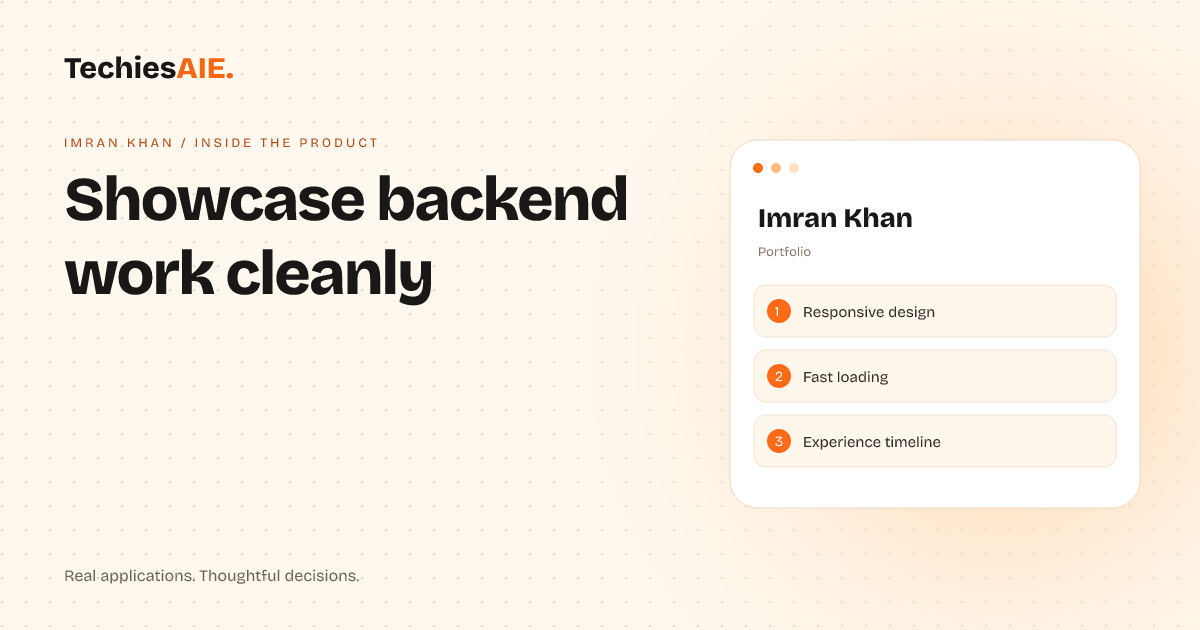
Full-stack engineers and AI developers can present their backend systems clearly without confusing visitors with messy code snippets.
Imran Khan is a full-stack engineer and AI backend developer in Mumbai. He builds complex systems like healthcare APIs, fleet operations, and realtime collaboration tools. But when he shared his work online, visitors struggled to see the big picture. They got lost in code snippets and technical details instead of understanding what he actually built. Explore Imran Khan
The Imran Khan portfolio template solves this by presenting backend work in a clean, visual way. It uses simple layouts to show projects without overwhelming visitors. The template is built for professionals who need to showcase complex systems but don’t want to confuse their audience with technical clutter.
Here’s how it works in practice. When a visitor lands on the portfolio, they see a clear timeline of Imran’s experience. Each project has a short description and visual elements like system diagrams or flowcharts. This helps visitors quickly understand what was built without needing to read through code.
The template also includes a responsive design, meaning it looks good on phones, tablets, and computers. This is important because many visitors will check portfolios on their phones while scrolling through LinkedIn or other professional networks.
One key feature is the experience timeline. Instead of listing projects in a messy list, the timeline shows work in chronological order. This helps visitors see how Imran’s skills have developed over time and which projects are most relevant to their needs.
The portfolio loads quickly, which is important for keeping visitors engaged. Slow-loading pages frustrate people and make them leave before they even see the work. Fast loading ensures visitors stay long enough to understand what’s being offered.
How it helps full-stack engineers present backend work
For someone like Imran, who builds complex backend systems, this template is a game-changer. Instead of showing raw code or confusing architecture diagrams, visitors see clear visuals that explain what the system does. For example, a healthcare API project might show a simple flow of how patient data moves through the system.
The template also makes it easy to highlight key achievements. Imran can include metrics like ‘reduced API latency by 40%’ or ‘built a system handling 10,000 requests per second.’ These details help visitors quickly see the impact of his work without needing to dig through technical specs.
Another useful feature is the ability to link directly to live demos or documentation. Visitors who want to explore further can click through to see the actual systems in action. This builds trust by showing real, working examples of the work.
What it doesn’t do—and why that matters
The template isn’t a replacement for custom coding or deep technical explanations. It’s designed to present work clearly, not to replace detailed documentation. For example, it won’t automatically generate API documentation or explain complex algorithms in simple terms.
If a visitor needs to understand the nitty-gritty details of a project, they’ll still need to visit external links or documentation. The template’s strength is in giving a high-level overview that makes visitors want to learn more, not in replacing technical deep dives.
What a similar project would need
If you’re a full-stack engineer or AI developer looking to build a similar portfolio, you’d need to focus on three things: clear visuals, a simple timeline, and fast loading. The visuals should explain what the system does, not how it’s coded. The timeline should show progress over time, and the site should load quickly to keep visitors engaged.
TechiesAIE can help adapt this template for your specific needs. For example, if you work in fintech like Imran, the portfolio could highlight billing systems or payout workflows. Or if you build realtime collaboration tools, it could focus on system reliability and scalability. The key is tailoring the template to match your type of work. Explore TechiesAIE software services
Another option is to use this as a starting point for a more customized solution. For instance, if you need to showcase AI infrastructure, you might add sections for model training pipelines or data processing workflows. The template provides the structure, but the content can be adjusted to fit your exact needs.
For businesses that need to present complex technical work to non-technical audiences, this approach works well. It’s also useful for hiring managers reviewing portfolios. Instead of spending hours deciphering code, they can quickly see what skills and experience you bring to the table.
If you’re interested in building a similar portfolio for your technical work, TechiesAIE can help. Whether you need a template like this or a fully customized solution, they can adapt it to fit your specific projects and audience.
For more examples of how TechiesAIE builds custom software solutions, visit their [software services page]{ "url": "https://techiesaie.com/services", "label": "software services" }. Or explore their portfolio templates to see other ways they help professionals present their work clearly online.