How to stop wasting hours chasing scattered candidate files
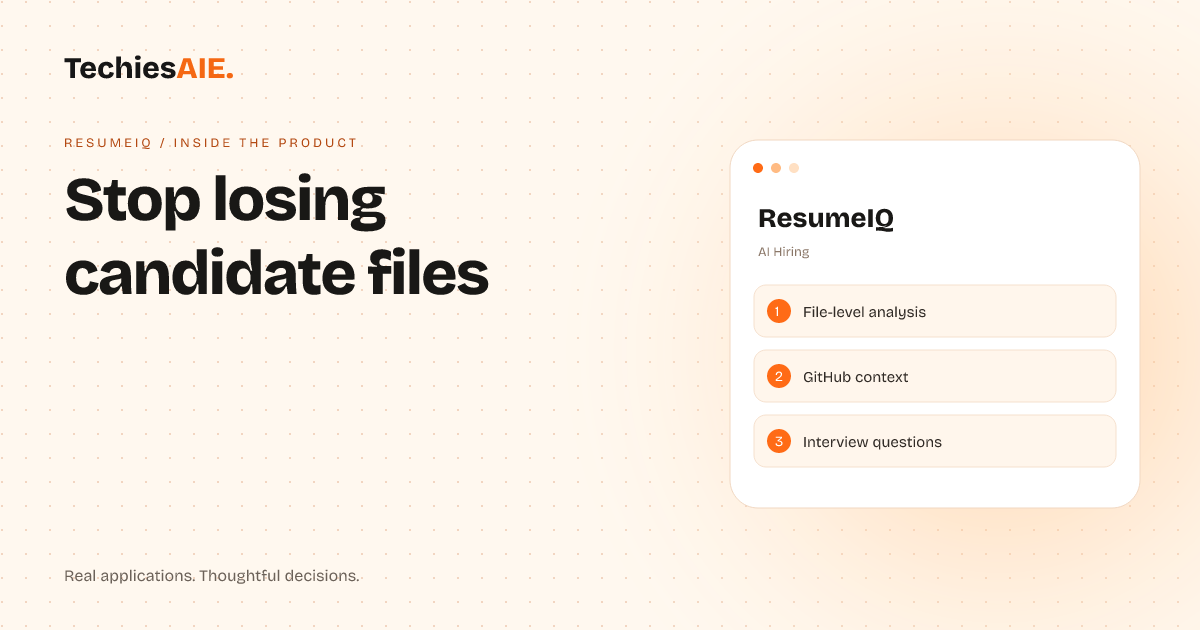
Hiring managers waste hours digging through resumes, GitHub links, and code files—only to forget key details during interviews. ResumeIQ pulls everything into one workspace to save time and reduce errors.
Hiring managers waste hours digging through scattered files—resumes saved as PDFs, GitHub links buried in emails, and code samples downloaded from different folders. ResumeIQ pulls everything into one workspace so you can focus on the candidate, not the files. This saves time and reduces errors from missing context. Explore ResumeIQ
The tool combines resumes, GitHub profiles, and repositories into a single view. No more flipping between tabs or searching for files. Everything you need to assess a candidate’s technical skills—from their resume to their code—is in one place. This makes screening faster and fairer.
You can search through code files directly inside the workspace. Need to check a specific function or project? Instead of downloading files and scrolling manually, you find what you need with a quick search. This cuts down on time spent hunting for evidence during interviews.
GitHub context is built in, so you don’t have to leave the workspace to check a candidate’s repositories. ResumeIQ pulls in key details like commit history and project contributions, making it easier to assess their technical skills without extra clicks or lost context.
Interview questions can be tied to specific code samples or project files. If you want to ask about a particular piece of work, the evidence is right there. This keeps conversations focused and reduces bias from missing details or forgotten files.
A key limitation is that ResumeIQ works best with public GitHub profiles. Private repositories or internal codebases won’t show up automatically. You’ll still need to ask candidates to share access or provide samples directly, which could slow down the process for some teams.
If your team relies on private code or needs deeper integration with HR tools like Greenhouse or Lever, you’d need custom development. For example, adding a way to upload internal code samples or syncing with your applicant tracking system would require extra work to fit your workflow.
TechiesAIE could adapt this approach for other hiring needs. For example, a design team might need a workspace to organize portfolios, project files, and client feedback in one place. Or a marketing team could use a similar tool to review writing samples, campaign drafts, and analytics side by side. Explore TechiesAIE software services
Another use case could be for freelancers or agencies reviewing candidate portfolios. Instead of juggling PDFs, links, and emails, they could pull everything into one workspace. This would speed up client onboarding and reduce missed details during reviews.
For teams using spreadsheets to track candidates, switching to a dedicated workspace like ResumeIQ cuts down on errors. No more lost files or forgotten follow-ups. The workspace keeps everything in one place, so you can focus on interviews, not setup or organization.
How ResumeIQ works in a real hiring workflow
A hiring manager gets a new candidate application. Instead of saving the resume as a PDF and searching GitHub separately, they add the candidate to ResumeIQ. The tool pulls in the resume and GitHub profile automatically, so everything is ready for review.
During the first screening, the manager reviews the resume and GitHub side by side. They can flag specific projects or code samples for deeper discussion. Notes are saved directly in the workspace, so nothing gets lost between interviews or screening rounds.
For technical interviews, the manager opens the candidate’s code files inside ResumeIQ. They can ask targeted questions about specific functions or projects, knowing the evidence is right there. This makes interviews more efficient and reduces bias from missing context.
After the interview, the team discusses the candidate’s fit. ResumeIQ keeps all notes, files, and decisions in one place. No more digging through emails or spreadsheets to remember why a candidate was rejected or hired. Everything is saved and searchable.
What’s missing—and how to fill the gap
ResumeIQ works well for public profiles but has limits with private code. If your team relies on internal repositories or confidential samples, you’d need custom work to upload and organize those files securely. This could include adding a secure upload feature or integrating with your internal tools.
Another gap is integration with HR tools. If you use software like Greenhouse or Lever, you’d need extra steps to sync candidate data. A custom solution could link ResumeIQ directly to your hiring workflow, saving even more time and reducing manual data entry.
For teams hiring non-technical roles, ResumeIQ might not fit. But the same idea could work—pulling portfolios, writing samples, or project files into one workspace. TechiesAIE could build a similar tool tailored to your hiring needs, whether for creative roles, sales, or other positions.
If you’re ready to explore a custom hiring workspace—or adapt ResumeIQ for your team’s specific needs—contact TechiesAIE to discuss the project. Start with what you need to track and how you want to review evidence.