How to stop wasting time on file-sharing setup and missed feedback
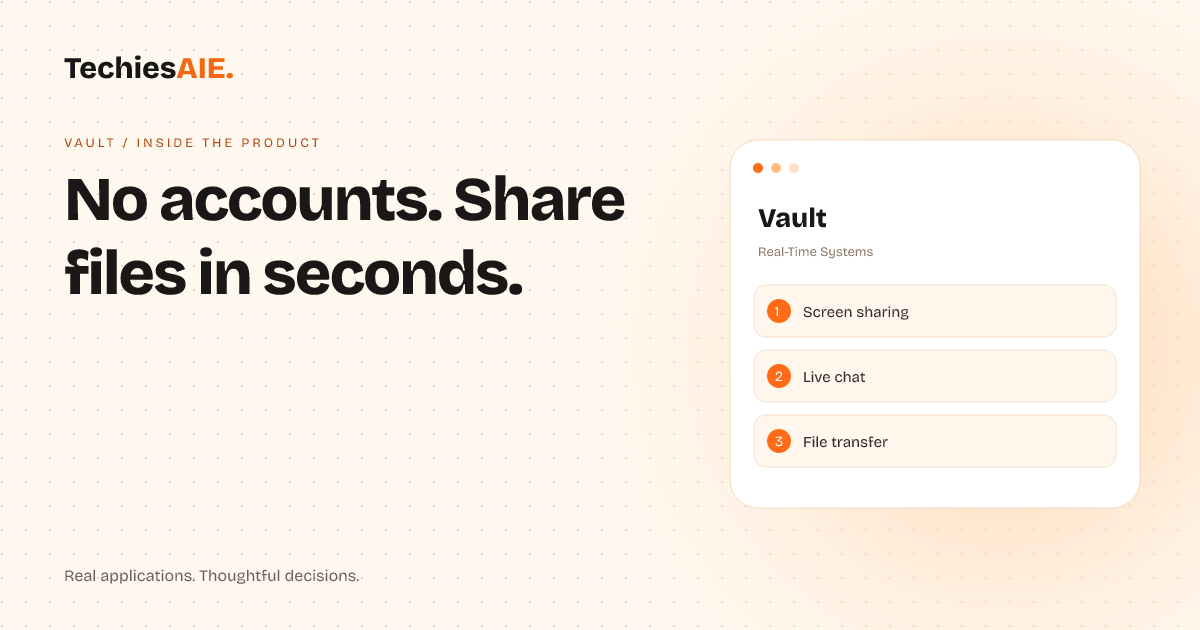
Vault lets teams share files, screens, and live feedback instantly—no accounts, no setup, no wasted time. Perfect for freelancers and small teams who need quick collaboration without extra steps.
Ameera, a freelance web designer, spent 20 minutes last week walking a client through Dropbox. The client still missed the deadline because they couldn’t find the right folder. Vault solves this: share files or screens instantly—no accounts, no downloads, just a link. Open the tool, click share, and your client joins in seconds. Explore Vault
Vault works without user accounts. That means no passwords, no sign-up forms, and no extra steps. Open the tool, share a link, and your client or teammate can join immediately. Perfect for last-minute feedback or quick file sharing.
Here’s how Ameera uses Vault daily: She opens Vault, clicks ‘Share Screen’, and lets her client see design changes live. No confusing instructions. The client can chat directly in Vault while she makes edits—all without leaving their email or creating accounts.
Three ways Vault cuts friction in real work
1. Share screens in one click – No more ‘Can you see my screen?’ emails. Vault lets you share your entire screen or a specific window. Useful for walkthroughs, client reviews, or troubleshooting. Just hit ‘Share Screen’ and send the link.
2. Transfer files without attachments – Forget clogging inboxes with large files. Drag and drop documents, images, or videos into Vault, then share the link. Your client gets everything in one place, organized and ready to review.
3. Chat while you share – Need to explain something? Vault includes live chat. Point to a spot on the screen, type a note, or even draw annotations. No need to switch between tools or apps.
For example, when Ameera’s client asked for changes to a website layout, she shared the screen in Vault, circled the area with her mouse, and typed: ‘Can we make this button bigger?’ The client replied in the chat box without ever leaving Vault.
What Vault can’t do (and why it matters)
Vault isn’t built for long-term project tracking or complex permissions. If you need to assign tasks, set deadlines, or manage ongoing team work, Vault won’t replace tools like Trello or Asana. But for quick, one-off sharing? It’s designed to stay simple.
Another limit: Vault doesn’t store files permanently. Shared content disappears after the session ends. This keeps things secure but means you’ll need to re-share files for future reference. For businesses handling sensitive data, this might feel restrictive—but it also means no lingering files to manage.
What a similar project would need
If Vault’s limits don’t fit your needs, a custom-built tool could add features like file storage, task assignments, or deeper integrations. For example, a watch-party style room (like Vault’s live chat + screen share) could include automatic reminders for follow-ups or version control for design files. Explore custom software services
TechiesAIE could build a version tailored to your workflow. For example, a real estate agent might need Vault’s screen-sharing for virtual property tours but also want client contact tracking built in. Or a freelance developer could use it for code reviews but add GitHub sync to pull files directly. Start with a clear brief about your pain points.
Need a tool like Vault but with extra features? Discuss your project here. Or explore how we’ve built similar solutions for teams: Custom software services.
TechiesAIE also builds custom dashboards for tracking client jobs, like Kanban Pro, or AI-powered workflow tools to automate reminders and data syncs. If your workflow needs a mix of Vault’s simplicity with deeper features, we can design it.
For businesses handling sensitive files, we can build secure file-sharing systems with long-term storage and audit logs—similar to Vault’s live sharing but with extra security layers. This could include automated access controls or **encrypted file storage.
If you’re a service team struggling to keep track of client jobs across emails and spreadsheets, a custom tool could combine Vault’s live sharing with task tracking and deadline reminders. This way, you’d never lose sight of what needs doing.