TechiesAIE built Techies AI to help AI startups and SaaS teams launch a fast, professional landing page without custom design delays
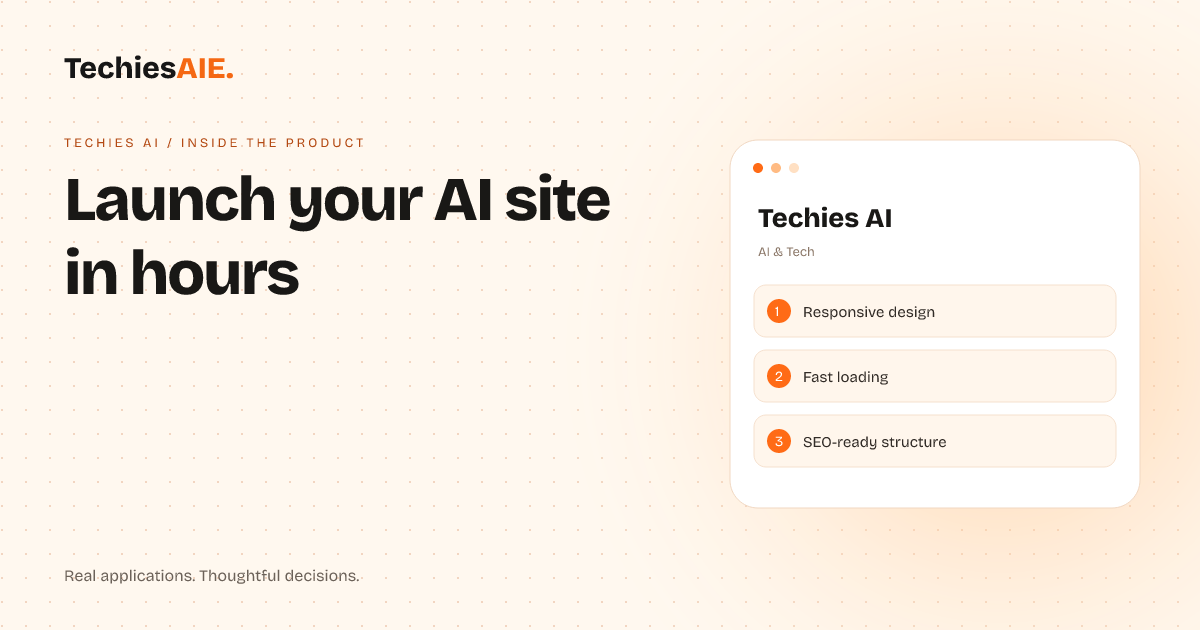
A ready-made landing page template for AI startups and SaaS teams who need a polished online presence quickly—without waiting for custom design.
AI startups and SaaS teams often struggle to launch a professional website quickly. Custom design takes weeks, and many templates either look cheap or require coding skills. Techies AI solves this by offering a ready-made landing page template designed for technical founders. It loads fast, works on phones, and is built to help you attract early investors or customers without design delays. Explore Techies AI
The template includes sections for showcasing AI features, explaining your product’s value, and driving sign-ups. For example, a founder could highlight automated data tools or smart workflows in a clean layout. The design keeps visitors focused on the product—not the website itself. This approach works for both early-stage startups and established SaaS teams looking for a quick refresh.
How the template helps you launch faster
The template is responsive, meaning it looks good on phones, tablets, and desktops. Many founders skip mobile-friendly designs, but search engines like Google rank sites higher if they work well on all devices. This ensures your landing page reaches more visitors from day one without extra work. Learn about responsive design
It’s also SEO-ready, which means the structure helps search engines understand your content. For AI startups, this is critical—potential customers often search for solutions like yours. The template includes clean headings, fast loading, and clear links to improve visibility without requiring SEO expertise.
A common frustration is waiting for developers to tweak a site after launch. This template cuts that out. You can update text, images, and calls-to-action yourself later using simple tools. This keeps your site fresh without relying on a team.
What it doesn’t do—and why that matters
The template isn’t a full website builder. It’s designed for landing pages—single pages that explain your product and drive sign-ups or sales. If you need a blog, ecommerce store, or complex user accounts, you’d need to add those separately. This keeps costs low for early-stage teams.
Another limitation is custom branding. The template uses a modern, tech-focused design, but if you want a completely unique look, you’d need to hire a designer. For most AI startups, though, the built-in style saves time and looks professional enough to impress early investors.
When to use this—and when to build custom
This template is perfect for AI startups or SaaS teams who need a fast, low-cost way to launch a landing page. It’s also useful for technical founders who want to avoid design debates and focus on product development. The trade-off? You get a polished site quickly, but less flexibility for unique features.
If your product requires complex user logins, payment processing, or integrations, a custom-built site might be better. For example, a SaaS tool with subscription plans would need extra features like user dashboards or secure checkout. In that case, TechiesAIE can build a custom solution tailored to your workflows link to custom software services.
For now, though, the template is a smart choice if you’re launching an AI tool, explaining a technical product, or testing a new idea. It proves your concept online without the delays of custom work. Many founders use it as a stepping stone before investing in a full site.
What a similar project would need
If you want to adapt this template for your own needs, you’d start by replacing placeholder text with your product details. For example, swap generic AI feature descriptions with your actual capabilities. The template includes sections for a hero headline, key benefits, and a call-to-action—just fill in the blanks.
Next, you’d add your branding: colors, logos, and fonts. If you need help with this, TechiesAIE offers design services to refine the template further link to website services. For most teams, though, the built-in design is enough to launch quickly.
Finally, you’d connect the template to your hosting service. TechiesAIE can handle this setup or guide you through it. Once live, you’ll own the site and can update it anytime without ongoing fees—unlike some template platforms that lock you into subscriptions.