How to catch AI failures before customers notice
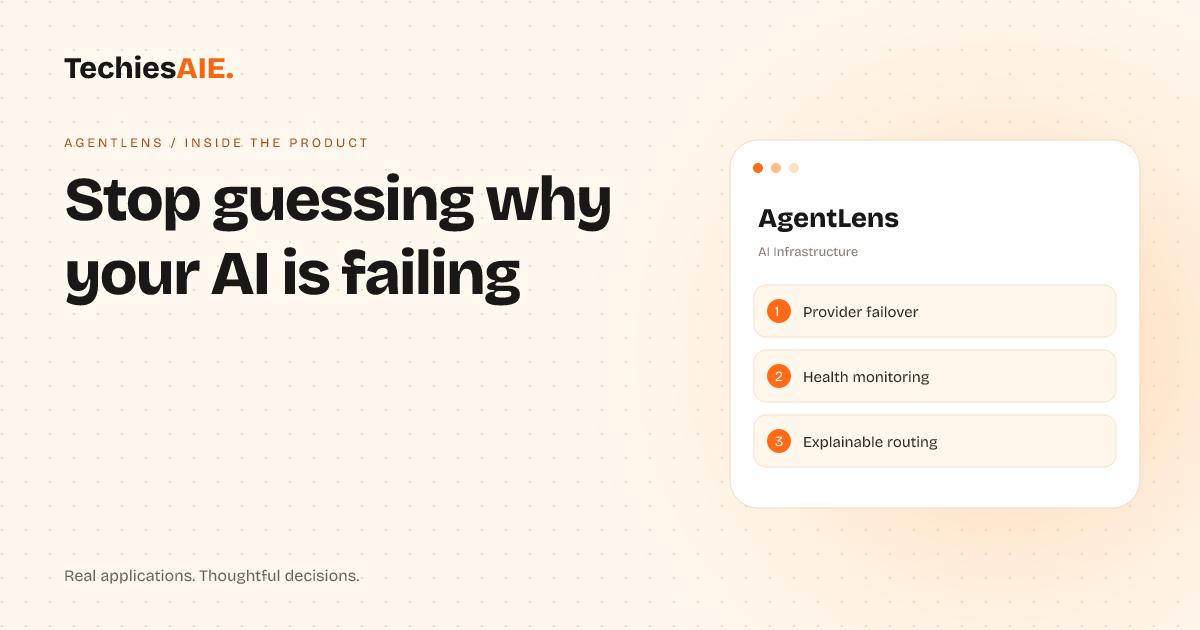
AgentLens helps businesses spot AI provider slowdowns and failures without digging through confusing logs or waiting for complaints.
Rahul runs an online quiz app that uses AI to generate questions. One morning, users started complaining about slow response times. His team checked the AI provider’s dashboard but saw nothing obvious. They spent hours guessing the cause—was it a server issue? A coding bug?—before realizing the AI provider was secretly rate-limiting their requests. By then, users had already left. AgentLens could have caught this hours earlier. Explore AgentLens
AgentLens is a tool that watches AI providers in real-time. It doesn’t just track errors—it explains why things went wrong, what’s happening now, and what to do next. For Rahul’s quiz app, it would have flagged the slowdown, pinpointed the rate-limiting issue, and even suggested switching to a backup AI provider automatically. No guesswork. No waiting for complaints.
How AgentLens spots AI problems before users do
AgentLens works in three steps: compare, connect, and monitor. First, you test different AI providers side by side to see which one works best for your needs—like comparing delivery speeds, success rates, and cost. For Rahul’s quiz app, this meant testing OpenAI, Anthropic, and Groq to find the fastest, most reliable option for generating questions. See how it compares providers.
Next, you connect AgentLens to your app with one simple command. It acts like a middleman, watching how your AI provider behaves in real-time. If the provider starts failing—like slowing down or returning errors—AgentLens notices immediately. It doesn’t just send a vague alert. It tells you exactly what’s wrong, why it matters, and what to do. For example: 'OpenAI is rate-limiting your requests. Switch to Anthropic for now.'
Finally, AgentLens keeps monitoring your AI provider 24/7. If another issue pops up—like a sudden spike in errors or latency—it opens an incident story with a timeline, root cause, and next steps. No more digging through raw logs or waiting for support tickets to pile up. For Rahul, this meant catching the rate-limiting issue before users noticed, then automatically rerouting traffic to a faster provider.
What AgentLens does not do—and why it matters
AgentLens isn’t a replacement for your existing AI setup. It doesn’t collect your customer data or prompts—it only watches how the AI provider behaves in production. This keeps your work private while still giving you clear visibility. For example, if you’re using AI to power a chatbot or generate reports, AgentLens will track response times and errors without seeing any of your actual conversations or data.
It also doesn’t require you to rewrite your app. AgentLens connects like a helper layer, so you can start monitoring in minutes without changing how your AI works. This is useful for businesses like Rahul’s, where adding new tools usually means months of development work. AgentLens cuts that down to hours.
A real-world limitation: What happens when the backup provider fails too?
AgentLens handles most common AI failures—like slowdowns, errors, or rate-limiting—but it assumes at least one provider in your list is working. If all your AI providers fail at once (for example, during a widespread outage), AgentLens will alert you, but it won’t fix the problem automatically. This is rare, but it’s worth planning for. For Rahul, this might mean having a manual fallback, like a cached set of quiz questions, until the AI providers recover.
To prepare for this, you’d need to build a simple backup system—like storing a small set of pre-generated questions or showing a friendly message like 'Our AI is taking a break. Here’s a fun quiz instead!'. This isn’t something AgentLens does, but it’s a small step most businesses can take to cover their bases. Learn how TechiesAIE can help build custom backup workflows. Explore TechiesAIE automation services
What a similar project would need
If you’re running a business that relies on AI—whether it’s a chatbot, content generator, or recommendation engine—you’ll likely need three things: real-time monitoring, automatic failover, and clear incident explanations. AgentLens provides all three, but every business has unique needs. For example:
A local delivery service using AI to route drivers might need AgentLens to monitor latency spikes during peak hours and switch to a faster provider if GPS data gets delayed. They’d also want alerts sent directly to their dispatch team’s chat app. See how TechiesAIE builds custom automation workflows.
A financial advisory firm using AI to analyze client portfolios would prioritize privacy—ensuring no sensitive data leaves their system—and explainable decisions, so advisors can trust the AI’s recommendations. AgentLens already handles this, but you’d want to test it with your specific data types. Explore AI infrastructure solutions.
A small ecommerce store using AI for product descriptions might only need basic monitoring at first, but could later add features like automatic retries for failed API calls or cost alerts when usage spikes. Starting simple and scaling up is often the best approach.
No matter your use case, the core idea is the same: stop guessing why your AI is failing. AgentLens gives you the tools to catch problems early, act fast, and keep your customers happy—without needing a PhD in AI infrastructure.