How a logistics team stops chasing lost shipment data in spreadsheets
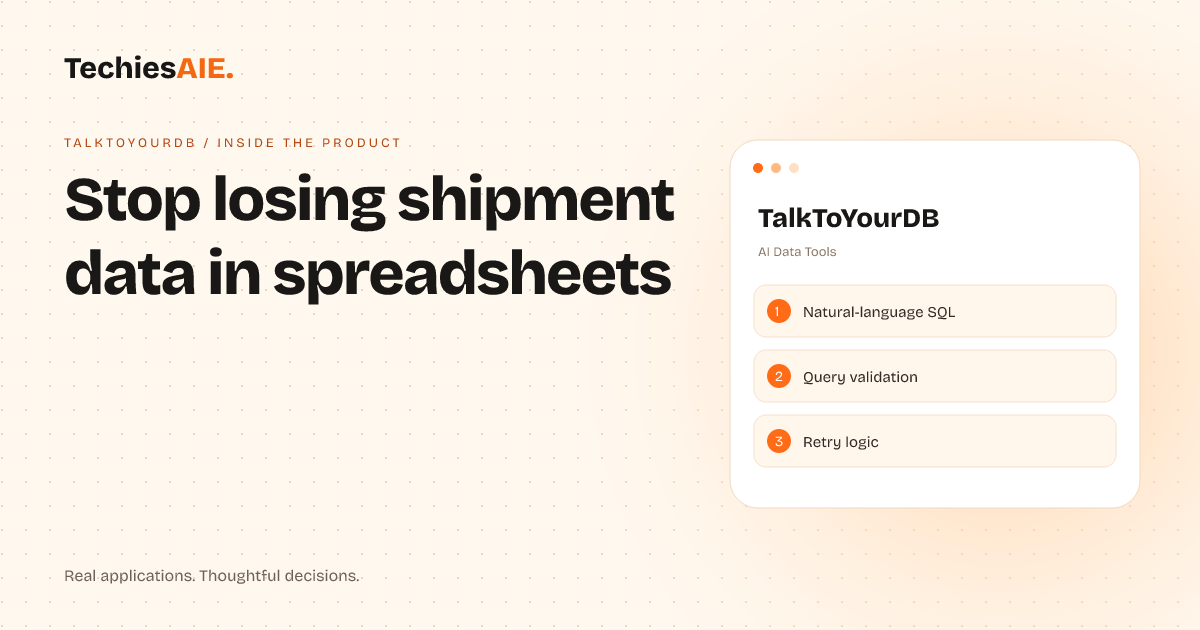
A logistics team wasted hours chasing lost shipment data in spreadsheets. TalkToYourDB lets them ask questions in plain English and get answers instantly—no SQL or IT help needed.
Your logistics team tracks shipments across Mumbai, Delhi, and Bangalore. Every morning, you need to check which deliveries are delayed, which drivers are late, and which customers haven’t been updated. Instead of digging through spreadsheets or emailing IT, you type: “Show me all shipments delayed by more than 2 hours today.” TalkToYourDB pulls the exact data from your database and shows it in a clean list—no waiting, no confusion. Explore TalkToYourDB demo
TalkToYourDB is a tool that turns plain English questions into database answers. It works with PostgreSQL—the kind of database many logistics teams use to store shipment records, driver logs, and customer updates. The demo here shows how it translates simple questions like “Which shipments are overdue in Delhi?” into secure database commands, then returns the results instantly.
How it helps in a real workflow
You start by connecting TalkToYourDB to your PostgreSQL database. This is like giving the tool a secure key to your shipment data. Once set up, you can ask questions in plain English—no need to learn SQL (the technical language databases use). For example: “How many shipments were delayed yesterday in Mumbai?”
TalkToYourDB checks your question for mistakes. If it’s unclear, it asks for clarification. For example, if you type “Show me late shipments,” it might reply: “Which city? Which time period?” This keeps you from getting wrong answers or breaking your data.
If the first try doesn’t work—maybe the database is busy or the question is tricky—TalkToYourDB automatically retries. This means you don’t have to wait or refresh the page. It keeps trying until it gets the right answer or tells you why it can’t.
What it can’t do (yet)
TalkToYourDB works best with simple, structured questions about data you already have in a PostgreSQL database. It won’t help you analyze unstructured data like emails, PDFs, or scanned documents. For those, you’d still need tools like Excel or a custom-built dashboard.
Right now, this is a template demonstration. You can’t use it directly on your own database without custom setup. But if your team uses PostgreSQL and wants to ask shipment or logistics questions without SQL, this shows the kind of tool we can build for you.
What a similar project would need
To build a version of TalkToYourDB for your logistics team, you’d need to connect it to your PostgreSQL database. This involves setting up secure access and defining which tables (like ‘shipments’ or ‘drivers’) the tool can query. We’d also customize the plain English rules to match your data structure—like asking “Which drivers have the most delays this week?” instead of generic questions.
If your team uses other databases like MySQL or Microsoft SQL Server, we’d adapt the tool to work with those instead. The core idea—asking questions in plain English—stays the same, but the technical setup changes. For example, a retail store tracking inventory might need different questions than a logistics team checking shipments.
For teams that need more than simple answers—like exporting data to Excel or building dashboards—we’d add those features. This could turn TalkToYourDB into a full reporting tool, not just a question-answering assistant. For instance, a logistics manager might want to see delay trends over time, not just single numbers.
Other ways we can adapt this idea
If your team spends hours pulling shipment reports from spreadsheets, TalkToYourDB could replace that work. Instead of manually copying data, you’d ask questions and get answers directly from your database. This is similar to how FinTrack helps financial advisors present client data clearly—except here, the focus is on asking logistics questions, not just displaying answers. Explore TechiesAIE software services
For businesses with multiple databases—like a logistics company tracking shipments and a warehouse managing inventory—we could build a unified tool. This would let you ask questions across both systems, like “Which products sold out fastest in Delhi last month?” without switching between tools. This approach works like combining the simplicity of TalkToYourDB with the multi-tool workflows in Kanban Pro.
If your team uses AI tools but struggles with data quality, TalkToYourDB could help inspect training data. For example, you could ask: “Show me all customer support tickets marked as ‘resolved’ but with a satisfaction score below 3.” This is like using the tool to spot errors in AI training records, similar to how AI Check Data helps teams verify datasets.