How a small agency stops wasting hours on client follow-ups
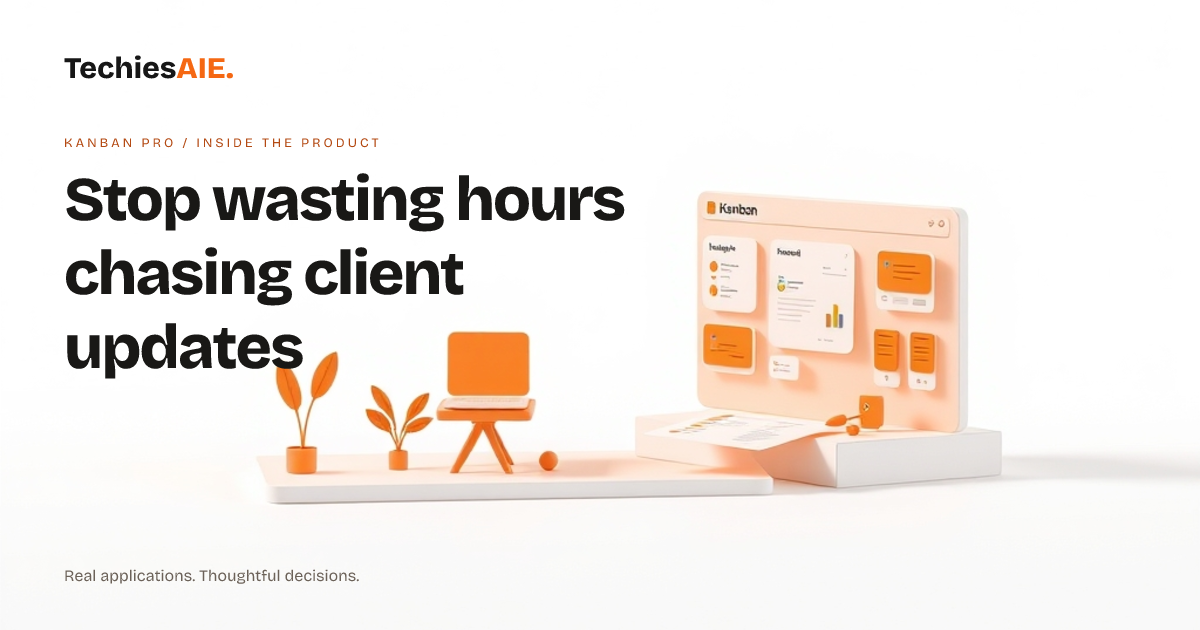
Kanban Pro helps small agencies keep client updates, deadlines, and feedback in one real-time workspace—so no job slips through the cracks or gets delayed by missed messages.
Meera’s small design agency was drowning in client updates. Emails piled up with feedback, phone calls went unanswered, and deadlines slipped past without anyone noticing. Every week, she’d spend hours chasing down what was done, what was stuck, and who was waiting on what. Clients called asking where their projects stood—and Meera had no clear answer. The real cost? Late deliveries, frustrated clients, and time that could’ve been spent designing.
Kanban Pro is a real-time workspace where teams drag tasks into columns like Waiting on Client, In Progress, and Done. Every job—big or small—lives in one place with deadlines, notes, and assignments. No more digging through emails or guessing who’s working on what. The board updates instantly as team members move tasks forward. Meera’s team could finally see what needed doing—and who was blocking progress. Explore Kanban Pro’s live boards here. Explore Kanban Pro
The first thing Meera did was move all client jobs onto the board. Each task became a card with details like deadlines, client names, and notes. When a client sent feedback, her team added it as a comment right on the task card. No more lost email threads. The board showed exactly who was handling what, so no one got stuck waiting or working on the same thing twice.
Kanban Pro also lets teams add checklists to tasks. For example, a logo redesign job might have steps like Draft initial concepts, Get client approval, and Finalize files. Team members could check off each step as they went, and Meera could see progress without asking. Comments on tasks kept conversations tied to the work itself—no more hunting through emails to find context.
One afternoon, Meera noticed a job had been stuck in In Progress for days. She clicked the card to see who was assigned—and realized no one had updated it. The team had a quick chat, and they set a reminder to check in on stalled tasks every Friday. The board became a living record of what was happening, not just a to-do list.
What Kanban Pro doesn’t do (and what you’d need to build)
Kanban Pro works great for tracking jobs and teamwork, but it doesn’t handle billing or client invoices. Meera’s team still used a separate tool for that. If you need invoicing tied to tasks, you’d want to connect Kanban Pro to an accounting tool—or build a custom system where tasks trigger invoices automatically. TechiesAIE can help adapt tools like Kanban Pro or build custom solutions. Explore TechiesAIE software services
Another limit: Kanban Pro is best for teams already using digital tools. If your team still relies on paper notes or phone calls, you’d need to train them to move everything online first. Some teams also want to link tasks to files or client records. That would require custom setup—or a tool like Kanban Pro combined with a file-sharing system like Vault.
What a similar project would need
If you’re running a small agency and want a tool like Kanban Pro but with extra features, here’s what you’d likely need: A drag-and-drop board to track client jobs, real-time updates so everyone sees changes instantly, and comments to keep feedback in one place. You might also want reminders for deadlines, checklists for task steps, and the ability to assign jobs to team members.
For Meera’s team, the biggest win was finally seeing all client jobs—and their status—in one spot. No more guessing where things stood. If your team is losing jobs to missed updates, scattered feedback, or forgotten deadlines, a tool like Kanban Pro—or a custom version built for your exact workflow—could save you hours every week. Let’s talk about building something tailored to your needs.
Kanban Pro is a template demonstration of what’s possible. If you need invoicing, file links, or deeper integrations, we can adapt this idea or build a new tool from scratch. For example, a marketing agency might use a similar board to track campaign tasks, while a logistics team could organize shipment updates. The core idea—keeping client jobs and updates in one real-time place—works for many businesses. See how we’ve built similar tools for other teams.