How to turn crypto payments into cash without confusing customers
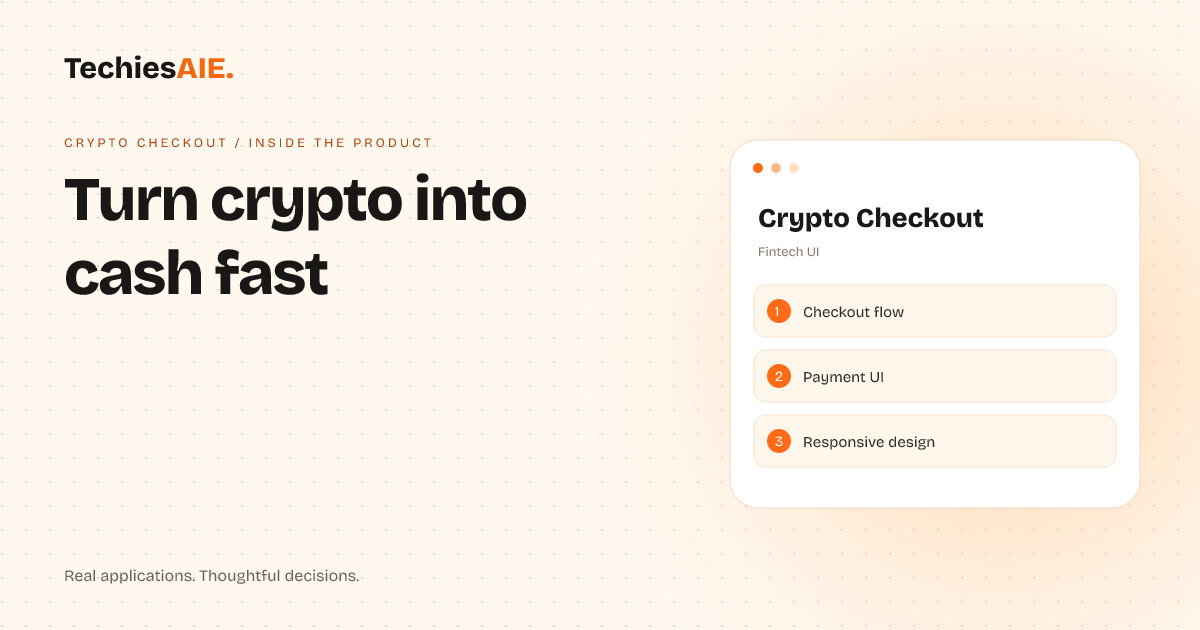
A crypto checkout tool that helps digital sellers accept cryptocurrency and convert it to local cash—without losing customers in confusing steps.
Running an online store or digital asset business means customers expect fast, simple payments. But when they pick crypto at checkout, they often hit a wall. Too many steps, unclear options, or confusing conversion rates make them leave. Crypto Checkout fixes this by turning crypto payments into local cash—without extra friction. Explore Crypto Checkout
The app handles two key tasks: letting customers pay in crypto and instantly converting it to their local currency. For example, a buyer pays with ETH but sees the total in Nigerian naira (₦ NGN) upfront. No hidden fees, no waiting. The checkout flow guides them through wallet selection, payment method, and confirmation—all in plain language.
How it works: A step-by-step crypto checkout
Step 1: Pick a wallet. Customers choose which crypto wallet (like MetaMask) to use. The app shows supported wallets and skips unsupported ones. No tech jargon—just a clear list. This avoids the ‘I don’t know how to connect my wallet’ moment that kills sales.
Step 2: Select payment method. After choosing a wallet, they pick how to pay (e.g., ETH). The app instantly shows the converted amount in their local currency (e.g., ₦ NGN) and includes network fees. No surprises at the end. This matches how cash payments work—simple and transparent.
Step 3: Confirm and convert. They review the total, click ‘Continue,’ and the payment processes instantly. The app confirms the conversion and sends receipts. No manual steps, no waiting. This keeps customers from abandoning carts mid-checkout.
What’s missing: No built-in crypto exchange rates
Right now, Crypto Checkout assumes you’ll handle exchange rates yourself or use a third-party service. If you sell globally, you’ll need to integrate with a crypto exchange API (like Binance or Coinbase) to pull real-time rates. This isn’t a dealbreaker—it’s a gap to fill if you want automated, up-to-the-second conversions.
For example, if you sell digital art and want to accept USDT but pay yourself in INR, you’d need to plug in an exchange service. The template doesn’t include this, but it’s a common need for multi-currency businesses. TechiesAIE can help build this connection if needed. Explore TechiesAIE ecommerce services
Why this matters for your business
Crypto Checkout solves a real pain: customers who want to pay in crypto but get stuck. If you sell digital products, services, or assets, this tool cuts down on lost sales from confusing checkouts. It’s also a template—meaning you can adapt it to fit your exact needs, like adding your brand colors or extra payment steps.
For instance, a B2B service firm could use this to accept crypto retainers from global clients and convert them to local currency automatically. Or a handmade seller could offer crypto payments without worrying about chargebacks or bank delays. The core idea is the same: make crypto payments as easy as cash.
If you’re thinking about adding crypto payments but don’t want to build from scratch, this template gives you a head start. It handles the messy parts—wallet connections, fee calculations, and currency conversion—so you don’t have to. The rest is about making it yours.
TechiesAIE can also help you build a similar solution tailored to your needs. For example, if you need a checkout that supports multiple cryptocurrencies or integrates with your existing accounting system, we can adapt this template or create something new. Need help? Talk to us about building or customizing a crypto payment solution.
Another way to use this is to build a similar tool for a different use case. For example, if you run a logistics business and need to accept crypto payments for delivery services, the same checkout flow can be adapted. Or if you sell memberships and want to accept crypto subscriptions, the template can be modified to fit. The key is starting with a clear workflow and then customizing it.
For businesses that already use TechiesAIE’s Mumbai template, adding a crypto payment option could help local customers pay in crypto while seeing the total in their local currency. This would make your service more accessible to crypto users across different neighborhoods.
If you’re selling digital assets like NFTs or online courses, Crypto Checkout can be adapted to handle one-time or recurring crypto payments. For example, a course creator could use this to accept crypto payments for monthly subscriptions, converting the crypto to their local currency automatically.