How to spot AI training mistakes before they cause problems
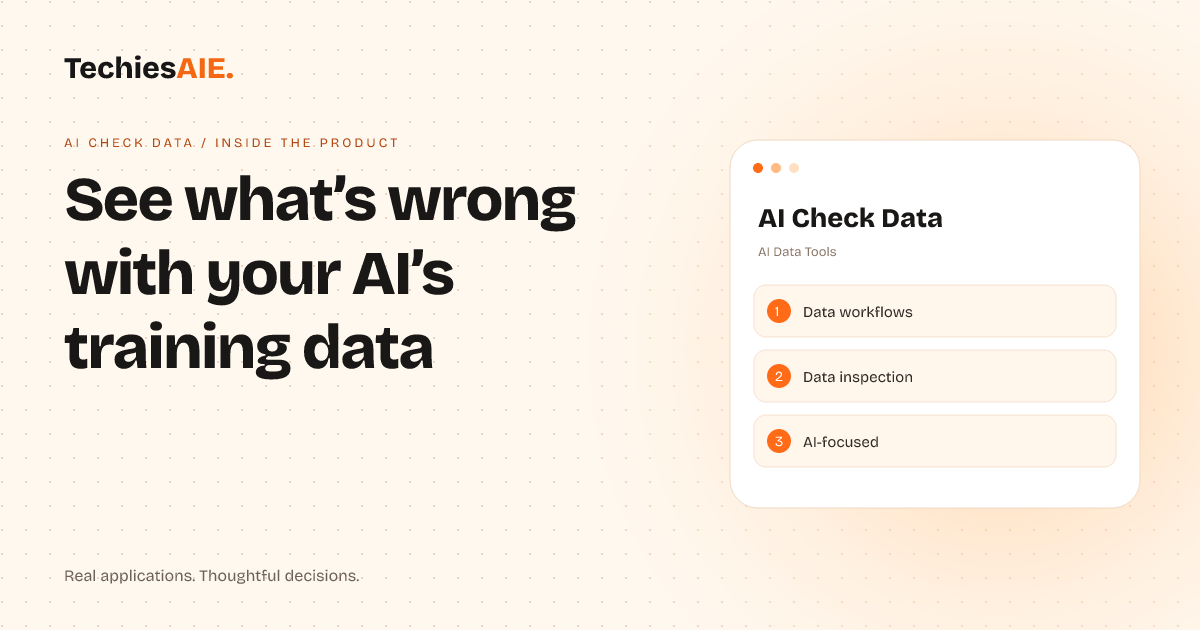
AI Check Data helps teams inspect AI training data for errors and inconsistencies without manual spreadsheet checks—so you can catch problems early and avoid costly mistakes.
Your AI system keeps making the same mistakes. You’ve spent hours checking spreadsheets for typos, missing labels, or inconsistent formats in your training data. But by the time you spot a problem, it’s already costing you time and money to fix. AI Check Data helps teams like yours inspect AI training data automatically—so you can catch errors early and avoid delays. Explore AI Check Data
This tool focuses on three key parts of AI data workflows: tracking where data comes from, flagging errors like duplicates or mismatched labels, and showing how fixes affect AI performance. It’s designed for teams that need to trust their AI but don’t want to spend weeks manually reviewing spreadsheets.
Imagine you’re training an AI to sort customer support tickets. You’ve got thousands of labeled examples, but some labels are wrong or missing. AI Check Data would scan your dataset, highlight the inconsistent labels, and even suggest fixes—all without you writing a single line of code. This saves hours of manual work and reduces the risk of bad AI decisions.
How it helps with real work
AI Check Data works like a checklist for your AI’s training data. First, it maps out your data sources—showing where each file or table comes from and how they connect. This helps you see gaps or overlaps that could cause problems later. For example, if two spreadsheets have the same customer IDs but different contact details, the tool flags it as a potential error.
Next, it scans for common mistakes. Missing values, duplicate entries, or labels that don’t match your rules get marked in red. Unlike spreadsheets, where you’d have to write formulas or use plugins, this tool does the heavy lifting for you. It even explains why a row might be wrong—like a label that doesn’t fit the rest of the dataset.
Finally, it shows how fixes improve AI performance. If you correct a batch of errors, the tool can run a quick test to see if your AI’s accuracy goes up. This helps you prioritize which mistakes to fix first. For instance, if your AI keeps misclassifying ‘urgent’ tickets as ‘routine,’ you’ll know to focus on cleaning up those labels.
What it can’t do yet—and what you’d need to build
Right now, AI Check Data is a template demonstration—meaning it shows the kind of tool you could build, but it isn’t a ready-to-use product. For example, it doesn’t connect to your actual AI training pipeline or automatically pull data from your databases. To use something like this in your workflow, you’d need to link it to your data sources (like Google Sheets, CSV files, or a database) and set up rules for what ‘good’ data looks like.
Another gap: it doesn’t yet integrate with AI training tools like TensorFlow or PyTorch. If you’re using those, you’d need to add steps to export your training data, run checks, and then import the cleaned data back into your AI system. This is extra work, but it’s doable with the right setup. Think of it like adding a quality-check step before your AI starts learning.
If you’re working with large or complex datasets, you might also need to adjust how the tool groups or filters data. For now, it’s designed for smaller to medium-sized datasets where you can spot patterns quickly. Larger teams might need to tweak the tool—or build on it—to handle millions of rows without slowing down.
What a similar project would need
To build a tool like AI Check Data for your team, you’d start by defining what ‘good’ data looks like for your AI. For example, if your AI sorts emails, you’d set rules like ‘every email must have a sender, subject, and at least one label.’ Then, you’d connect the tool to your data sources and automate the checks. TechiesAIE could help design this workflow and build the custom parts you need—like linking to your databases or training tools. Explore TechiesAIE automation services
You’d also want to add alerts for critical errors. For instance, if the tool finds 500 duplicate entries, it could send a Slack message or email so your team acts fast. This turns a one-time check into an ongoing process. Many teams use this to catch problems before they reach production, saving time and avoiding AI failures that hurt customers.
If your AI relies on real-time data (like live customer feedback), you might need a version of this tool that checks data as it comes in—not just in batches. This would require more setup, but it’s useful for teams where data changes constantly. For example, a chatbot AI could use this to spot and fix label errors in new customer messages before they’re used for training.
For teams already using AI workflow automation [link to TechiesAIE automation services], this tool could plug into your existing setup. For example, if you’re using a system to route customer requests to AI agents, AI Check Data could run checks on the data feeding those agents. This keeps your AI sharp and your workflows smooth—without adding more manual work.
Ready to explore building a custom AI data inspection tool for your team? Contact us to discuss how we can adapt this idea to your workflow and data needs.